
Zoom Control
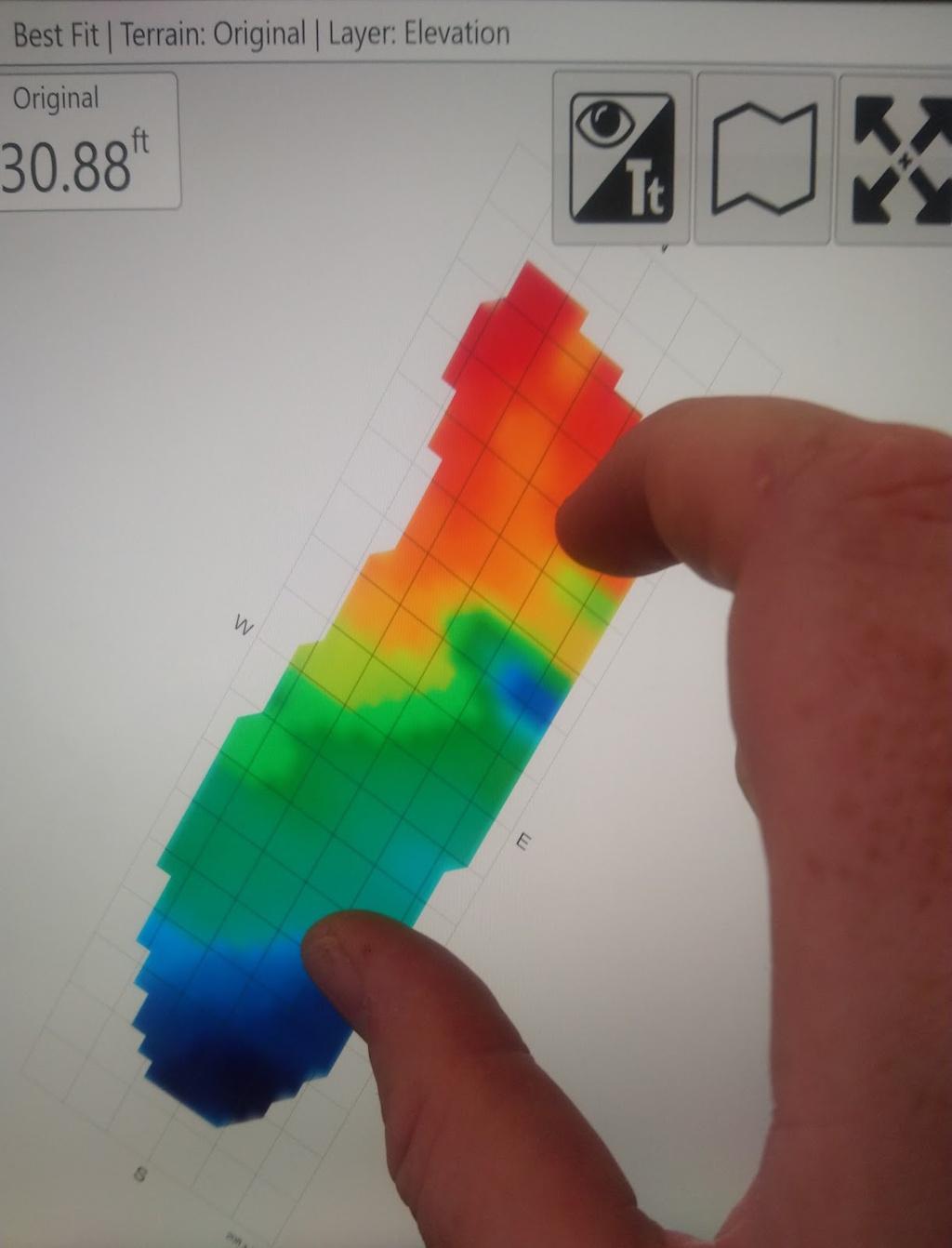
You can zoom the map using several methods.
Tablet gestures and mouse
On a tablet, use a two-finger pinch: bring your fingers together on the screen to zoom out, or move them apart to zoom in. You can also zoom with the scroll button on your mouse.
Optional zoom buttons
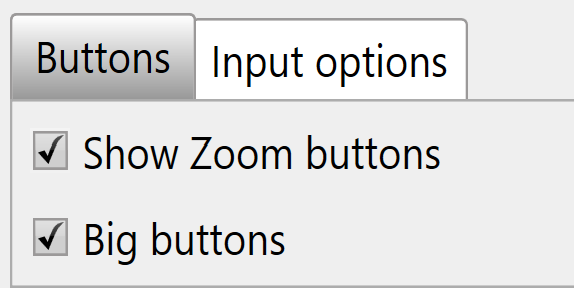
As an alternative, add zoom in and zoom out buttons to the bar at the top right.
Zoom to full
The Zoom to full button is independent of the other zoom controls and does not need to be enabled. Press it to zoom the map in or out to the maximum size that shows the entire surface grid.
