Screenshot
The small camera button is at the top right of any mapping window. Press it to capture a screenshot of the current screen.
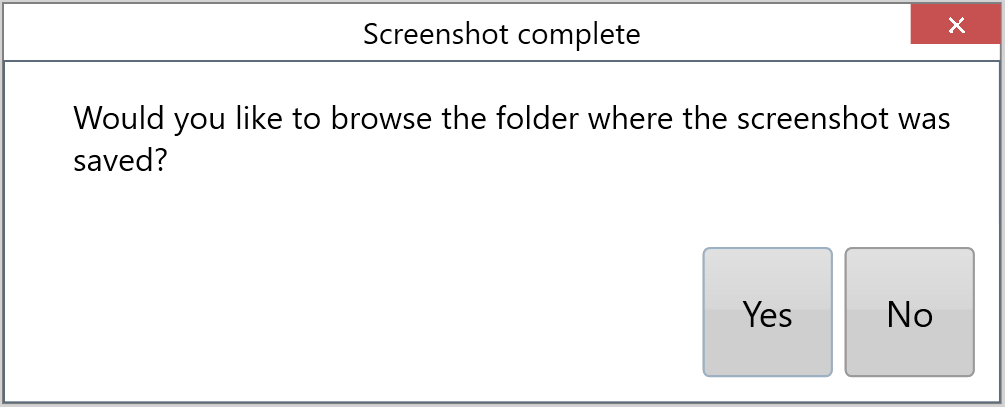
After the screenshot is taken, the pop-up shown below appears. Press Yes to open the folder where the screenshot is saved. For more information, see the Screenshots tutorial on YouTube.