
Levee Design
Levees creates guidance lines at set elevations. These lines are also known as contour lines, level curves or isoheights. Levees can reduce erosion and runoff and promote water capture.
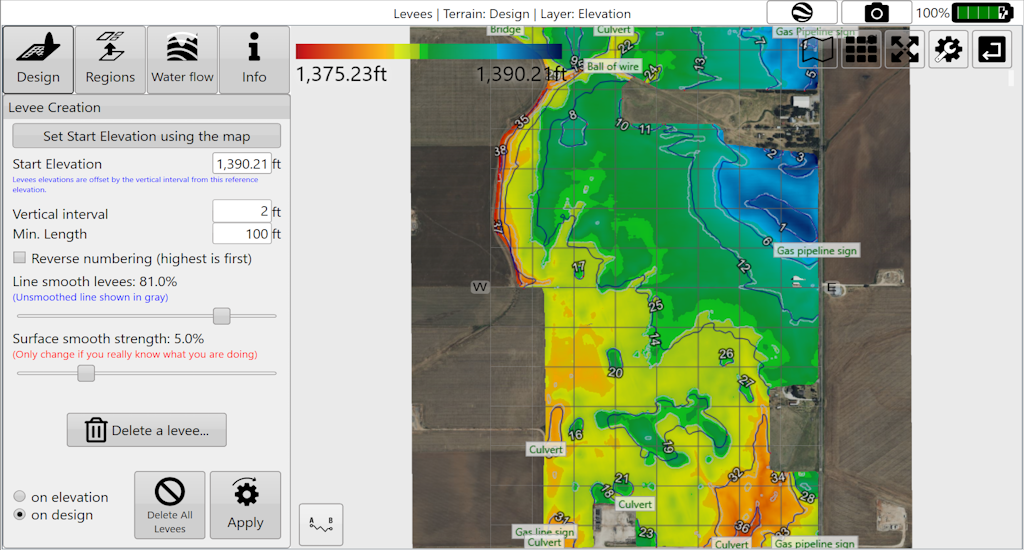
Working with levees
- Add levees at set intervals.
- Smooth levees.
- Delete selected levees.
- Apply levees selectively to field regions.
- Export levees as guidance curves for John Deere AutoTrac™.
Split regions with levees
You can use levees to split regions. Use a small number of levees for splitting, as recommended. Splitting regions at levees consumes those levees. To create more levees afterwards, change the elevation or vertical interval for the best results.