
Importing Annotations to T3RRA Design Plus
Depending on your available data, there are many annotations which can be imported into your project. These could further help with the accuracy and detail of the design.
Importing Multiplane Boundaries
 A simple way to import Multiplane Boundaries:
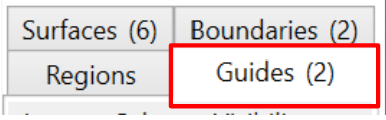
Select ‘Guides’ from the tabs on the right hand side of the screen.
> Select Layer > Import > Import Multiplane boundary
Select the required Multiplane.txt file
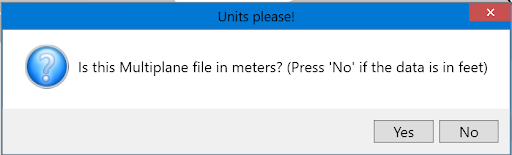
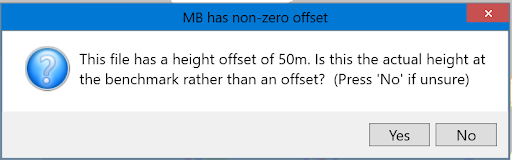
Continuing on, a ‘MB has non-zero offset’ window will open. Sometimes, a Multiplane.txt file will contain a file elevation offset in the master benchmark. If this is the case, click Yes. Most of the time, click No. If the elevations are not what you expect, then simply re-import and click the other option.
 There will now be a new tile in the Guides Tab and the boundary will be present on the project. This can be edited by selecting , in the top menu bar.