
6.1 | The T3RRA Wizard
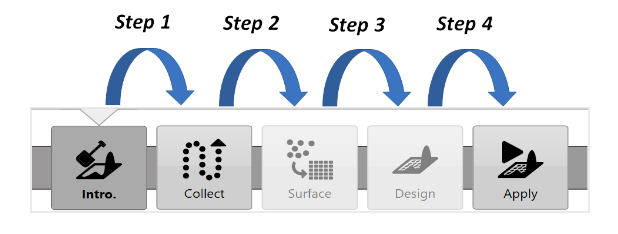
The wizard guides you through the 4 logical steps in the T3RRA software process.
To start a new project, press New proj. in the top left corner of any wizard page. This returns you to the Main Page/New Project Page.
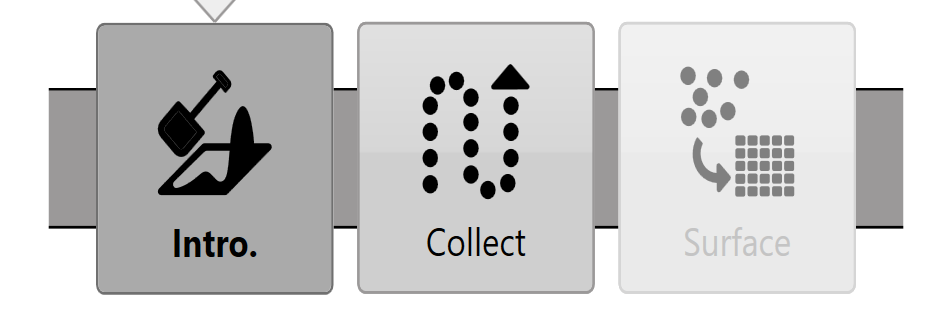
T3RRA Survey 3 does not include the Design or Apply (Implementation) wizard steps. Manual sections about these steps do not apply to T3RRA Survey 3.