6.6 | Markers
Markers identify points of interest at user-selected locations on a design. A marker can also serve as a benchmark “control point” location. For instructions on using a marker as a Benchmark location, see Set Zero using a marker in this manual’s Implementation section.
Use Set marker to place a marker on the map. Markers are always placed at the current location.
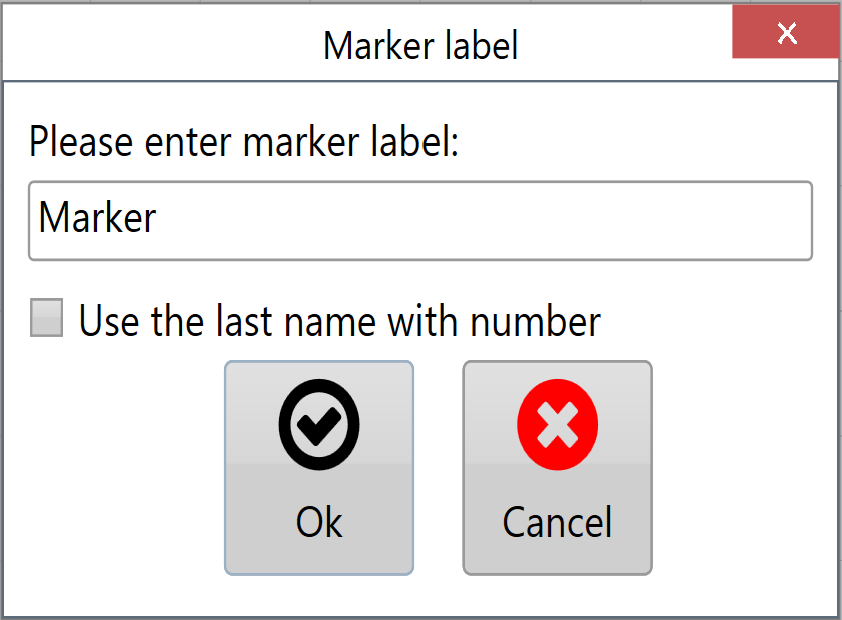
Creating a new marker opens a window where you can enter its name.
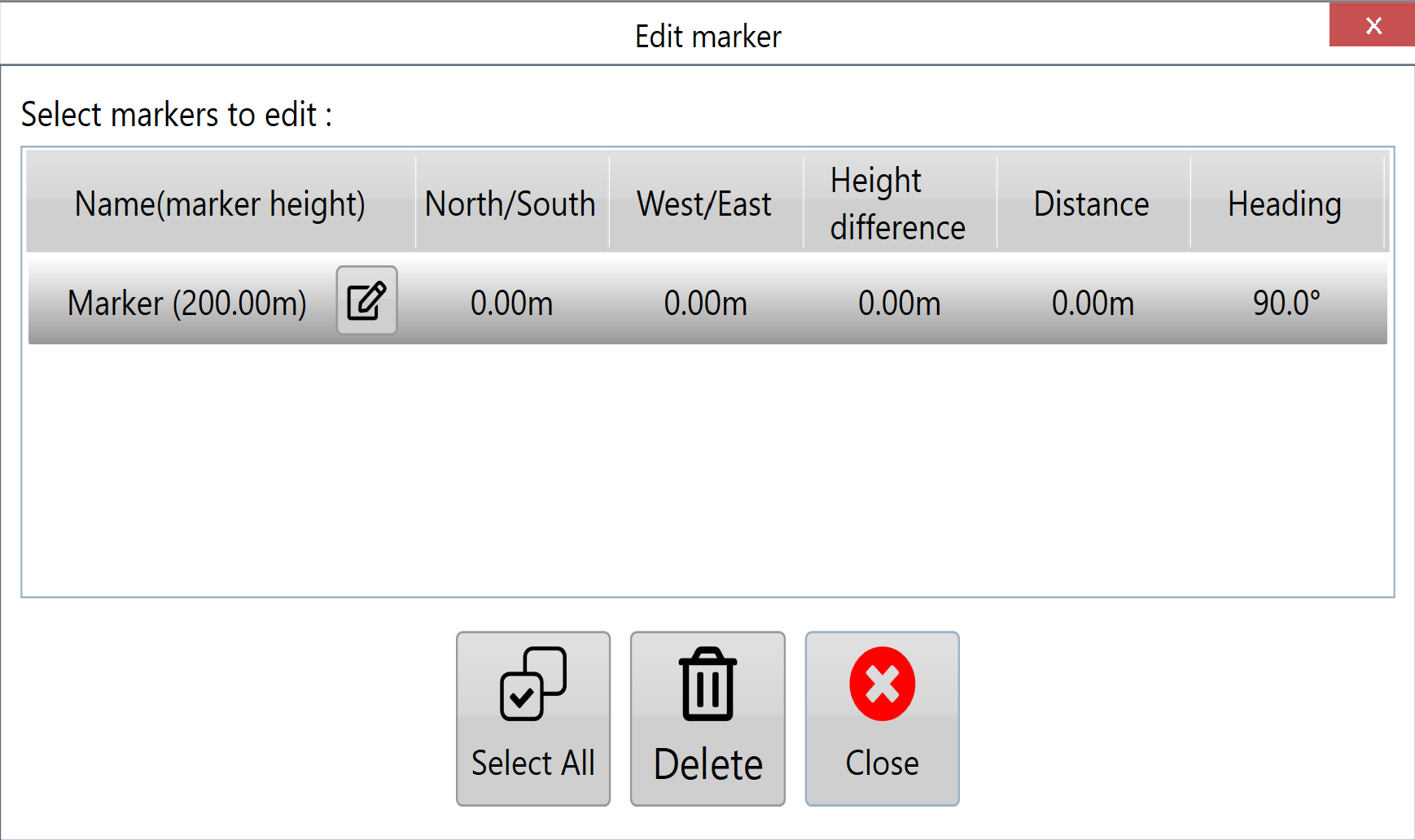
Edit Marker opens a window where you can select and edit any marker on the map.
The Edit Marker window displays information about each placed marker, including its heading, distance and height relative to your current position.