T3RRA Software implementation startup instructions for UCC1
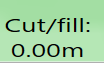
Drive to a zero cut/fill area and place the scraper cutting edge on the ground. Drop a marker for future reference. When zeroing on drains, ensure that the position indicator is on the drain surface.
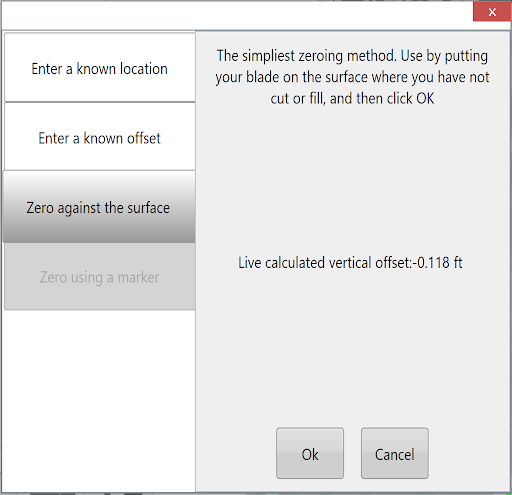
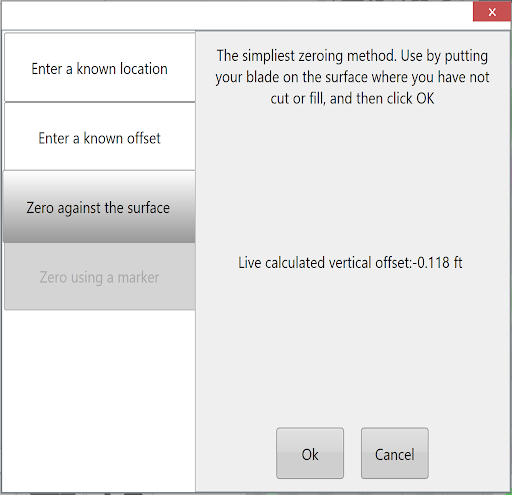
Select Set Zero to zero the T3RRA Cutta, choose Zero against the surface, then select OK.
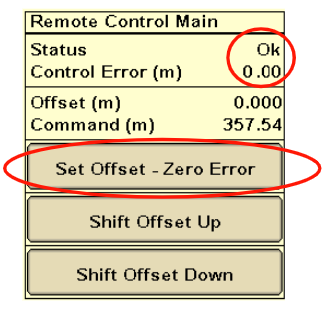
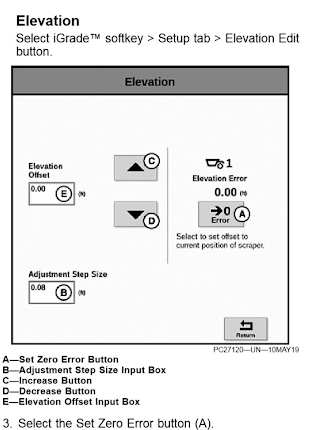
Select Start in your T3RRA software to begin implementation, then press Set Offset – Zero Error on the iGrade*.
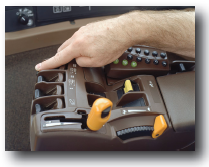
Place the applicable SCV’s in the Detent position, not float, to set iGrade™ to automatic control.
T3RRA Software implementation startup instructions for UCC2
Drive to a zero cut/fill area and place the scraper cutting edge on the ground. Drop a marker for future reference. When zeroing on drains, ensure that the position indicator is on the drain surface.
Select Set Zero to zero the T3RRA, choose Zero against the surface, then select OK.
Select Start to start sending commands to iGrade.
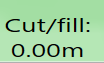
Verify that Elevation Error remains 0.00. If not, press the Set Zero Error Button on the iGrade*.
Notes
After placing the scraper cutting edge on the ground, verify that the selected SCV(s) (1 and/or 3) are in Auto.
Manually adjusting blade height with SCV disables Automatic Control. Returning SCV to detent automates control.