
4.13 | Battery Level
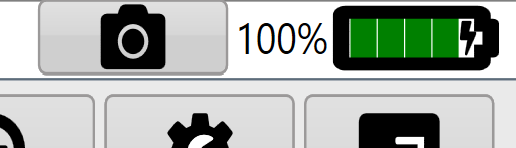
The Battery level indicator is at the top right of the screen, next to the screenshot button. It shows the tablet/computer's battery level and whether it is plugged into power.
The Battery level indicator is at the top right of the screen, next to the screenshot button. It shows the tablet/computer's battery level and whether it is plugged into power.