
4.3 | Loading or Creating a Project
Loading a Design File
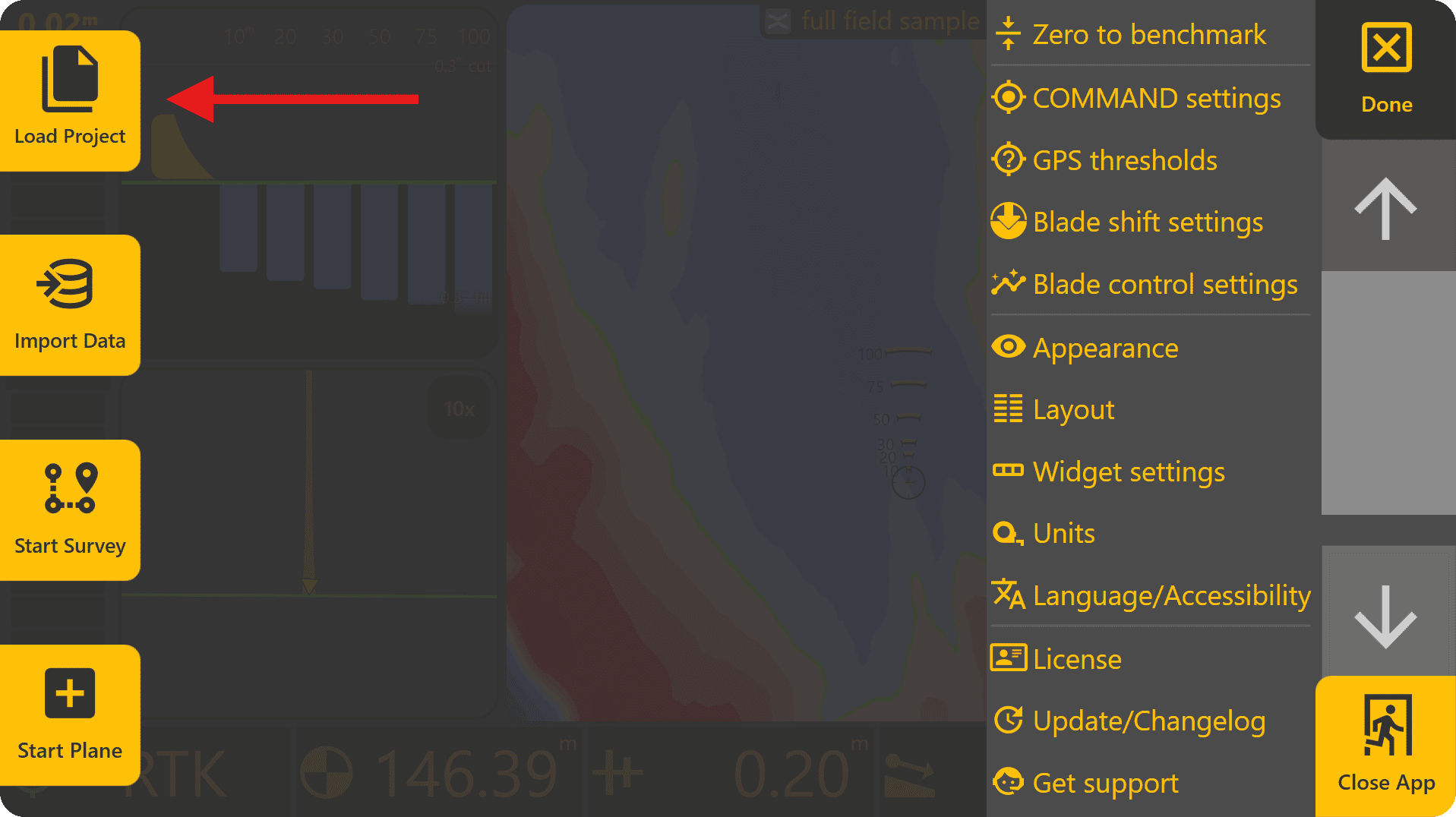
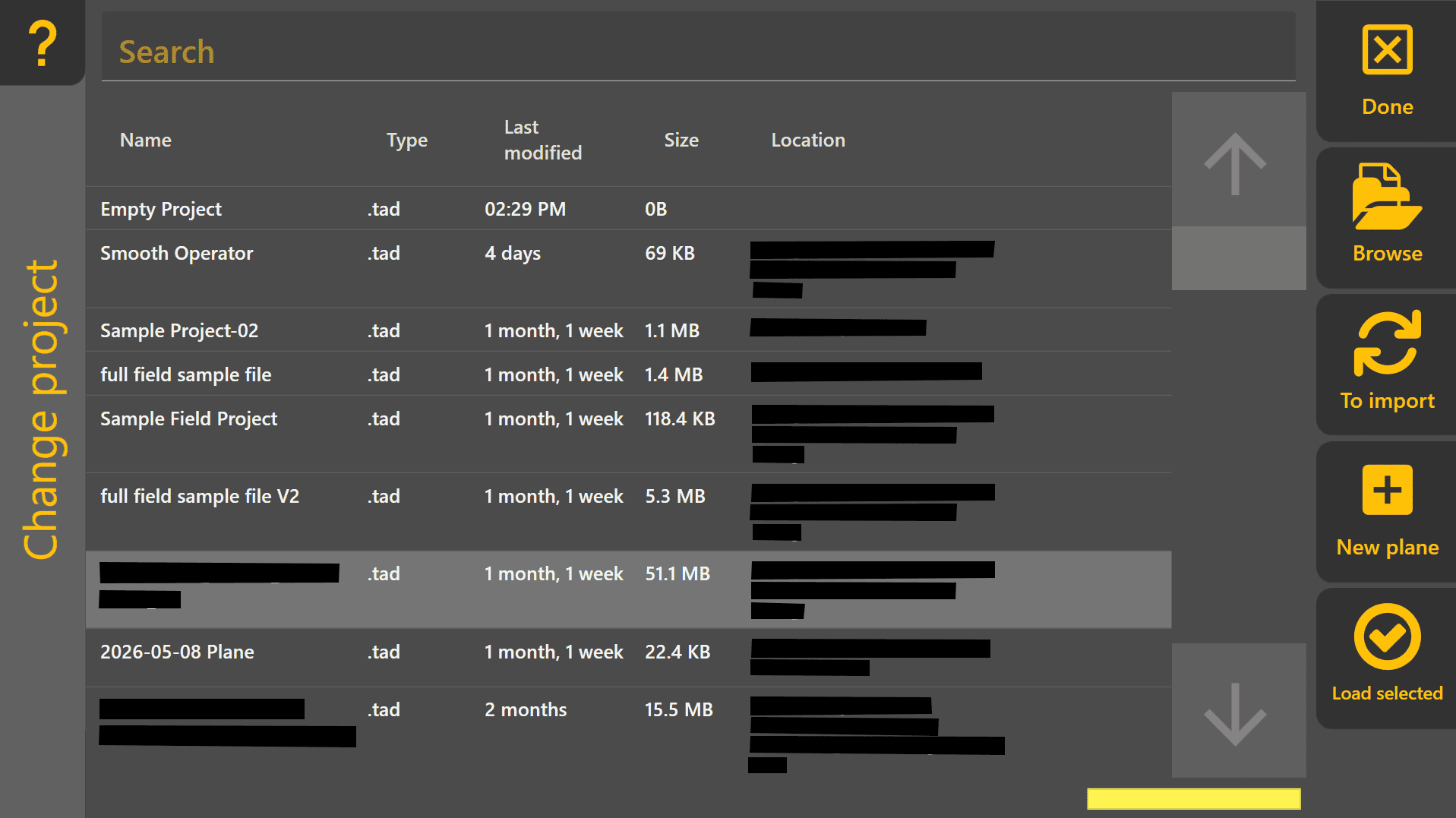
To load a design file, press Done at the top-right to return to the Level COMMAND apply page, then press More > Load Project. This will open the Change Project page and display all .tad file projects. This file type is specific to LC and the software will automatically scan the file system to find all .tad files present - alternatively to find them manually press "Browse" on the right side of the screen.
Supported design formats:
• T3RRA Project (.tci)
• GPS Design (.gps)
• Existing Level COMMAND Plane Projects
 Loading an Existing Level COMMAND Project
If loading an existing Level COMMAND project (.tad file type), select it from the list and press Load Selected.

Loading an External Design File (Other File Types)
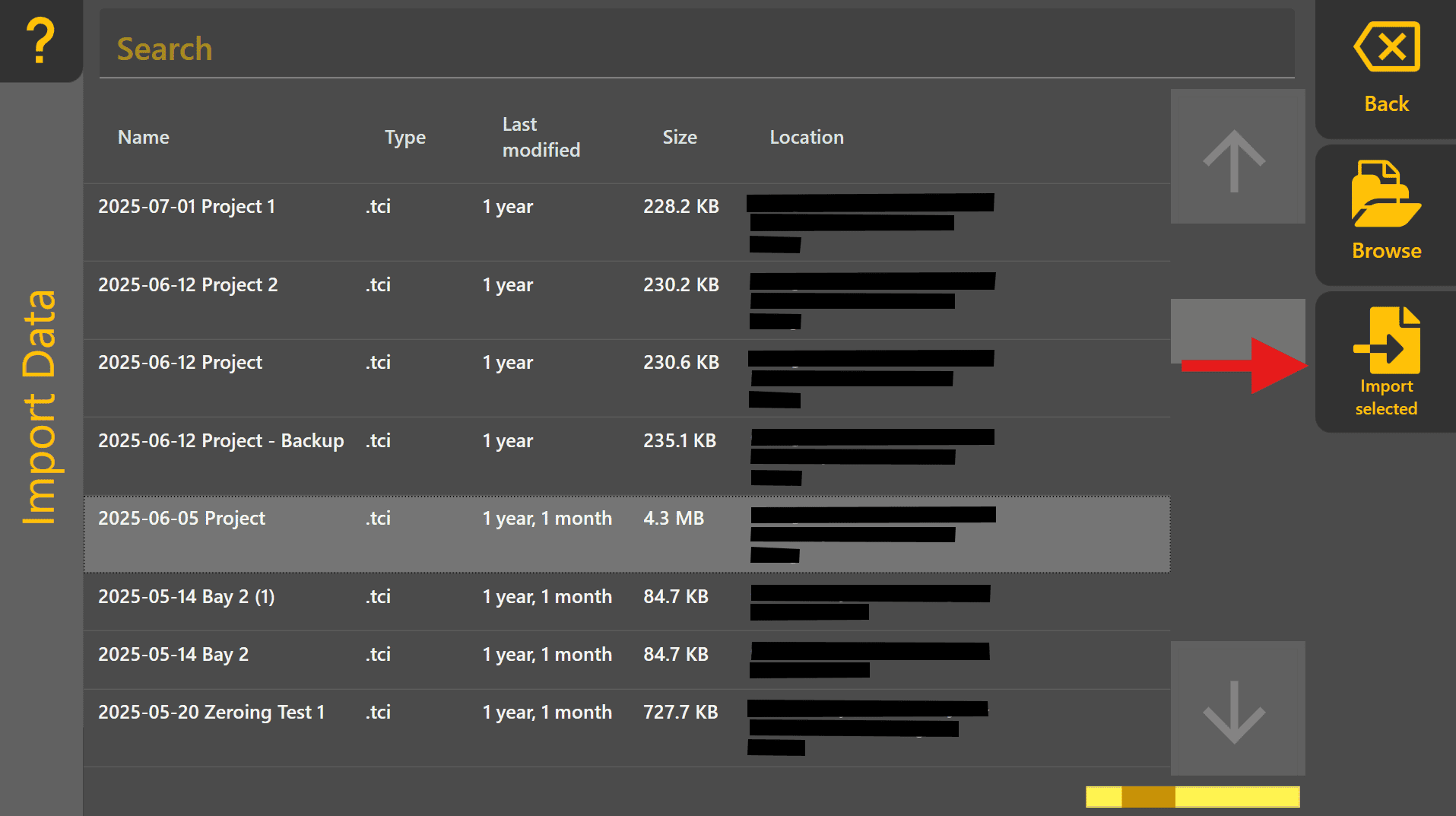
If loading a design of different file type, such as .tci, press "To Import" to move to the Import Data page. Select the design file from the list and then press "Import Selected".
Creating a Basic Plane Project
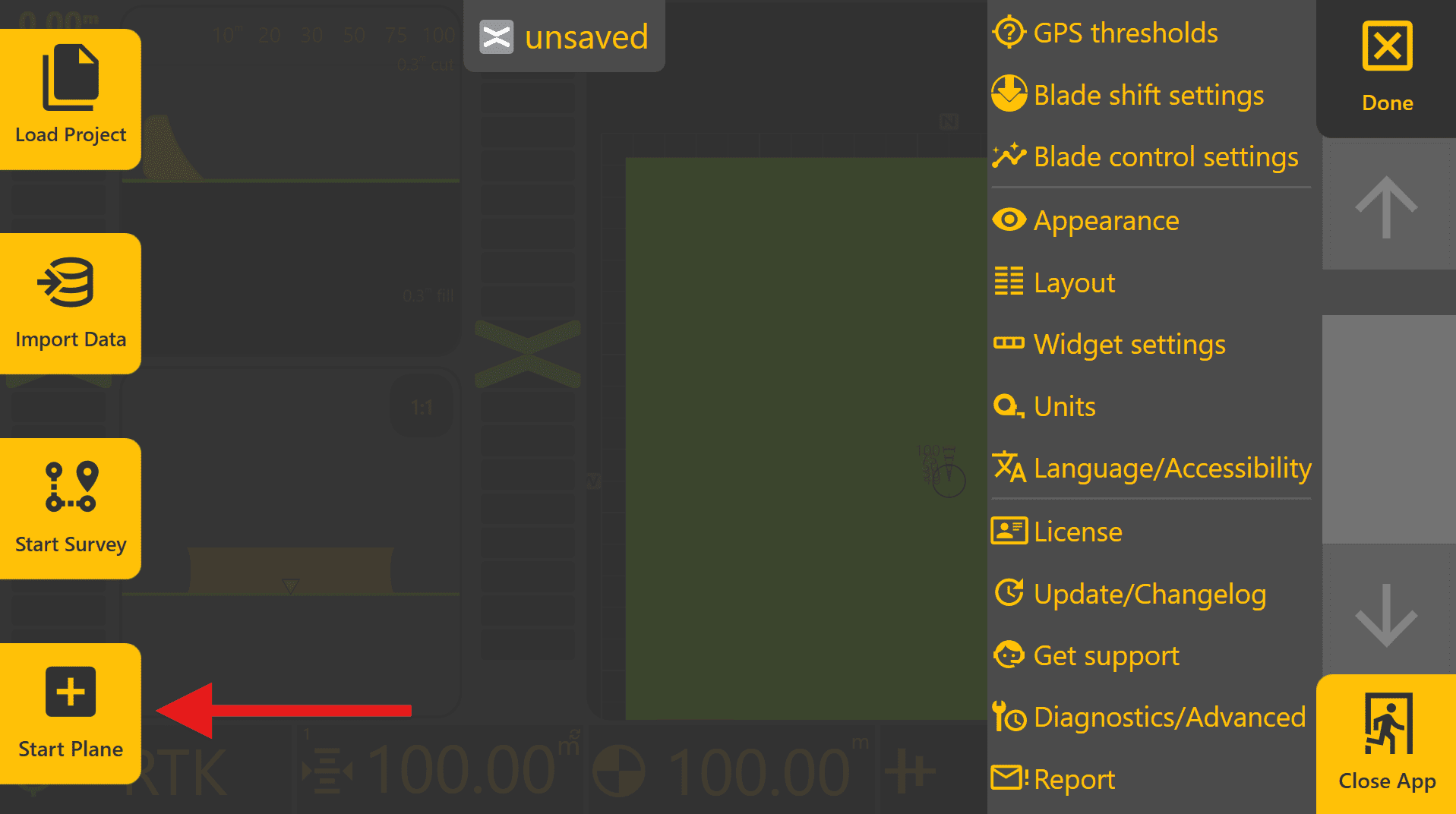
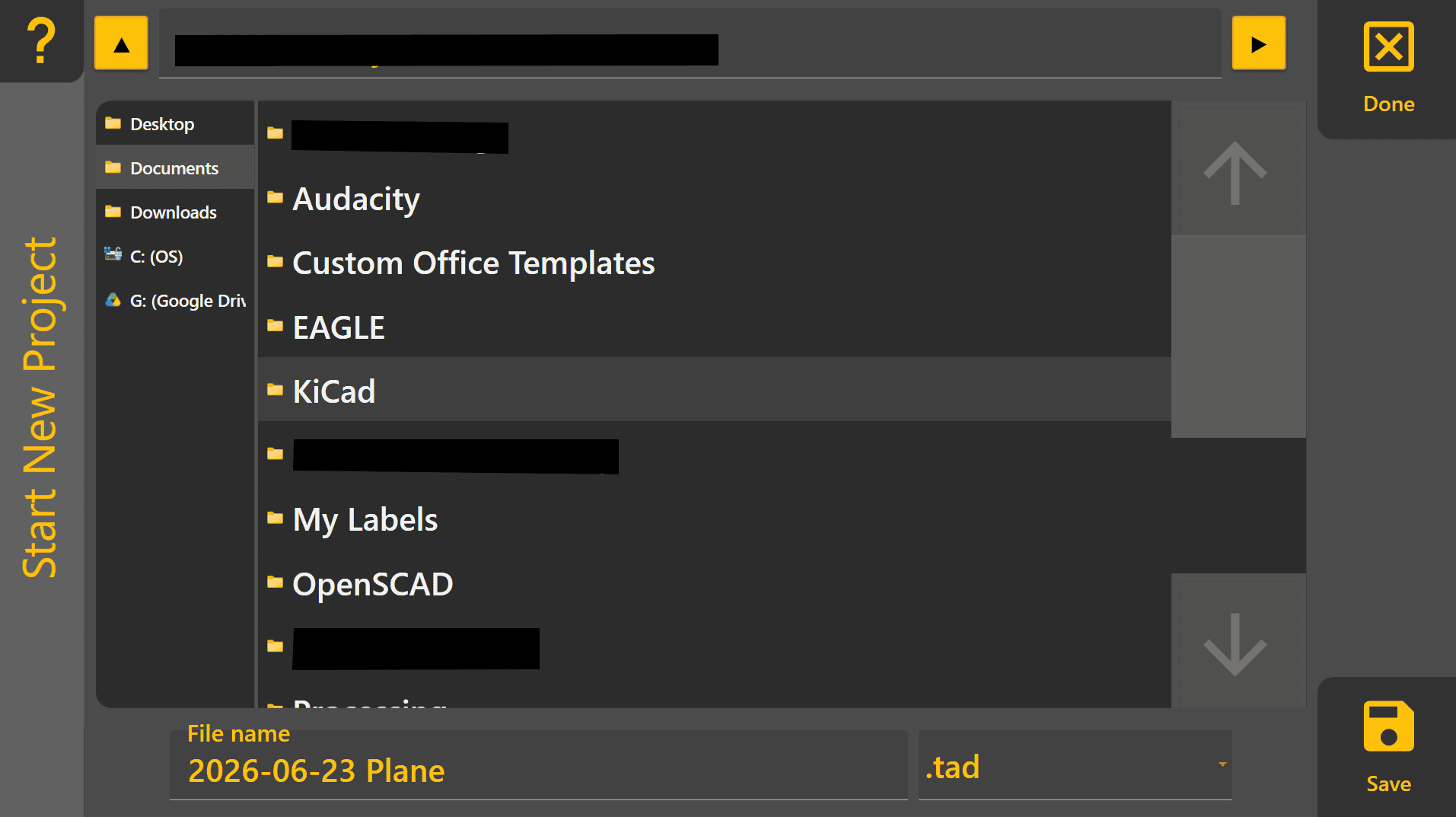
A Plane project is the quickest way to begin using Level COMMAND without importing an existing design. Plane projects are commonly used for machine testing, simple levelling work and creating flat pads. To create a basic 2D/3D plane project, begin by pressing More > Start Plane. Choose an appropriate location to save the plane project on the tablet PC and then name the project, then press "Save".
To begin designing a Plane:
- Press Planes, then select one of the available Plane slots.
- Press Create.
- Press Origin and then Use GPS to set the Plane origin to the current implement position.
- Press Okay to create a flat Plane surface.
The Plane can now be loaded and used for testing or levelling work.
If a sloped surface is required, press Slope and use Use GPS at a second location to automatically calculate the desired slope.
For detailed information on Plane projects, refer to Section 5 | Operational Workflows