
Zoom Controls
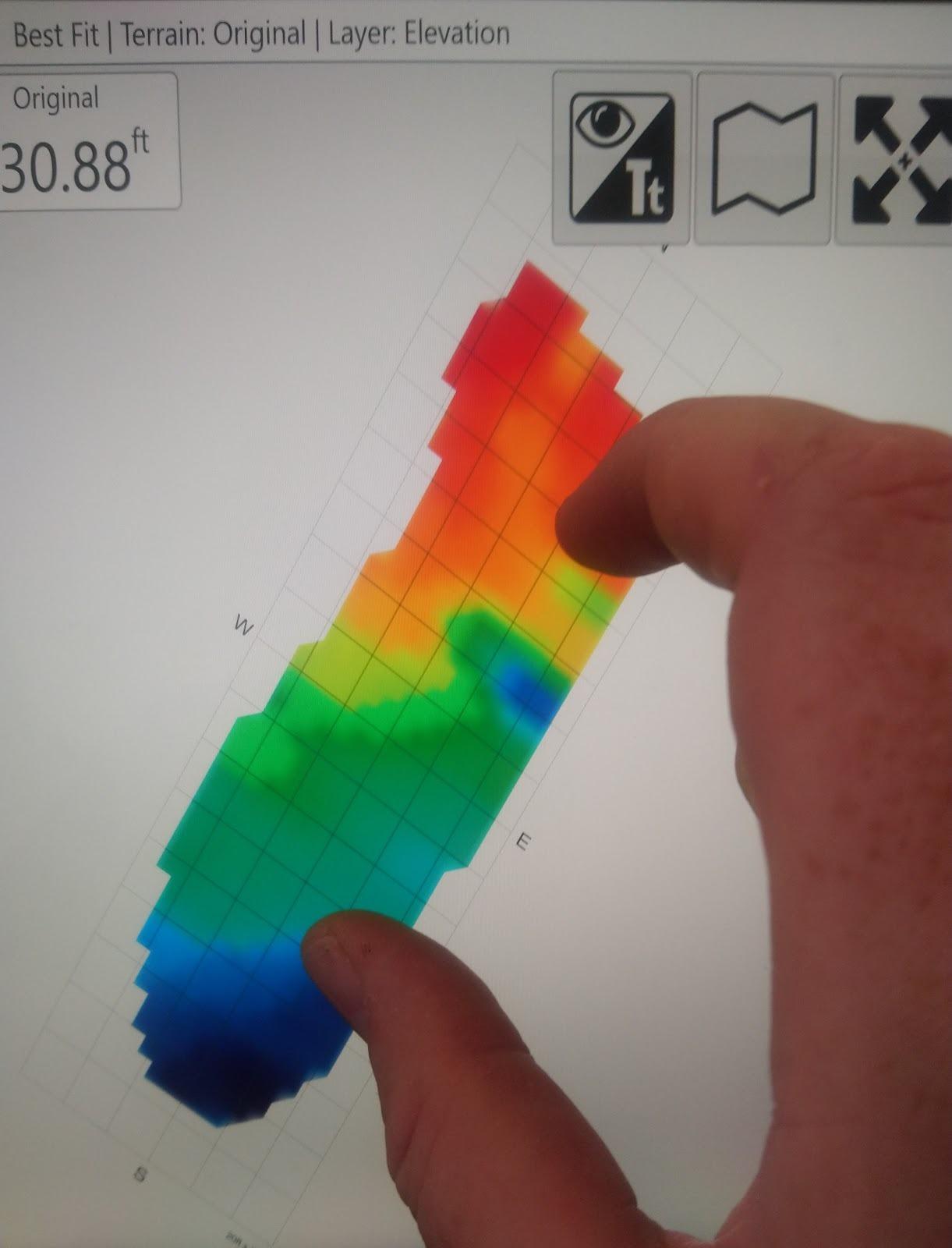 There are multiple methods available for zooming your map.
The first method that can be used is the 2-finger pinch controls. By pinching your fingers together on the screen you can zoom out and by moving your fingers apart you can zoom in.
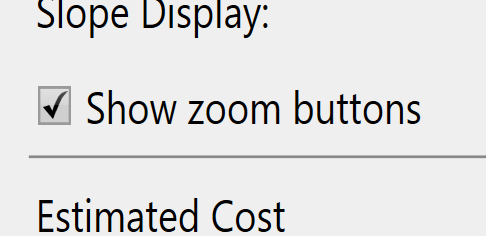
The alternate method is the use of zoom in and zoom out buttons that can be added to the bar along the top right.
 Independent of these zoom controls is the 'Zoom to full' button, this button does NOT need to be enabled. When pressed the button zooms the map in or out to the maximum size that shows the entire surface grid of the map.