
The T3RRA Wizard
The ‘Wizard’ is home to the primary functions of T3RRA software and the place where you will find the tools used to survey, design, and implement.
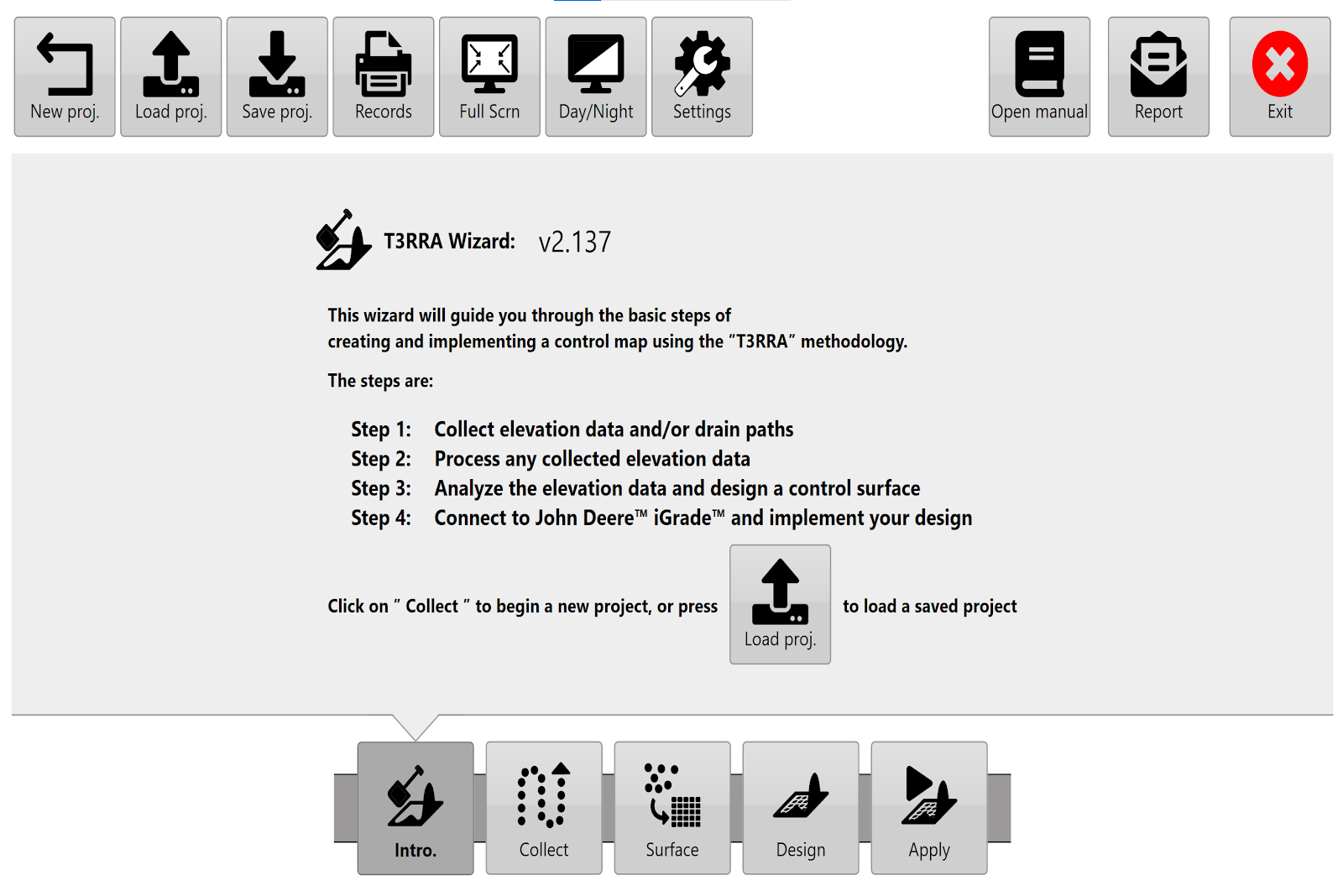
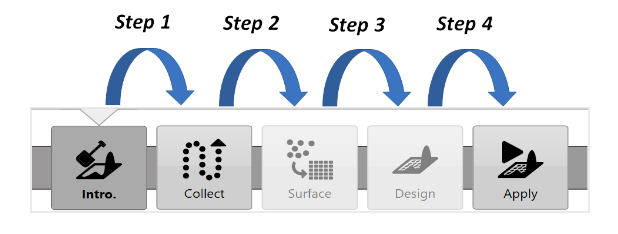
The wizard will guide you through the 4 logical steps involved in the T3RRA software process.
 If you need to start a new project you are able to return to the ‘Main Page/New Project Page’ by pressing the ‘New proj.’ button found in the top left corner of all wizard pages.
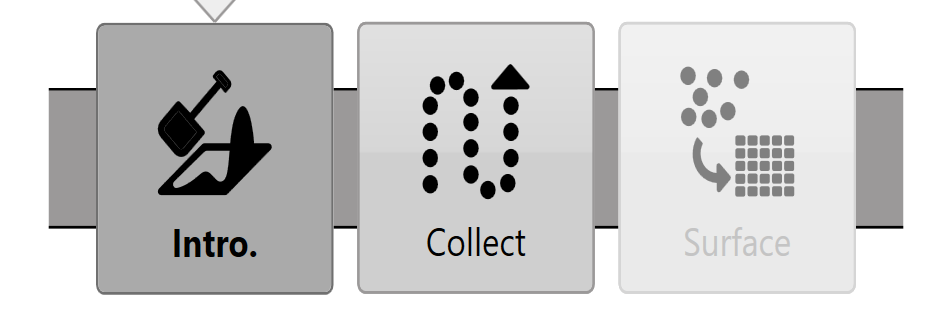
T3RRA Survey does not have ‘Design’ or ‘Apply’ (Implementation) wizard steps. Sections in this manual relating to these are not relevant to T3RRA Survey.