
Report
'Report' - opens up a bug report/feature request window allowing you to report issues to T3RRA. The name and email address fields of this window are automatically filled using the details linked to the licence page. You must be connected to the internet for this to work.
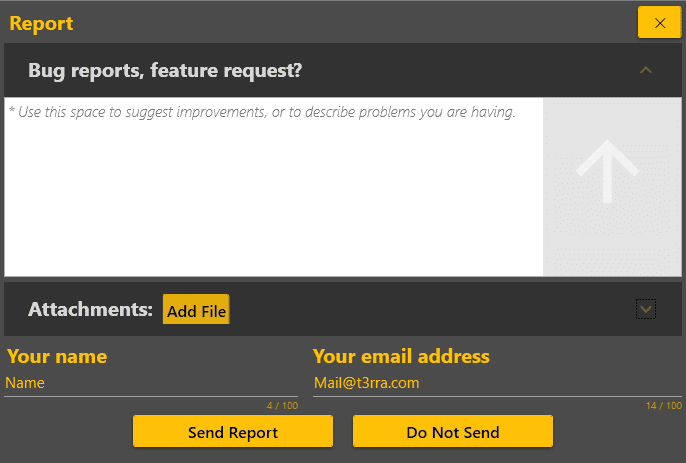
'Bug reports, Feature request' - Use this space to suggest improvements, or to describe problems you are having. For best results, explain the issue in as much detail as possible.
 'Add file' - allows you to attached extra file that help to explain your issue to T3RRA Dev team.

'Send report' - sends your request and attached files to T3RRA. You will be notified by email about how your request is being processed. Please don't close Level COMMAND until you see the message 'The report has been sent.' Otherwise, attached files may not be sent.

'Do not send' - close window.