Get support
'Get support' - helps you receive remote support from your dealer. You must be connected to the internet for this to work.
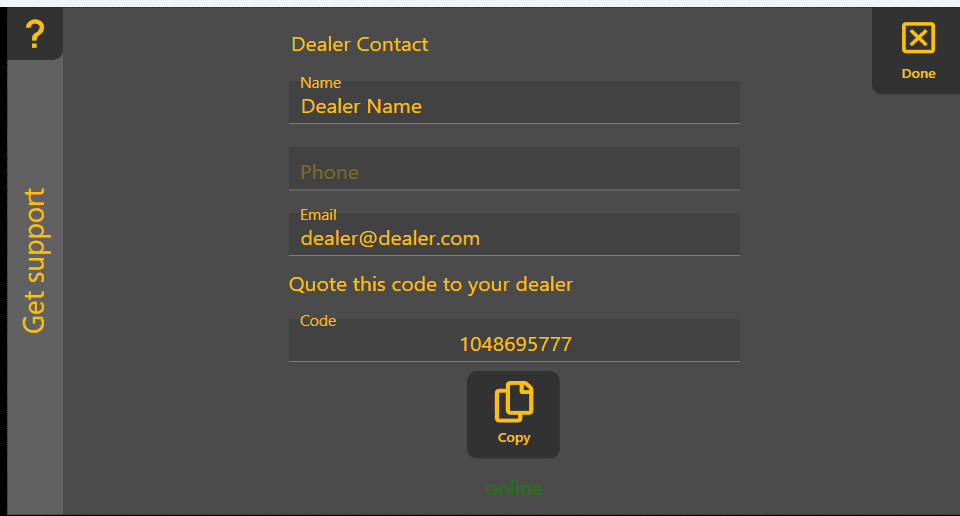
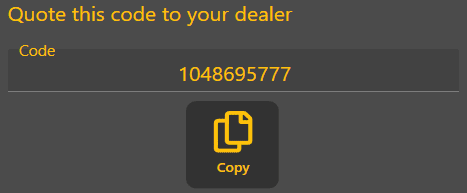
'Setup remote support' - downloads and installs the support app. A progress bar will be displayed, followed by a code that you should provide to your dealer.

-
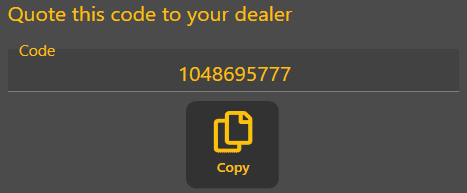
- Send your code to your dealer. You will then be able to receive remote support.