
COMMAND Settings - Diagnostics
The COMMAND diagnostics page is great to check what is being sent between Level COMMAND and COMMAND. You shouldn't normally need to look at this page, but is a great diagnostic tool should the need arise. Access the COMMAND diagnostics page by going to More 🡒 COMMAND Settings 🡒 Diagnostics (the lower left button).
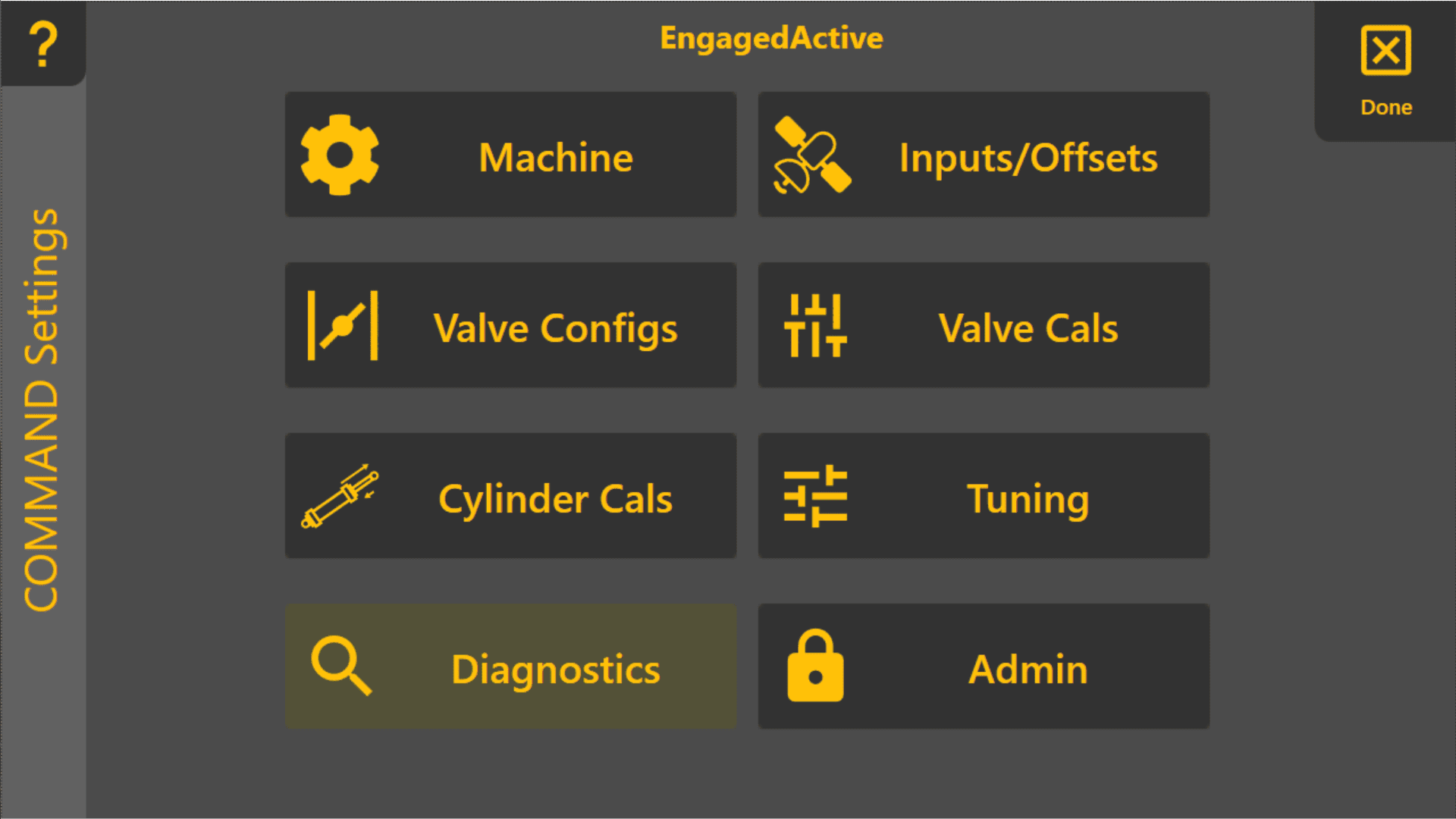
Once you're in the Diagnostics page, there are two tabs - Diagnostic Stats and Serial Viewer. Select the one you're interested in using the buttons in the bottom right of the page.
Diagnostic Stats
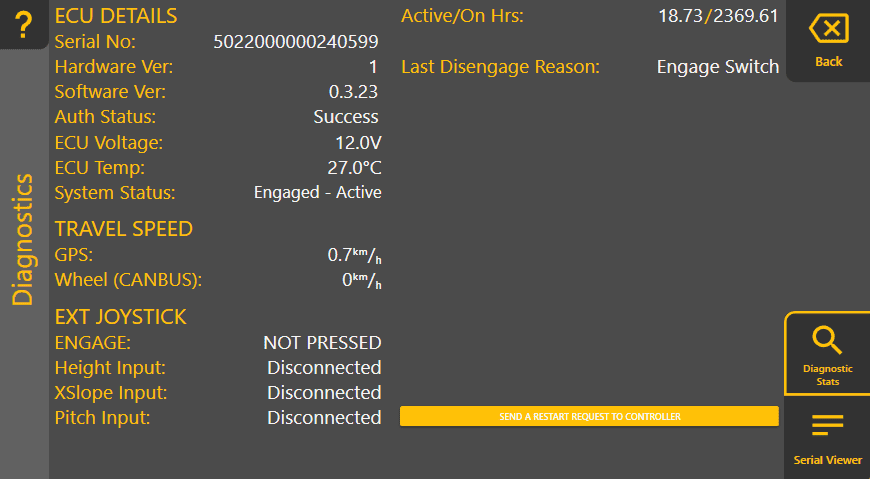
This page gives you more insight into the internal operations of COMMAND with some continuously updating measurements and statistics.
Serial Viewer
This page shows you the raw GPS (and other parameters) coming into Level COMMAND, and what we send to COMMAND. The page is divided in two. The left side displays what we've received from COMMAND. This includes GPS data, parameter values, and feedback about hardware states. The right side displays what we've sent to COMMAND. This includes setting the value of parameters and, importantly, commands to go to specific elevations and (if applicable) cross slopes.
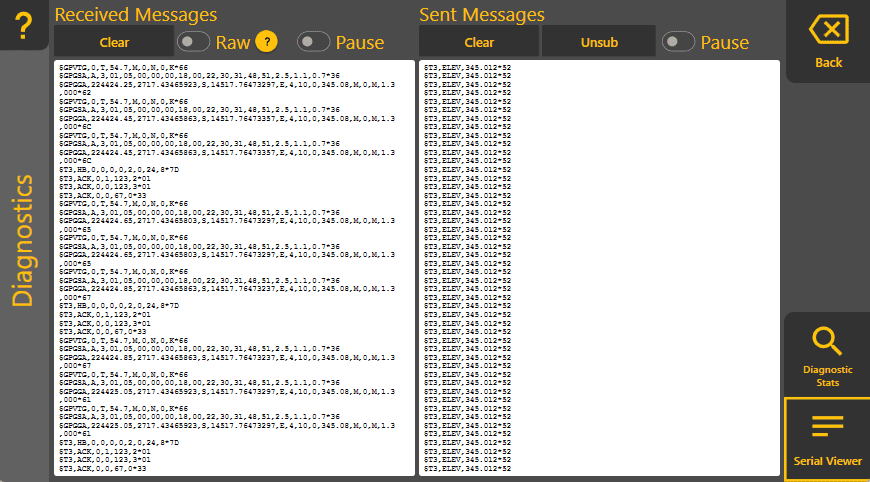
For both Received and Sent, you can clear and/or pause the feed at any time. Tapping in the text display at any time will pause it, allowing you to select text and read more easily. To get the latest data, unpause by tapping the Pause toggle at the top.
Received Messages > Raw
This will allow you to see samples of the data received by the ECU. This only reports data the ECU receives over RS232 (not CAN).
Sent Messages > Unsub
Sometimes we have a lot of values being received. To quiet the storm, you can click the 'Unsub' button.
If you're not receiving any GPS data, see Not receiving GPS / Waiting for height Cmd.