
Offset Design
Select the 'Offset' button to raise or lower the surface height of a field or region.
This can help with:
-
Importing and exporting dirt
-
Addition or removal of topsoil
-
Raising pads
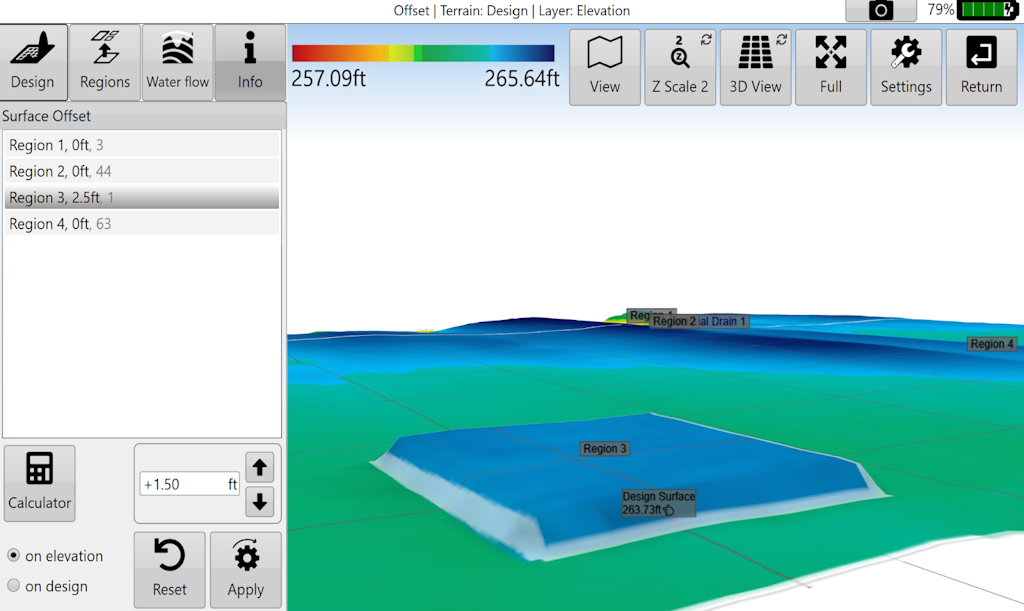
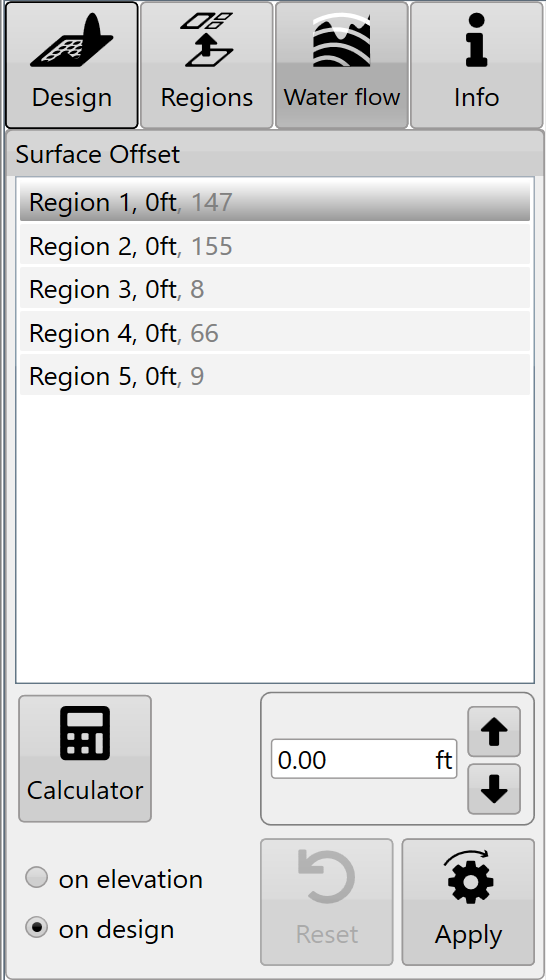
You can either:
-
manually enter the desired offset amount (this can also be adjusted in set increments using the up and down arrows)
-
use the calculator to help set the offset amount. The calculator is useful if you want to offset the surface by a certain volume of imported or exported dirt.
-
Formular (Click '?' button to see)
Left over volume = (Cut/Fill ratio * Volumn of cut) + Volume of fill.
Result = (Import + Left over volume) / Selected area
-
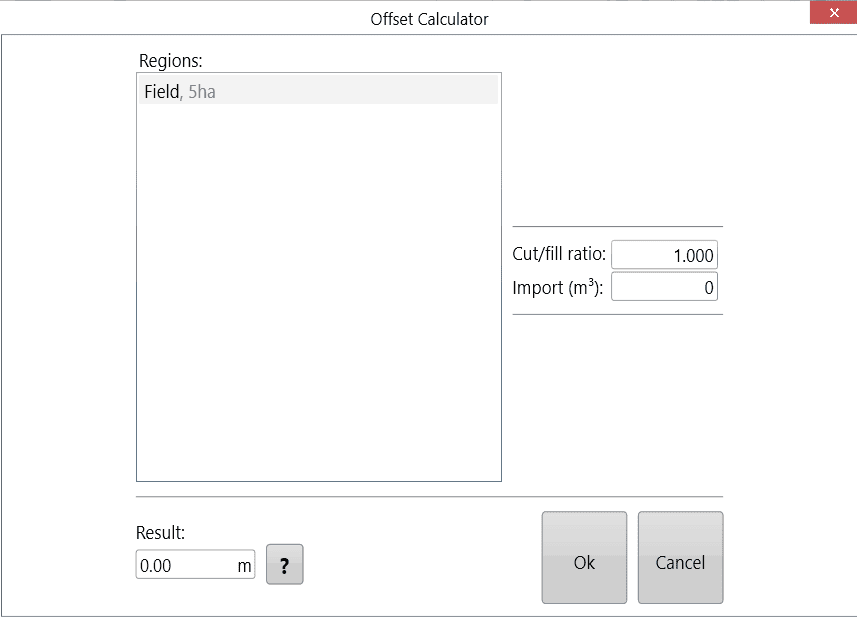
Negative import values are considered exports.
Press 'Apply' (shown as the offset design icon) after parameters are entered.
Once you are happy with the design follow the steps in the 'completing your design' section.