7.3 | Language & Accessibility
UseThe thisLanguage & Accessibility page allows you to changecustomise yourthe interface language and turn on-screen keyboardskeyboard onbehaviour orto off.suit your device and operating preferences.
Language
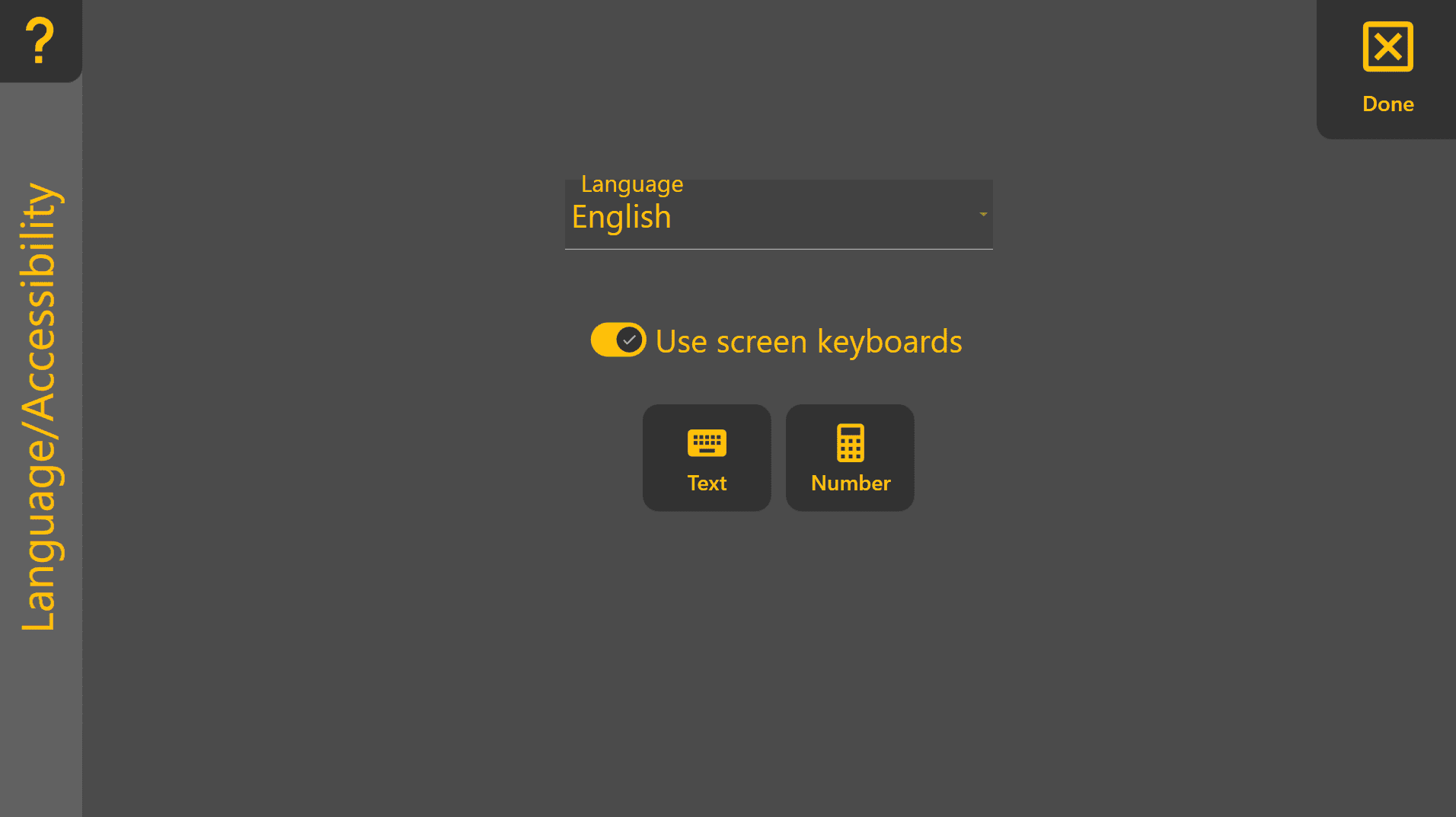
Selects the display language used throughout Level COMMAND.

‘Language’ - ChangesFor the language
Weexperience, recommendrestart restartingLevel the programCOMMAND after changing the language.
‘
Use screenScreen keyboards
When Chooseenabled, toLevel haveCOMMAND automatically opens the appropriate on-screen keyboard andwhenever numbertext pador automaticallynumeric openinput is required.
This setting is particularly useful when needed.using tablets or touchscreen devices without a physical keyboard.

Keyboard Test
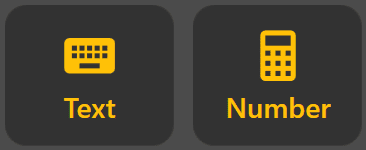
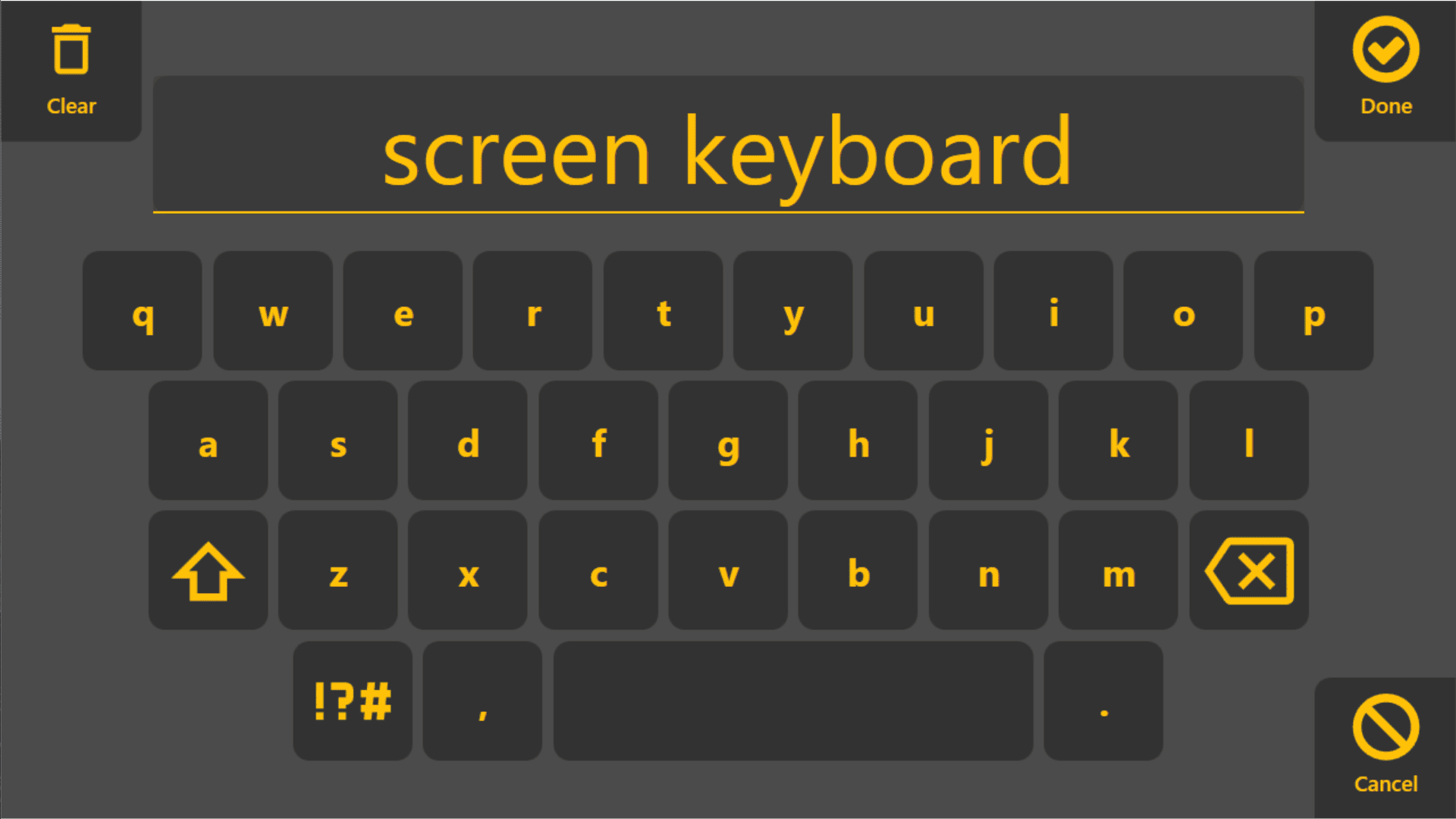
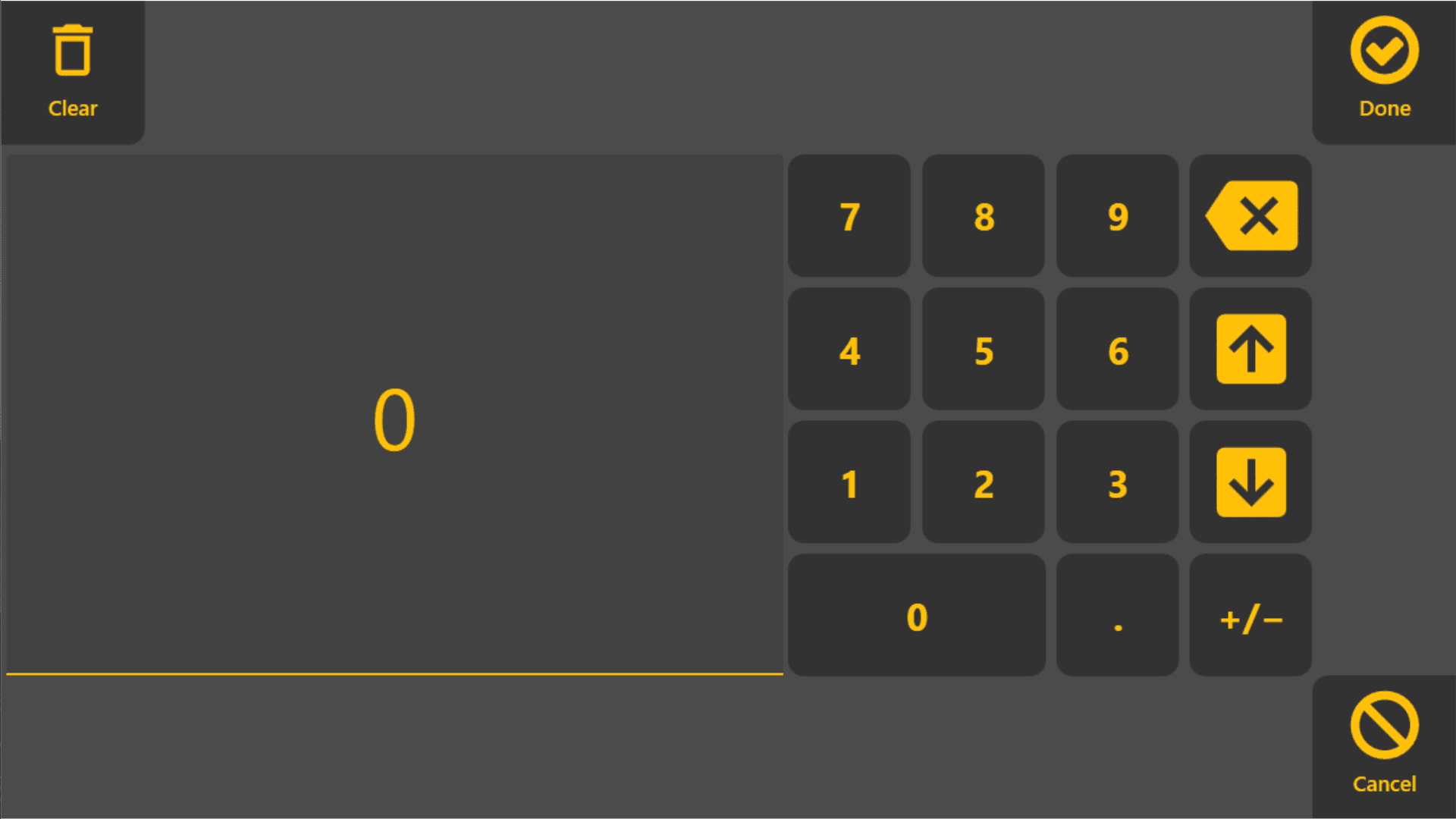
The Show for Text and Show for Number buttons allow you to verify that the configured on-screen keyboards are operating correctly.
Microsoft Windows has at least one onscreen keyboard available to useShow for Text – Opens the textinputkeyboard.
These options are intended as a quick test if the on-screen keyboard is not appearing as expected.
If the On-Screen Keyboard Does Not Appear
If the Windows on-screen keyboard does not open automatically:
- Verify
Turn on "UsescreenScreenkeyboards"Keyboardsoptionisin this page.enabled.PlugConfirm that the Windows on-screen keyboard is installed and enabled.
Refer fromto the “right”Microsoft sideWindows of the screen and check if tablet mode is on/off, the icon should be highlighted blue if tablet mode is on. If tablet mode is on press the small image of a keyboard on the task bar in the lower right corner of the screen