8.5 | Language & Accessibility
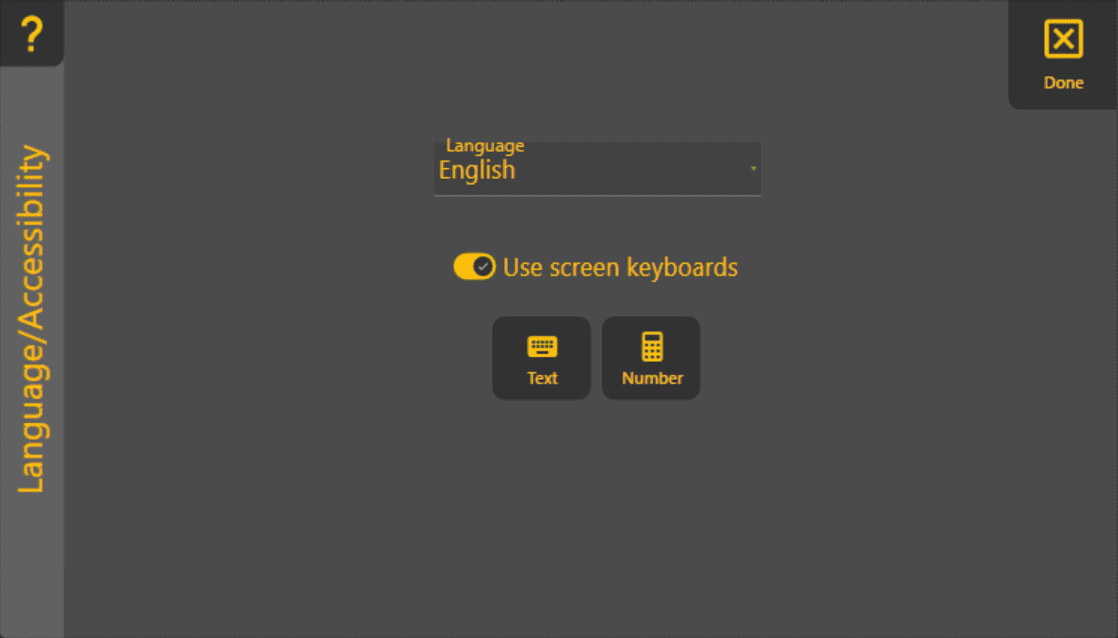
Use this page to change your language and turn on-screen keyboards on or off.
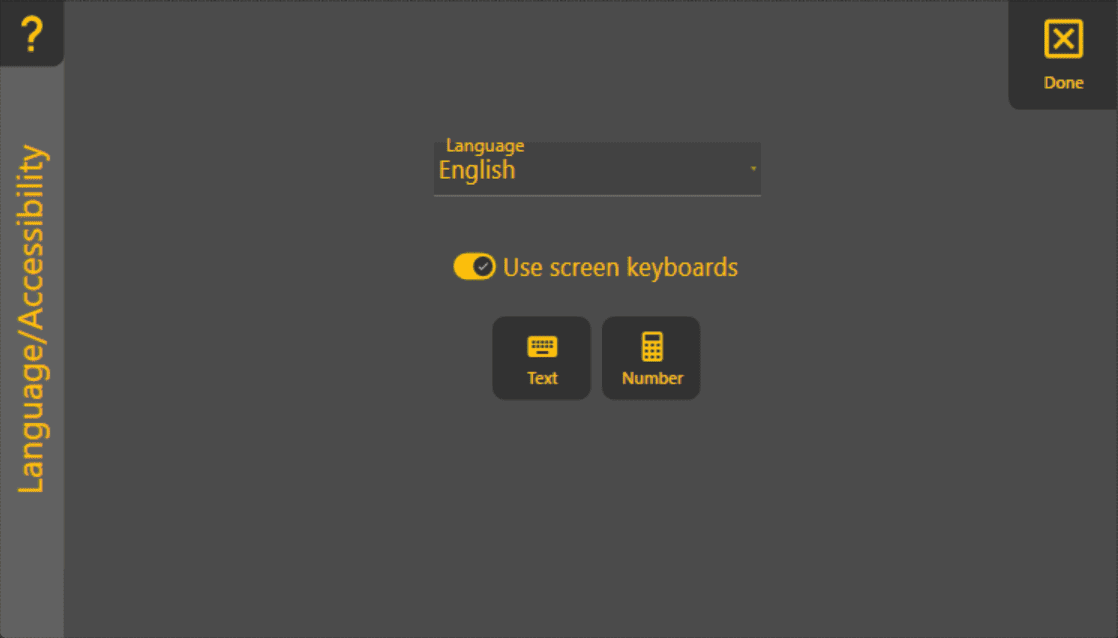
‘Language’ - Changes the language
We recommend restarting the program after changing the language.
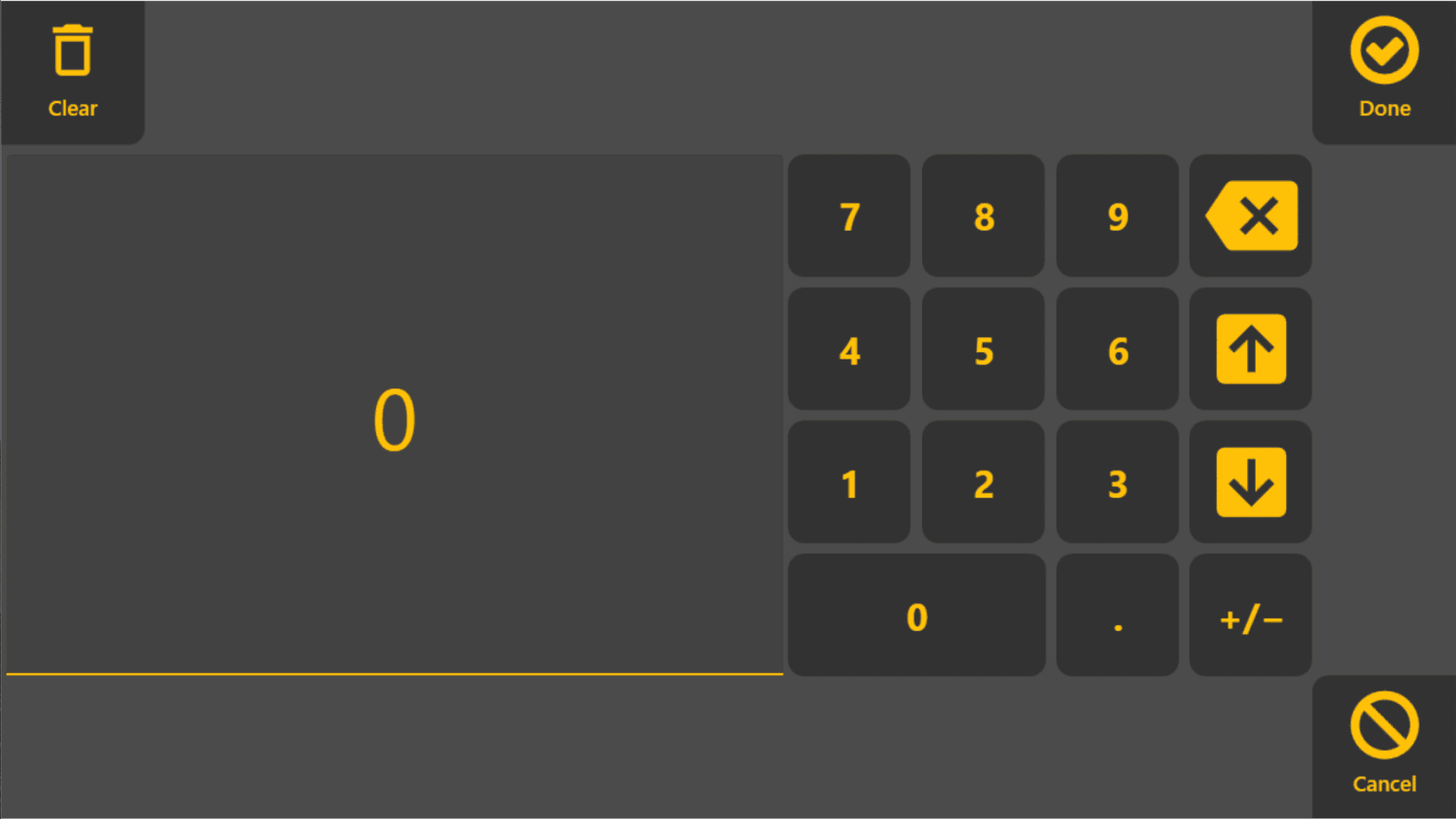
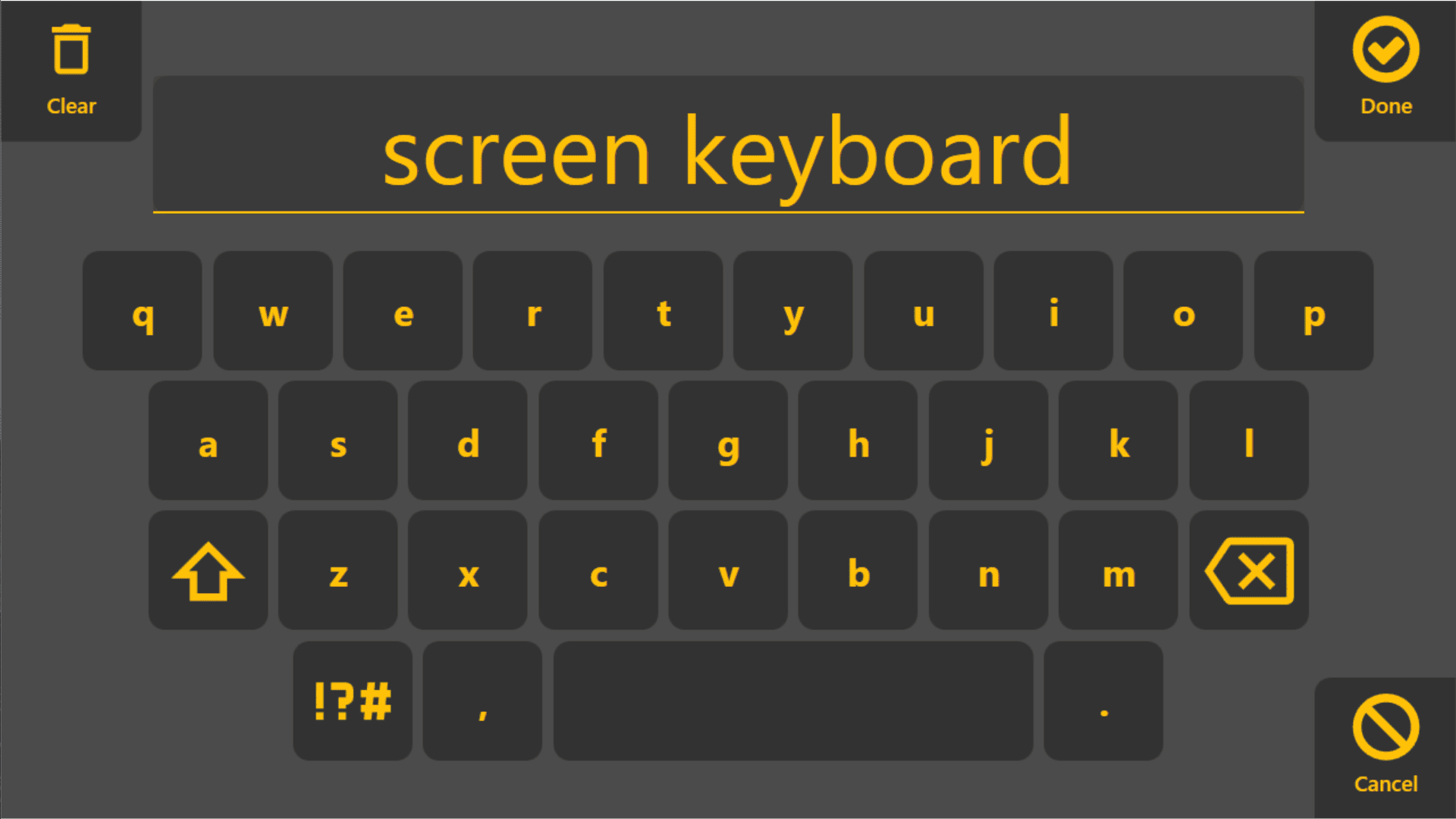
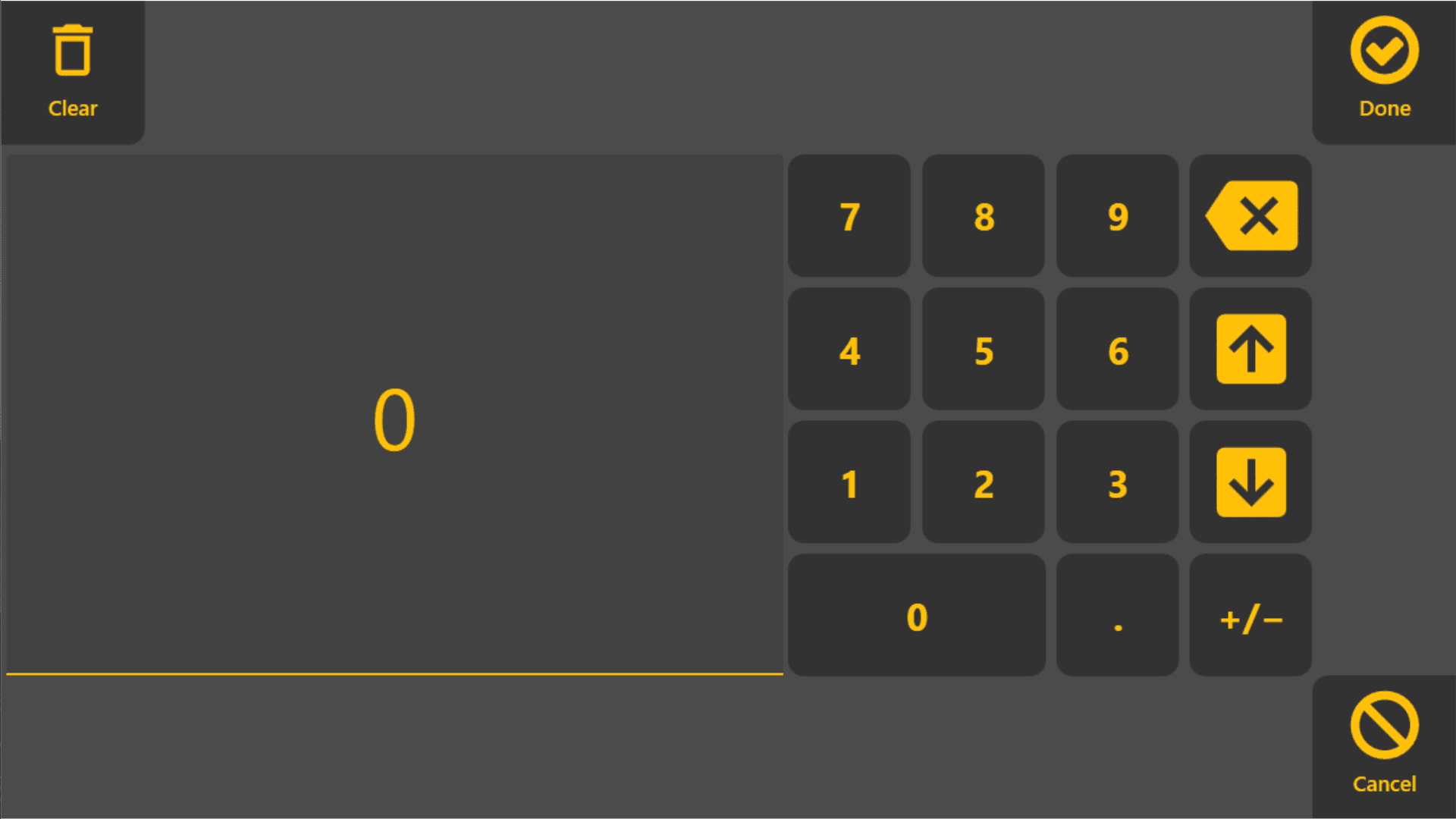
‘Use screen keyboards’ - Choose to have the screen keyboard and number pad automatically open when needed.
Microsoft Windows has at least one onscreen keyboard available to use for text input on tablets. However it can sometimes be challenging to find it. There are 3 current solutions.
Turn on "Use screen keyboards" option in this page.
Plug a physical keyboard into your tablet.
Swipe in from the “right” side of the screen and check if tablet mode is on/off, the icon should be highlighted blue if tablet mode is on. If tablet mode is on press the small image of a keyboard on the task bar in the lower right corner of the screen
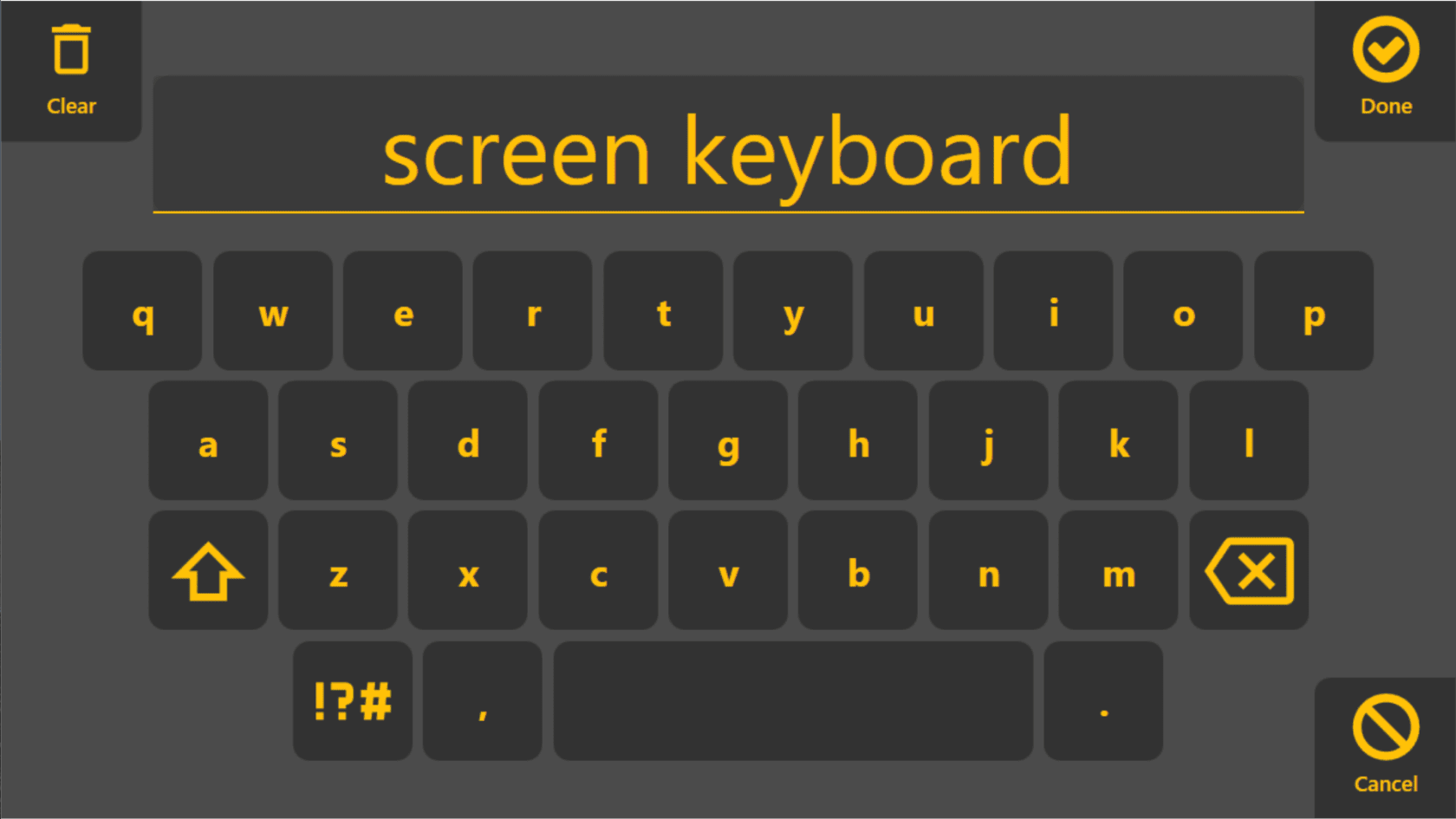
'Show for text' - Click to open the screen keyboard to test it.
'Show for number' - Click to open the screen number pad to test it.