3.8 | Tuning Automatic Implement Control
The Tuning page is used to optimise how aggressively the implement responds to control error while Automatic Control is engaged.
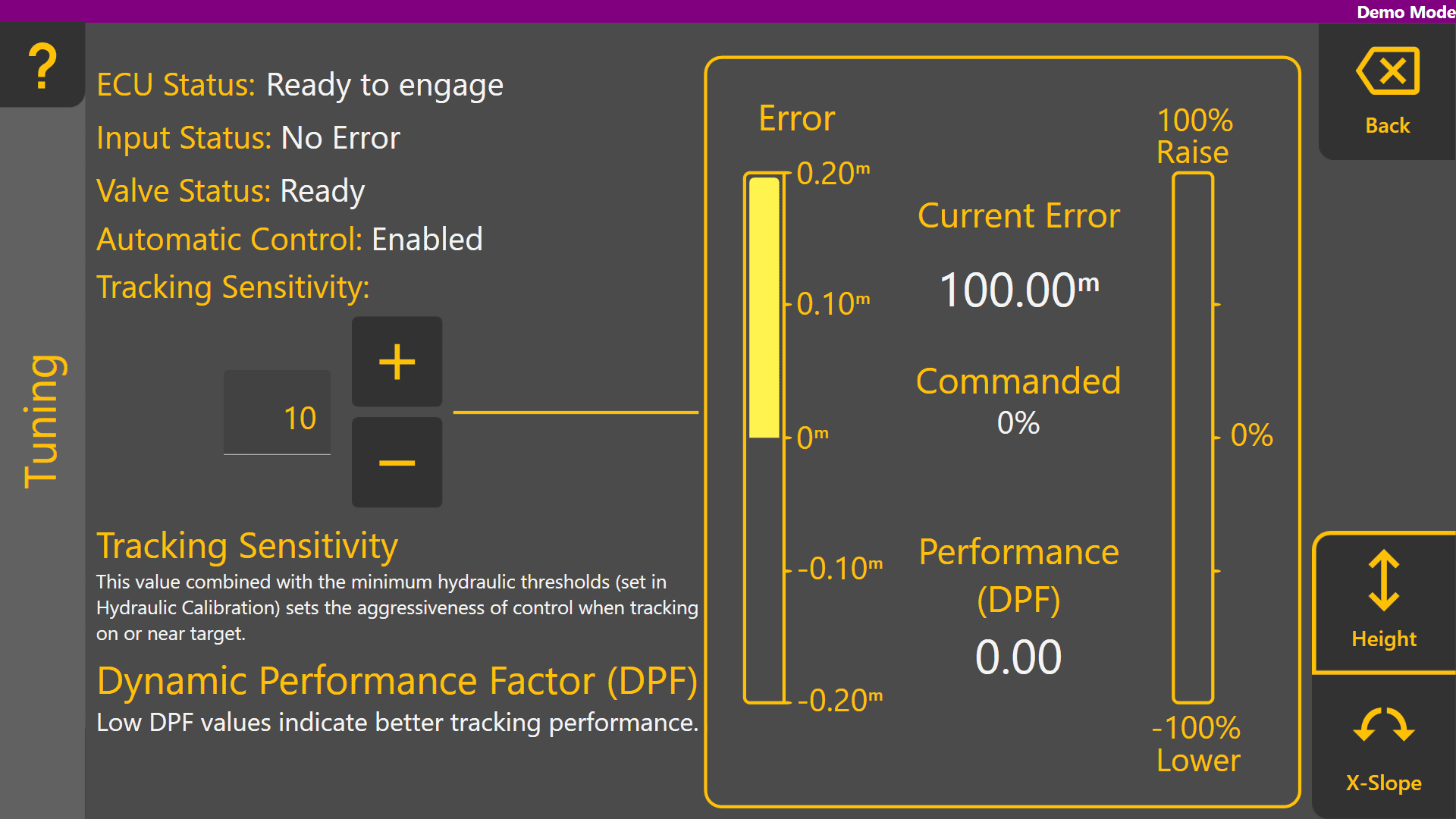
Level COMMAND provides a single tuning parameter called Tracking Sensitivity.
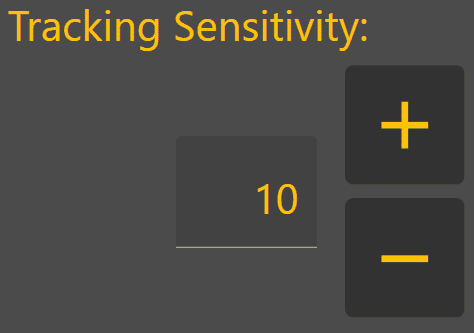
Increasing Tracking Sensitivity increases control aggressiveness and causes the implement to react more quickly to error.
Decreasing Tracking Sensitivity reduces control aggressiveness and causes the implement to react more gradually to error.
The objective is to achieve stable control while maintaining accurate tracking of the target surface.
Before Tuning
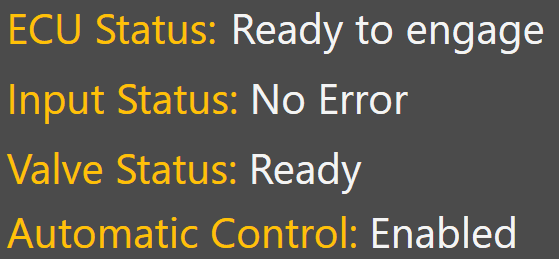
Before beginning tuning, verify the following diagnostic indicators show normal operation:
- ECU Status
- Input Status
- Valve Status
- Automatic Control Diagnostics
Any active faults or invalid status conditions should be corrected before tuning begins.
Tuning Procedure
- Load a suitable project or design surface.
- Engage Automatic Control.
- Perform one or several passes under normal operating conditions.
- Observe implement behaviour and control performance.
- Adjust Tracking Sensitivity as required.
- Repeat until the implement follows the target smoothly without excessive lag or oscillation.
Understanding Tuning Feedback
Several indicators are available to assist with tuning.
Current Error
Current Error displays the difference between the actual implement position and the target position. Large or persistent error indicates the implement is struggling to follow the target surface accurately.
Commanded Output %
Commanded % displays the control effort being requested by Automatic Control. This value can help identify whether the controller is responding aggressively enough to changing conditions.
Dynamic Performance Factor (DPF)
Dynamic Performance Factor (DPF) is a rolling performance metric used to indicate how closely the implement is following the target surface.
A DPF value of 0 represents perfect control performance. Lower DPF values indicate better control performance.
As tracking error, overshoot, oscillation and other control deviations increase, the DPF value will also increase. DPF is calculated using approximately five seconds of Automatic Control performance data and is only updated while Automatic Control is engaged.
Typical Adjustments
Min % calibration values are particularly important for correct system performance - ensure that Min % thresholds have been correctly calibrated prior to tuning. Incorrect Min % can have similar effects in reducing control performance but these cannot be corrected simply by increasing or reducing tracking sensitivity.
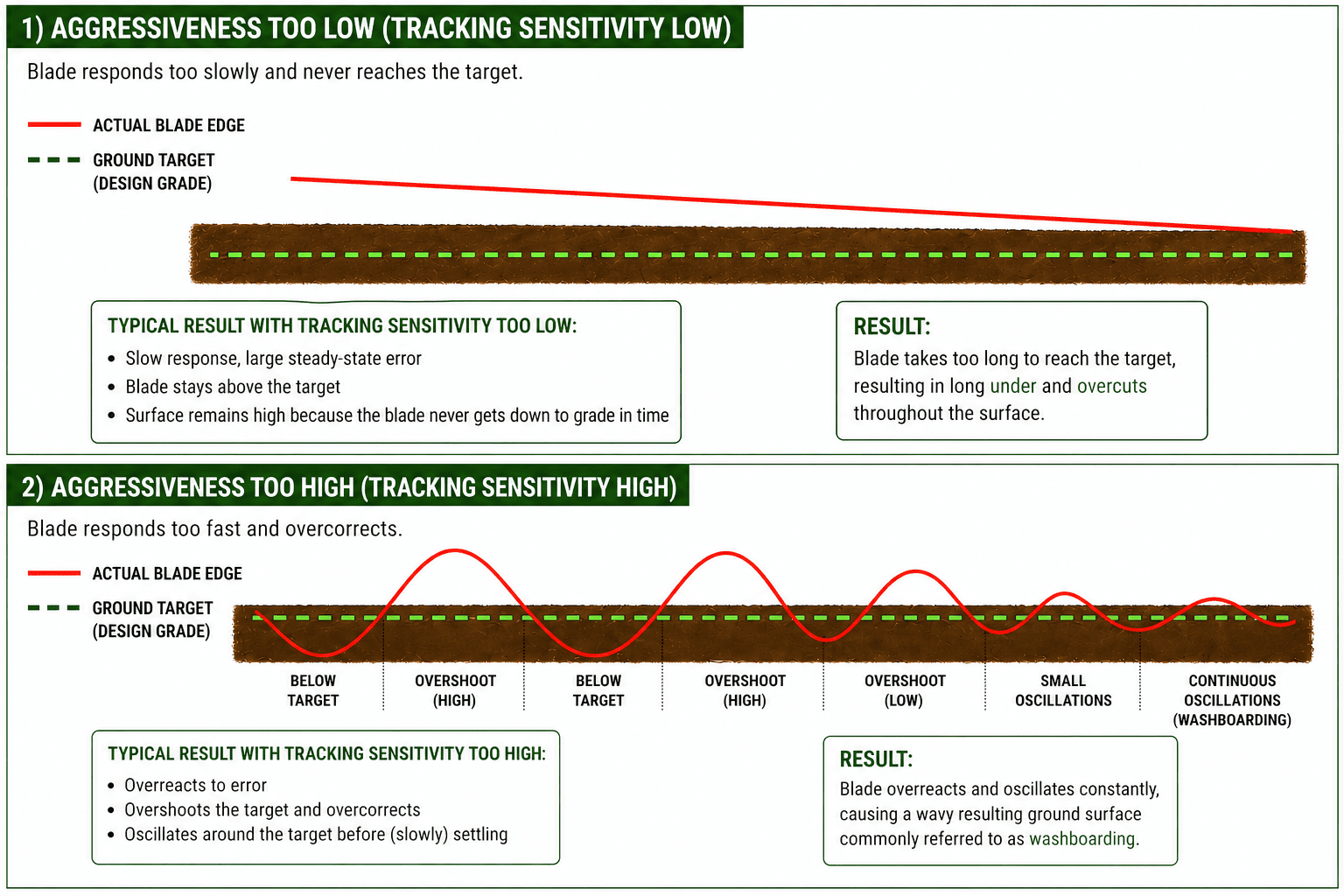
Tracking Sensitivity Too Low
- Implement responds slowly
- Current Error remains visible for extended periods
- Blade struggles to reach target grade
- DPF remains elevated due to persistent tracking error
Increase Tracking Sensitivity.
Tracking Sensitivity Too High
- Implement reacts aggressively
- Blade overshoots the target surface
- Oscillation develops
- DPF increases due to instability and overcorrection
Reduce Tracking Sensitivity.
Refer to the Tracking Sensitivity examples below for visual examples of under-tuned and over-tuned control behaviour.