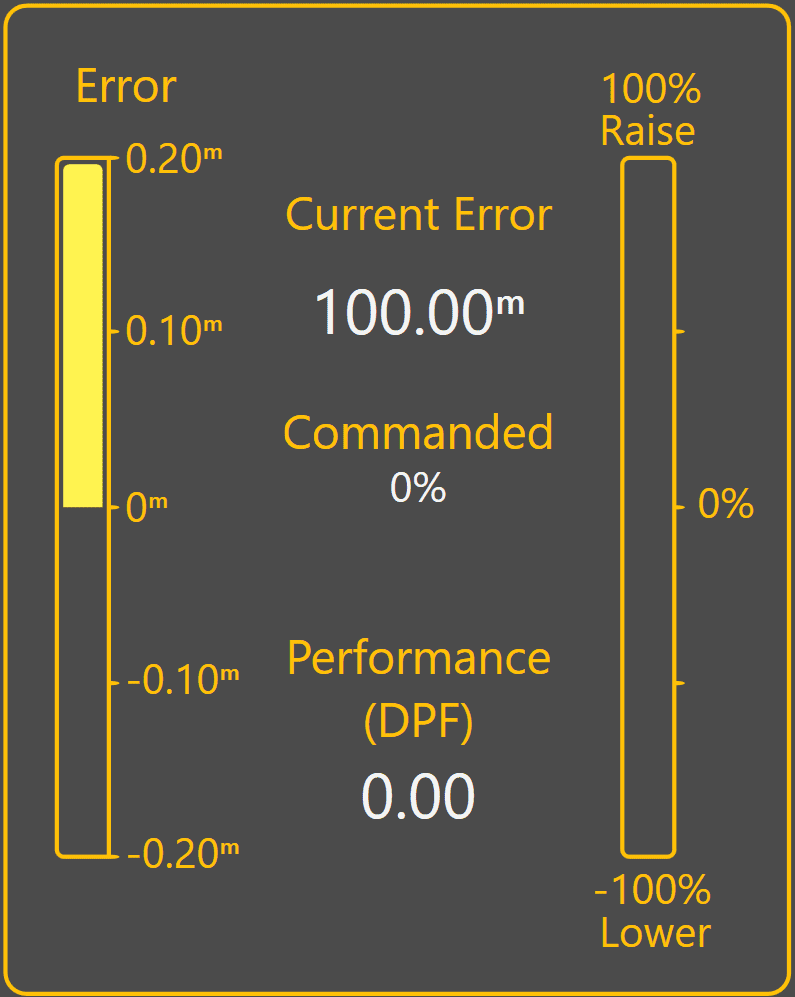
3.8 | Tuning Automatic Blade Control
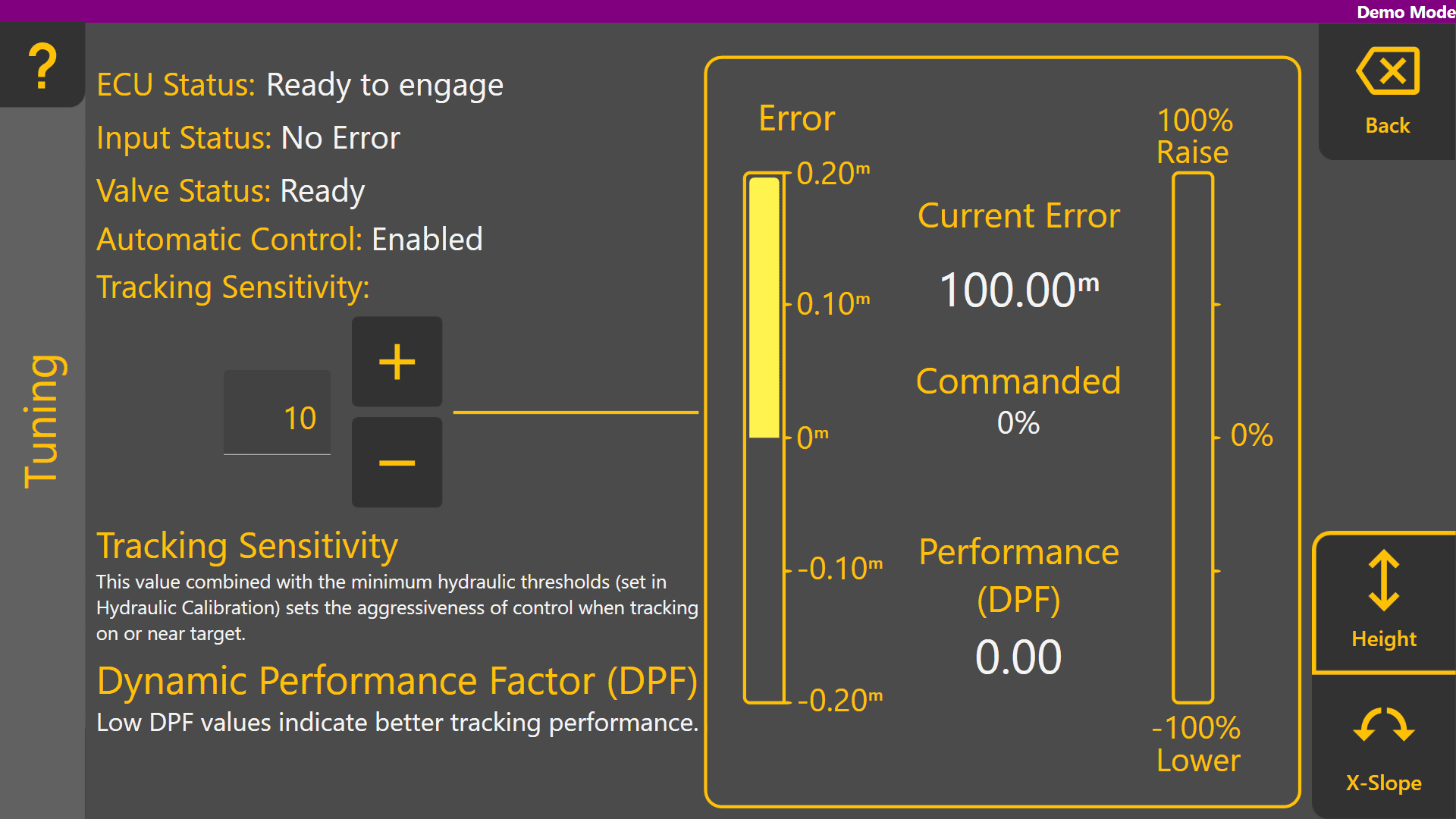
Automatic Blade Control tuning is used to optimise how aggressively the implement responds to control error while Automatic Control is engaged.
Level COMMAND provides a single tuning parameter called Tracking Sensitivity.
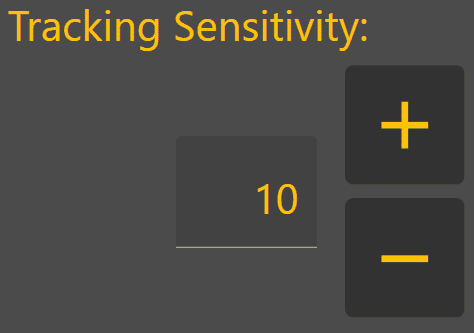
Increasing Tracking Sensitivity increases control aggressiveness and causes the implement to react more quickly to error.
Decreasing Tracking Sensitivity reduces control aggressiveness and causes the implement to react more gradually to error.
The objective is to achieve stable control while maintaining accurate tracking of the target surface.
Before Tuning
Verify the following diagnostic indicators show normal operation: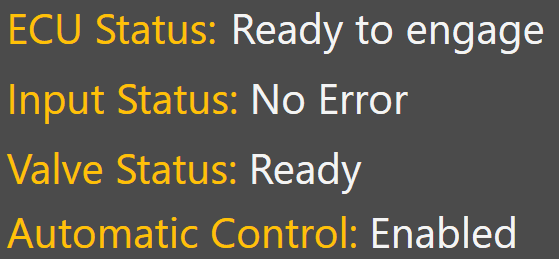
- ECU Status
- Input Status
- Valve Status
- Automatic Control Settings
Any active faults or invalid status conditions should be corrected before tuning begins.
Tuning Procedure
- Load a suitable project or design surface.
- Engage Automatic Control.
- Perform several passes under normal operating conditions.
- Observe implement behaviour and control performance.
- Adjust Tracking Sensitivity as required.
- Repeat until the implement follows the target smoothly without excessive lag or oscillation.
Typical Adjustments
Tracking Sensitivity Too Low
- Implement responds slowly
- Error remains visible for extended periods
- Blade struggles to reach target grade
- Surface may remain consistently high or low
Increase Tracking Sensitivity.
Tracking Sensitivity Too High
- Implement reacts aggressively
- Blade overshoots target grade
- Oscillation develops
- Surface may exhibit washboarding
Reduce Tracking Sensitivity.