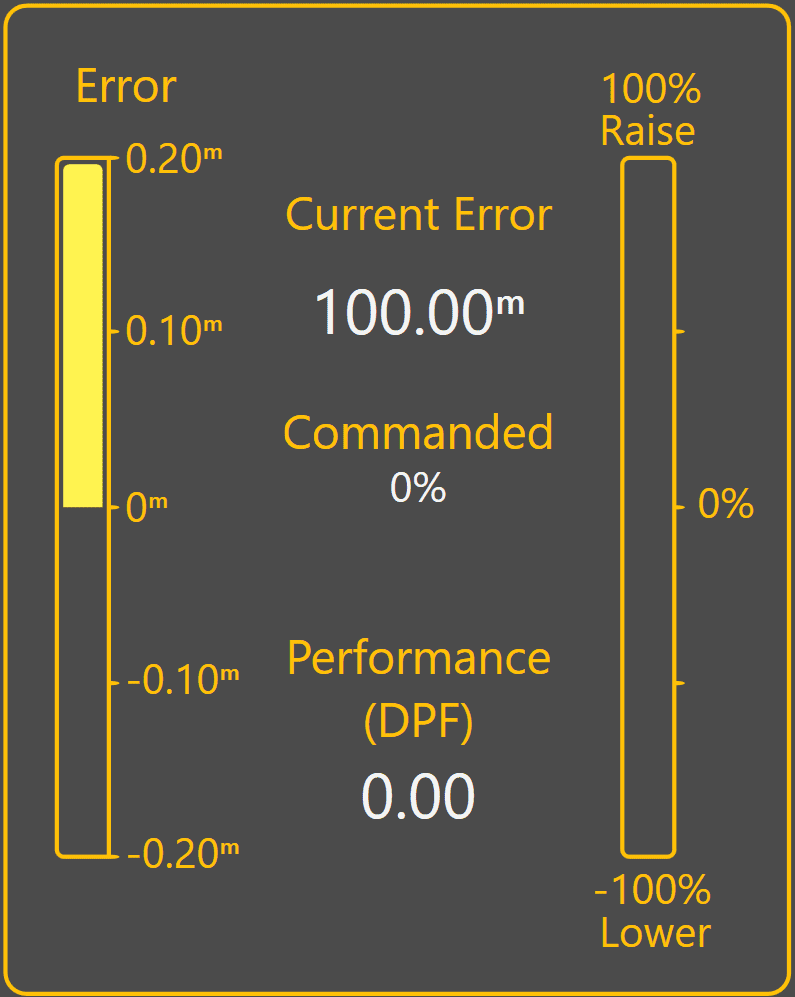
3.8 | Tuning Automatic Blade Control
Automatic Blade Control tuning is used to optimise how aggressively the implement responds to control error while Automatic Control is engaged.
Level COMMAND provides a single tuning parameter called Tracking Sensitivity.
Increasing Tracking Sensitivity increases control aggressiveness and causes the implement to react more quickly to error.
Decreasing Tracking Sensitivity reduces control aggressiveness and causes the implement to react more gradually to error.
The objective is to achieve stable control while maintaining accurate tracking of the target surface.
Before Tuning
Verify the following diagnostic indicators show normal operation: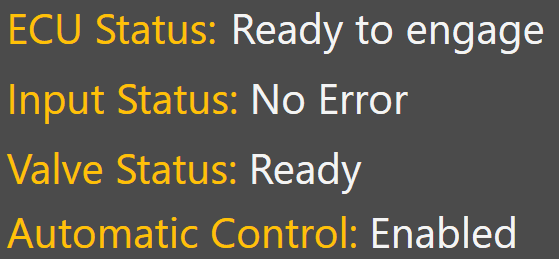
Any active faults or invalid status conditions should be corrected before tuning begins.
Tuning Procedure
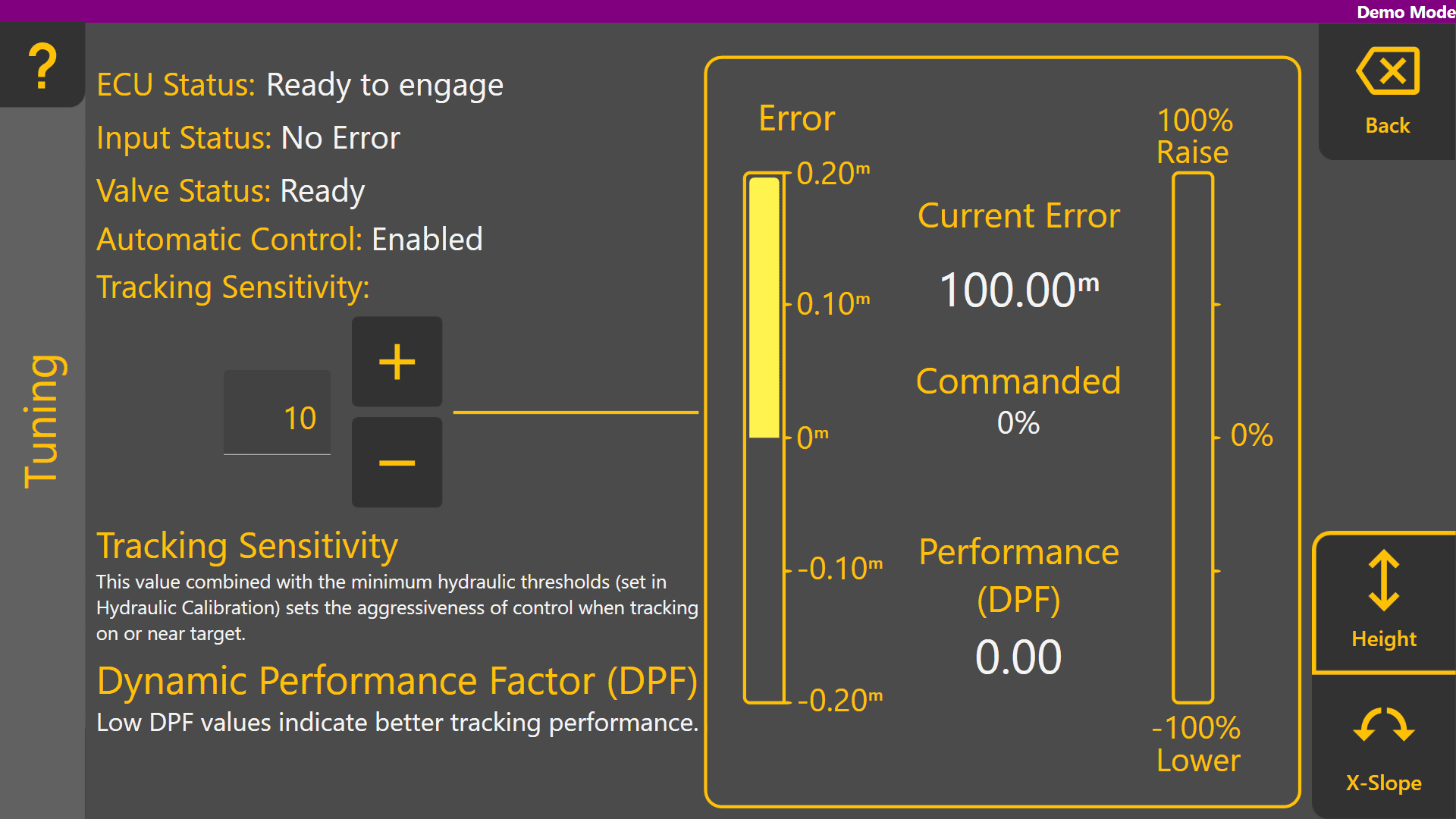
Typical Adjustments
Tracking Sensitivity Too Low
Tracking Sensitivity Too High
Reduce Tracking Sensitivity.