3.7 | Calibrating Cylinder Ratios
Cylinder calibrationRatio allowsCalibration youcompensates for differences in implement movement speeds between opposing control directions. Hydraulic systems rarely move at identical speeds in both directions. Differences in cylinder geometry, implement weight, hydraulic flow characteristics, machine design and gravity can all influence the speed at which the implement moves.
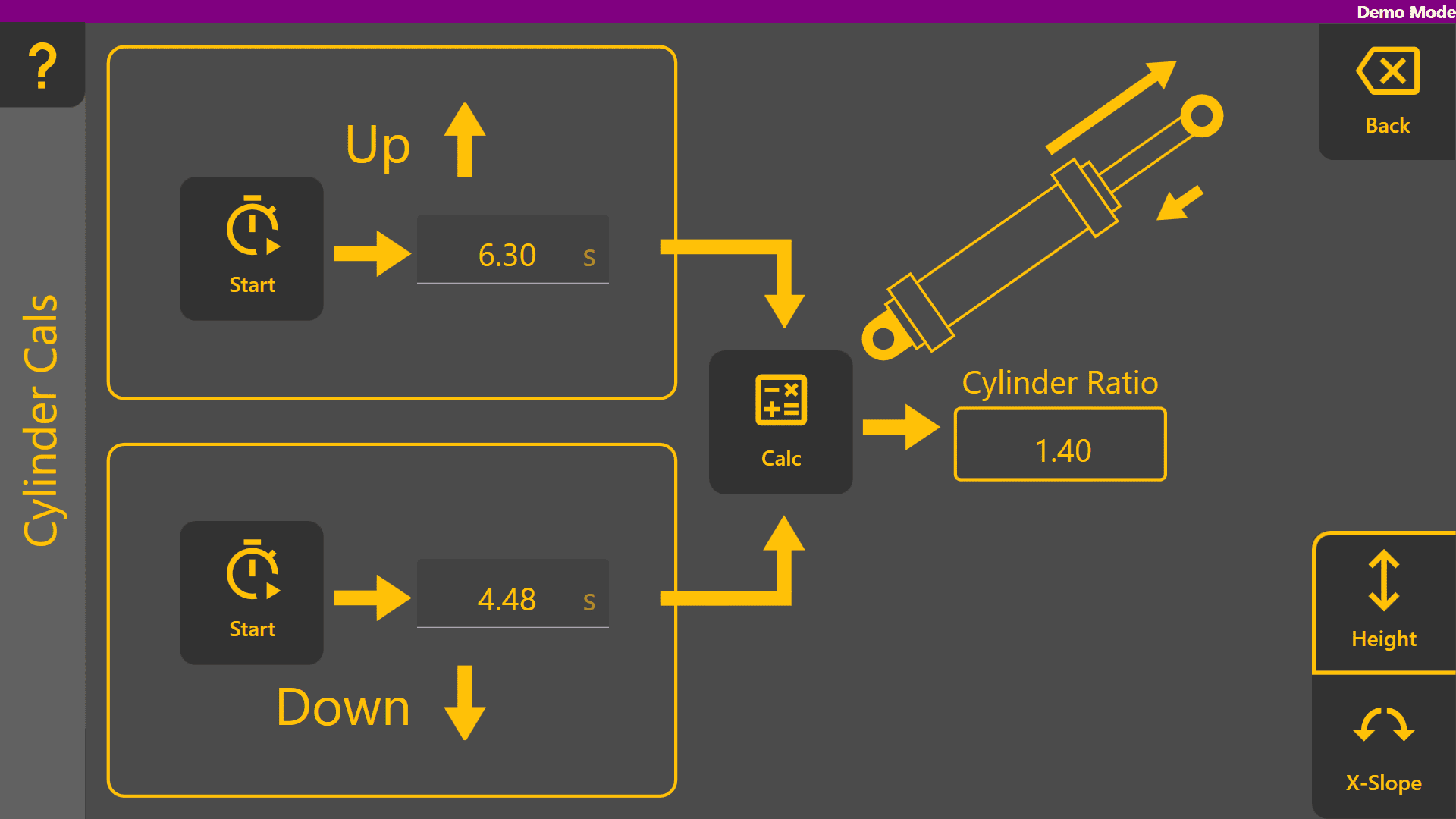
For elevation control, the implement may raise more slowly than it lowers due to control the relative speed of your implement's extend/retract motion. We recommend calibrating this with an implement about half-loaded with soil to ensure the values reflect working conditions. To calibrate, fully retract your implement's relevant hydraulics, then time how long it takes to fully extend using the upper on-screen stopwatch. Simply tap the button to start timing,weight and taphydraulic againloading.
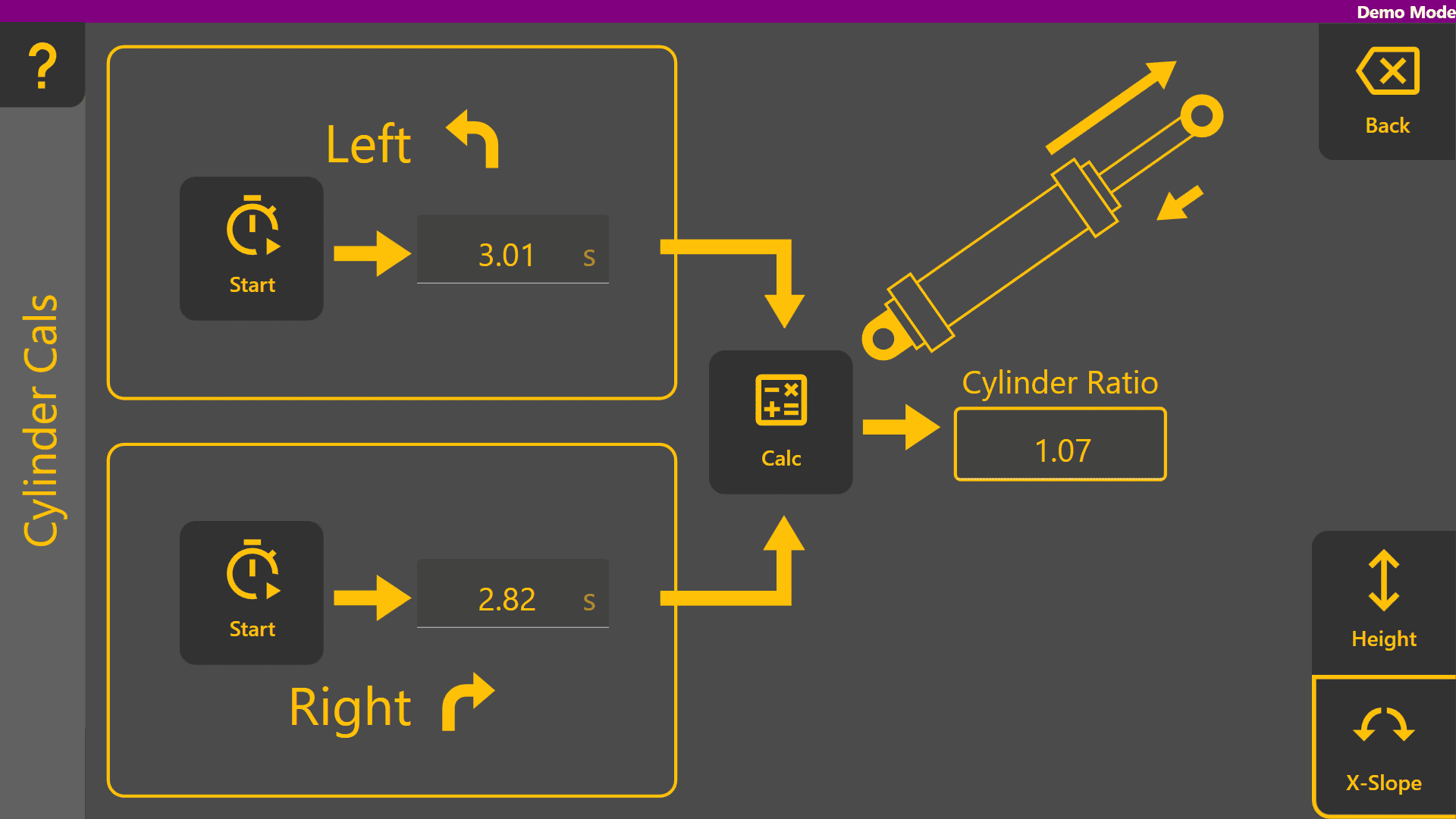
For stop timing. Once complete, time a full retraction using the lower on-screen stopwatch the same way. Once you have timed both to satisfaction, tap the Calc button to determine the calibration ratio. You can also tap on the ratio to edit it directly in case adjustments are desired. If you have cross cross-slope control, youleft canand calibrateright ittilt too,movements may also occur at slightly different rates due to cylinder geometry and hydraulic system characteristics.
Cylinder Ratio Calibration measures the time taken to move the implement through its full range of motion in each direction and automatically calculates a correction ratio used by selectingAutomatic it in the bottom right. An example of calibrated height and cross slope hydraulics are shown below.Control.