
3.2 | Checking for Software & Firmware Updates
Before proceeding with machine configuration and calibration, ensure both the Level COMMAND application and the COMMAND ECU are updated to the latest available versions.
Recommended Procedure
- Connect to the COMMAND ECU successfully as performed in section 3.1.
 Press Back to return to the COMMAND Settings Overview page, then press Done to return to the Apply View.
- Check for available Level COMMAND software updates by pressing More > Update/Changelog > Download Updates:
- Allow the updates to complete and restart Level COMMAND if prompted.
- Return to the Apply View.
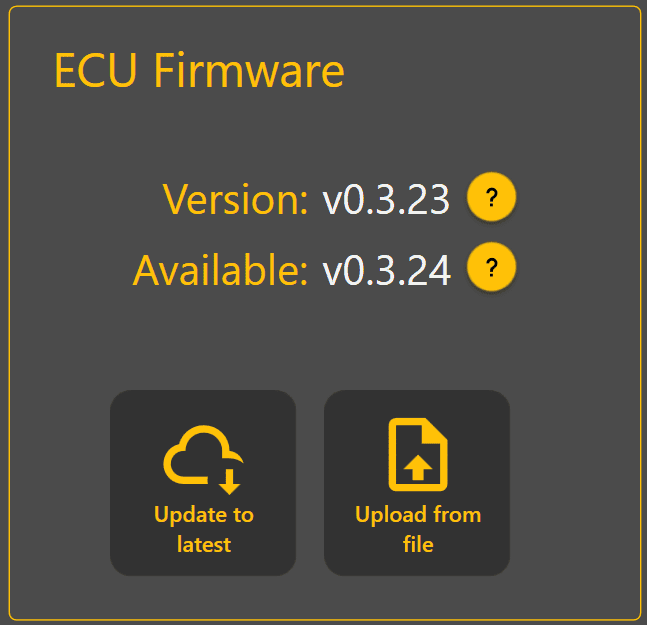
- Check for available COMMAND ECU firmware updates by pressing More > COMMAND Settings > Admin > Update to Latest.
- Allow any updates to install completely.
- Restart the ECU by turning off the machine and restarting.

Software and firmware updates may include:
- Feature improvements
- Bug fixes
- GNSS compatibility updates
- Calibration improvements
- Stability enhancements
After updating:
- Verify communication with the ECU
- Ensure no active faults or warnings are present at machine-level.
Continue to 3.3 | Selecting A Machine Profile.