
3.1 | Connecting to the COMMAND ECU
To access COMMAND ECU settings from the Apply View, press "More" at the right side of the screen, then "COMMAND Settings". The COMMAND Settings Overview page shows each page related to operation of the ECU.
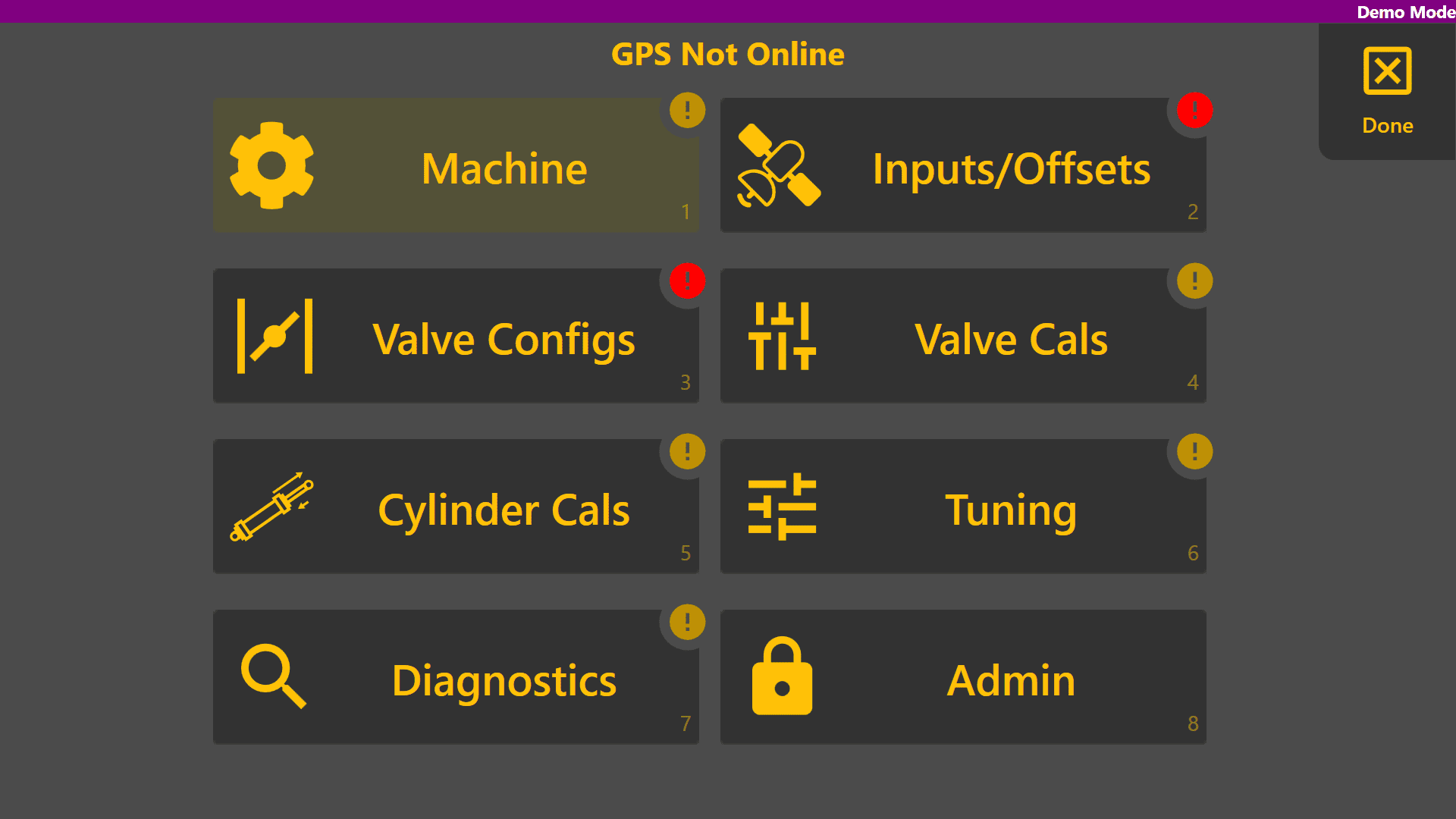
The Machine page is used to setup the connection between Level COMMAND software and the COMMAND ECU in addition to selecting the machine profile being used. To get to this page, first go to the COMMAND Settings page and click the top left 'Machine' button.
ECU Serial Connection
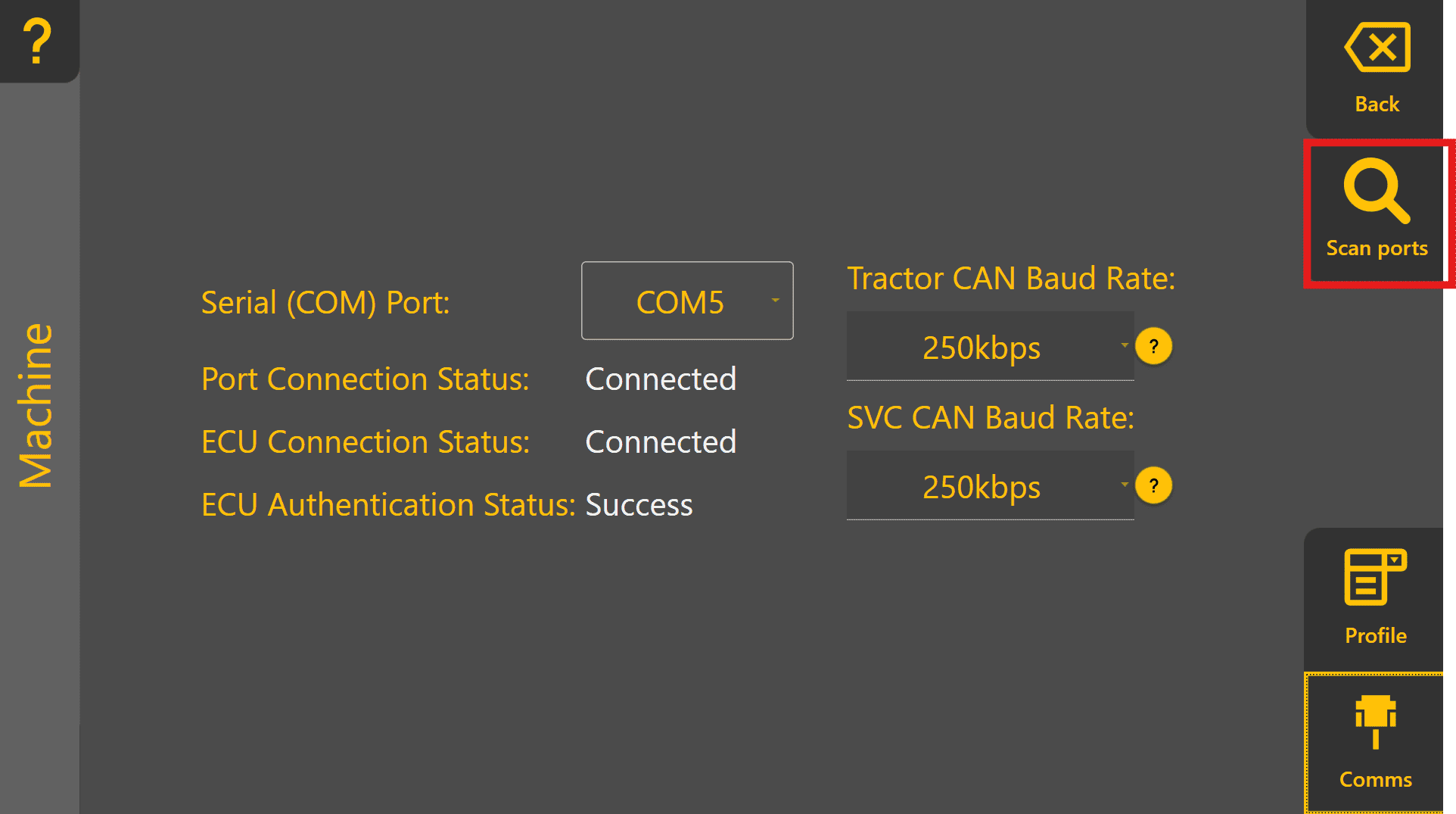
Begin by connecting to the COMMAND ECU using the Comms tab. Select the correct COM port from the list,
or click the 'Scan ports' button to search for COMMAND data among all serial ports present. If the ECU is detected successfully, click Connect.
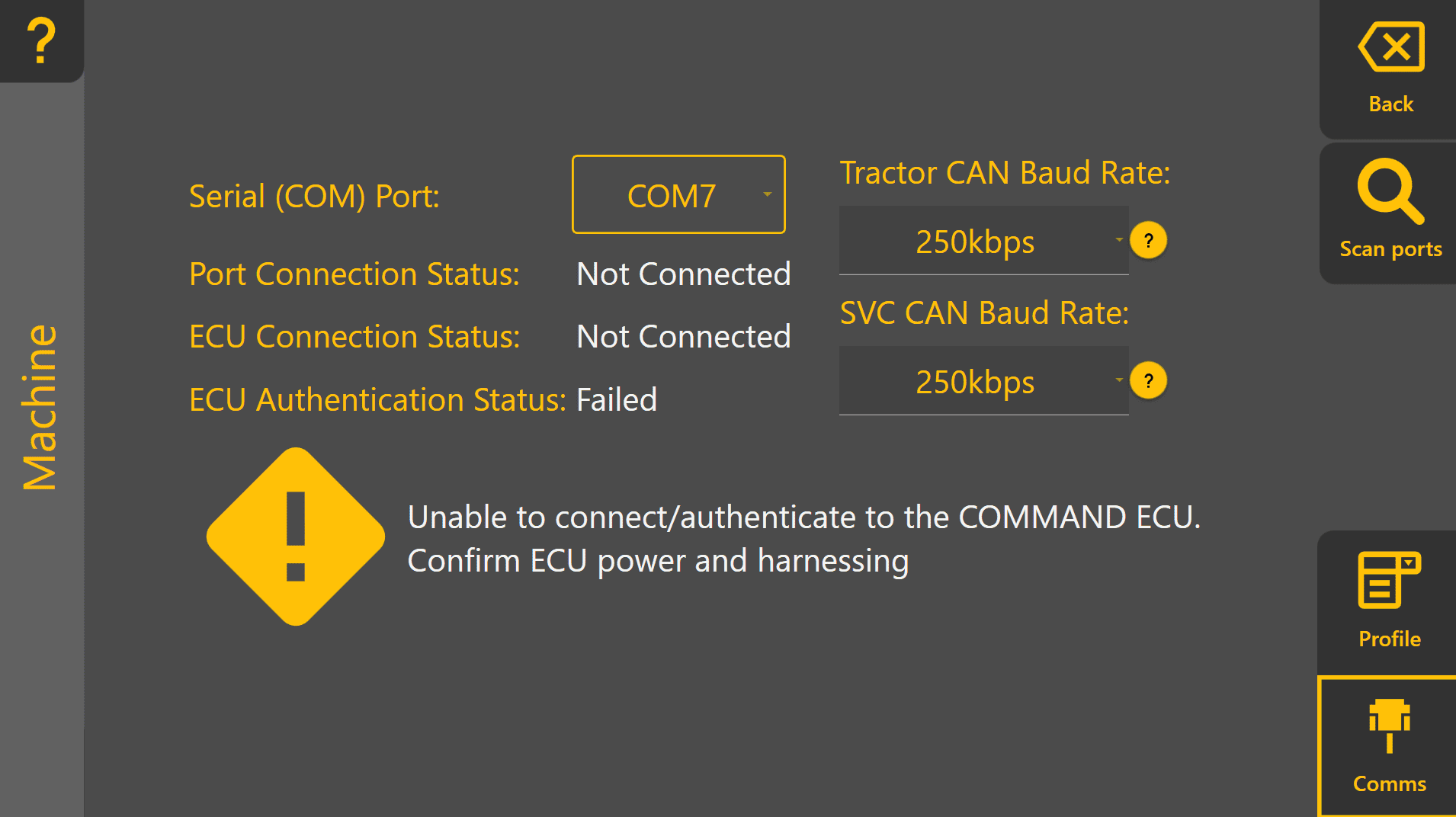
Connection Failure
If Level COMMAND fails to connect to the ECU over the chosen COM port, a warning will be displayed. Verify power and communication connections before retrying.
 Successful Connection
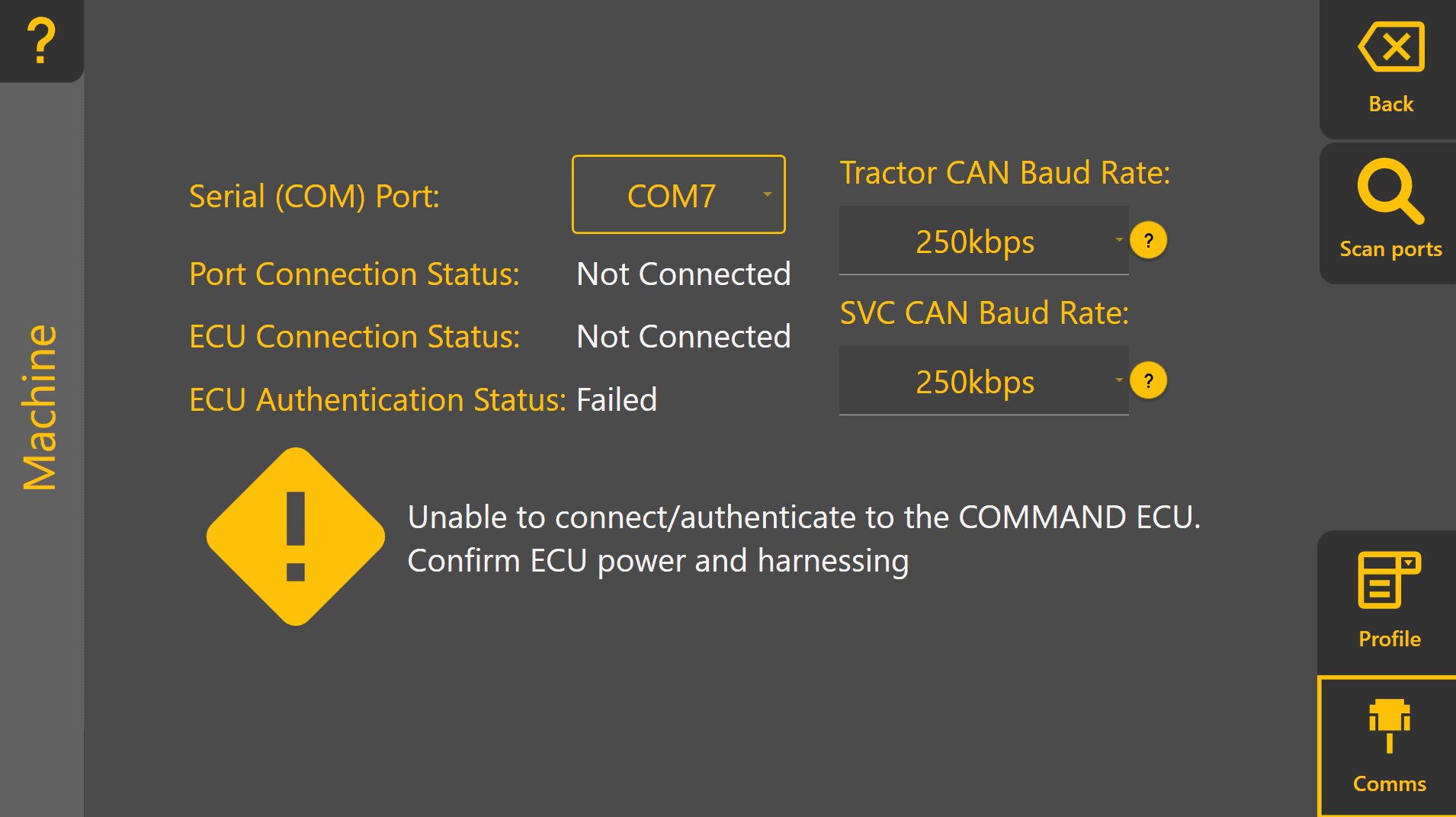
Once connected to the ECU successfully, Level COMMAND will:
- Establish communication with the ECU
- Read stored parameters
- Load the current machine configuration
Once connected, proceed to Profile Setup.