3.1 | Connecting to the COMMAND ECU
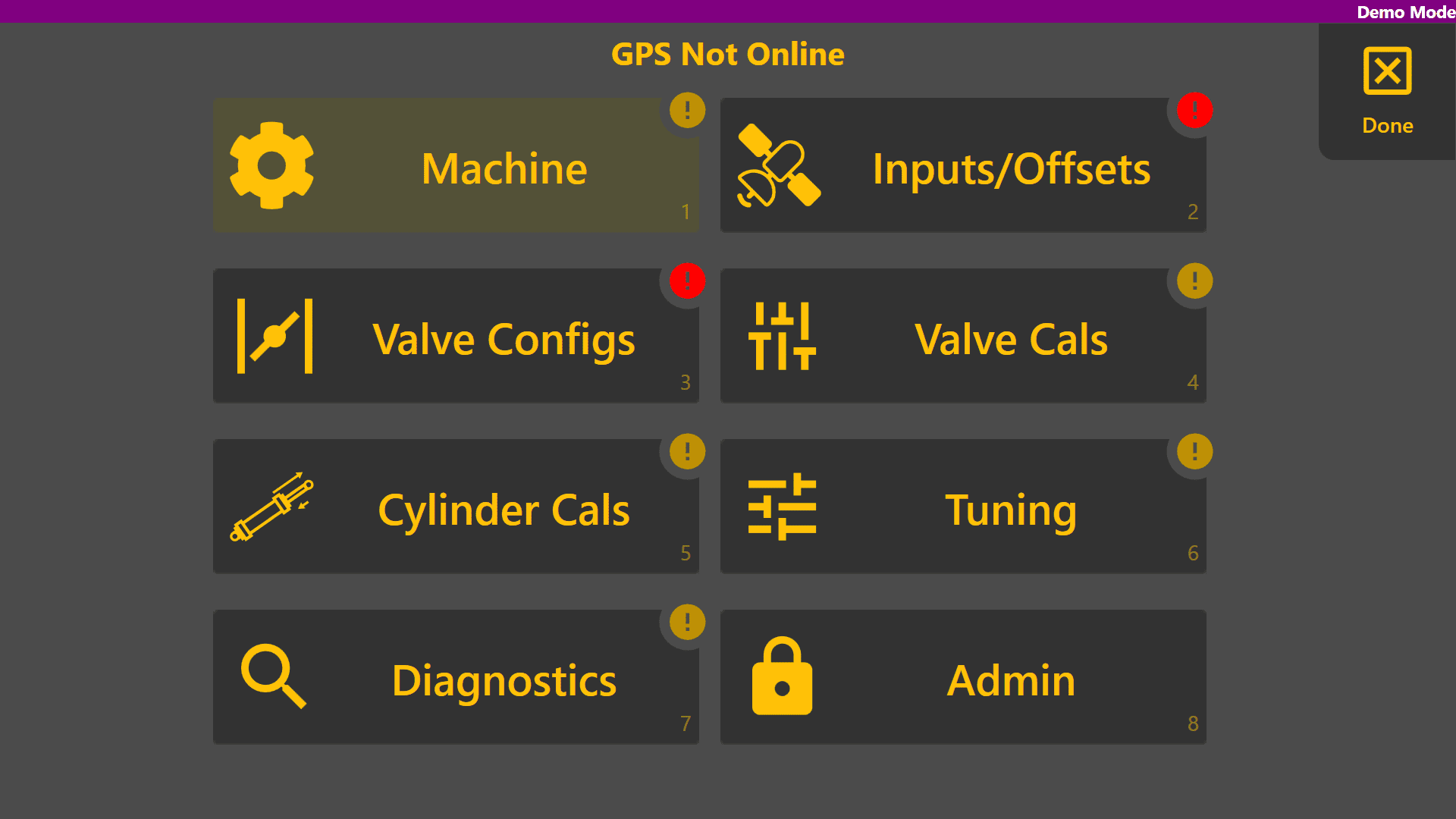
The Machine page is used to setup the connection between Level COMMAND software and the COMMAND ECU in addition to selecting the machine profile being used. To get to this page, first go to the COMMAND Settings page and click the top left 'Machine' button.
Comms
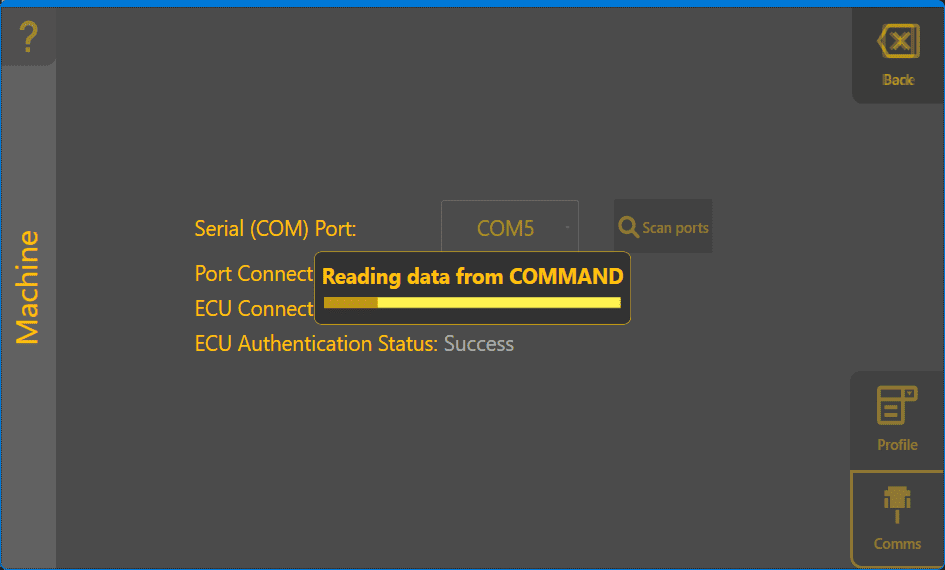
TheBegin firstby thing is to ensure you're connectedconnecting to the COMMAND ECU withusing the Comms section.tab. Pick the COM port your ECU is connected to from the list, or click the 'Scan ports' button.button It will thento search thefor COMMAND data among all serial ports for a connected ECU. present.
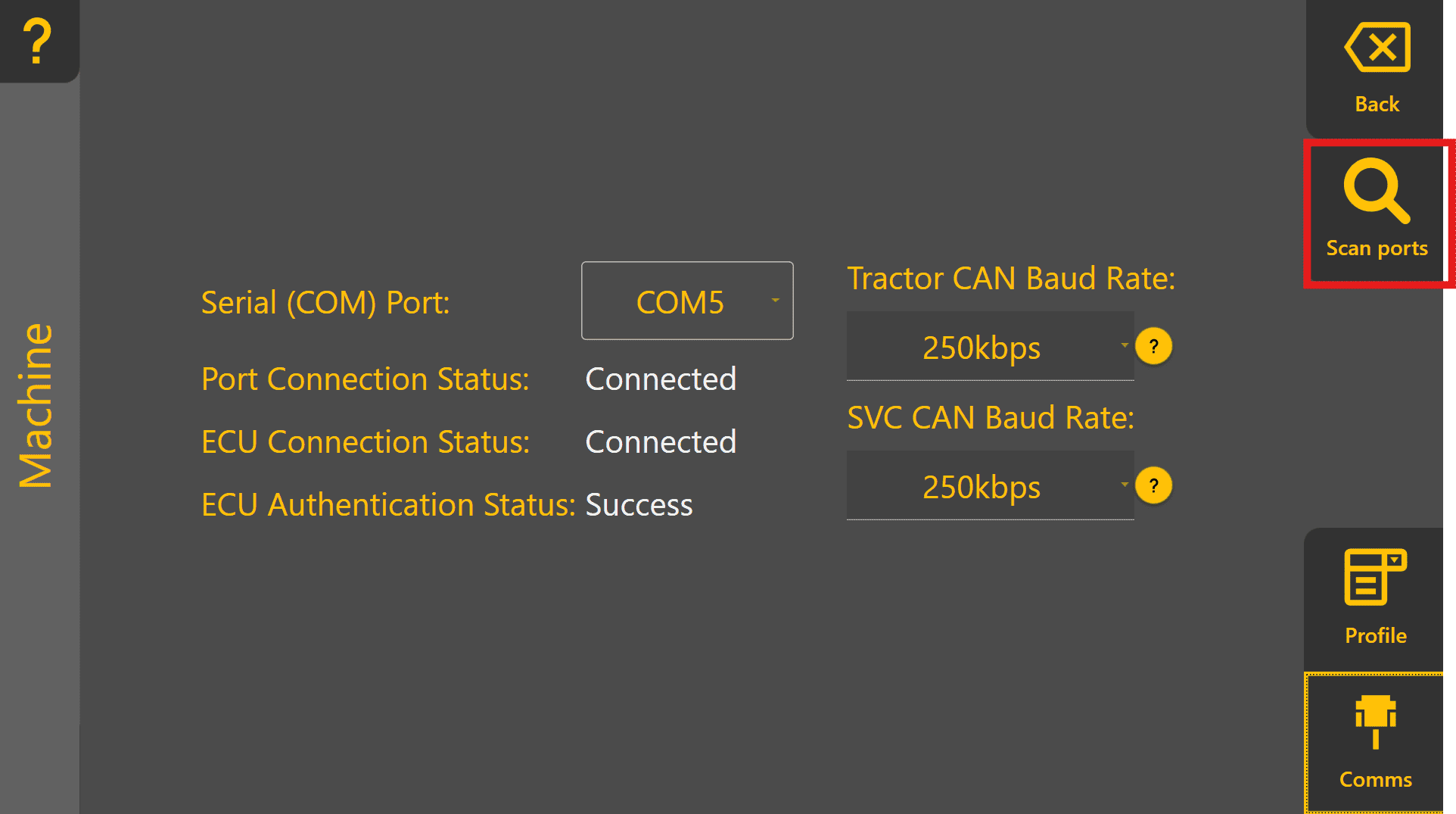
If the scan was successful, clicking on Connect will establish communications with our COMMAND ECU and read all its stored parameters. Once that's complete, you'll be ready to set up your profile in the next section by tapping the 'Profile' button in the lower right.