
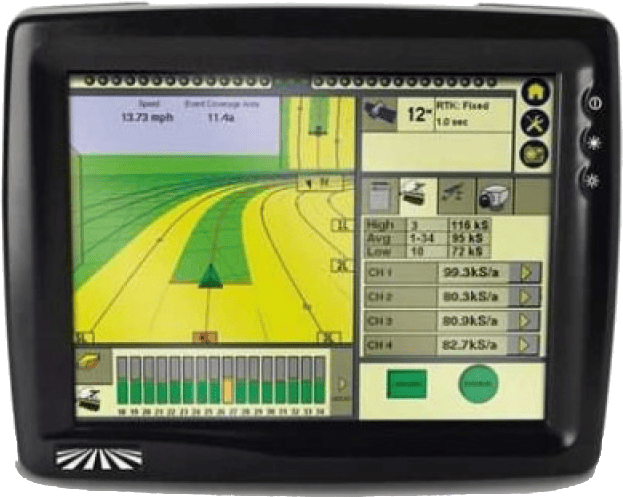
Trimble FMX/TMX with Ag25
Harnessing Layout Overview
Usage of the FMX/TMX NMEA 0183 output only requires the addition of a T3H-G004 adapter to the T3H-C002 ECU breakout harness.
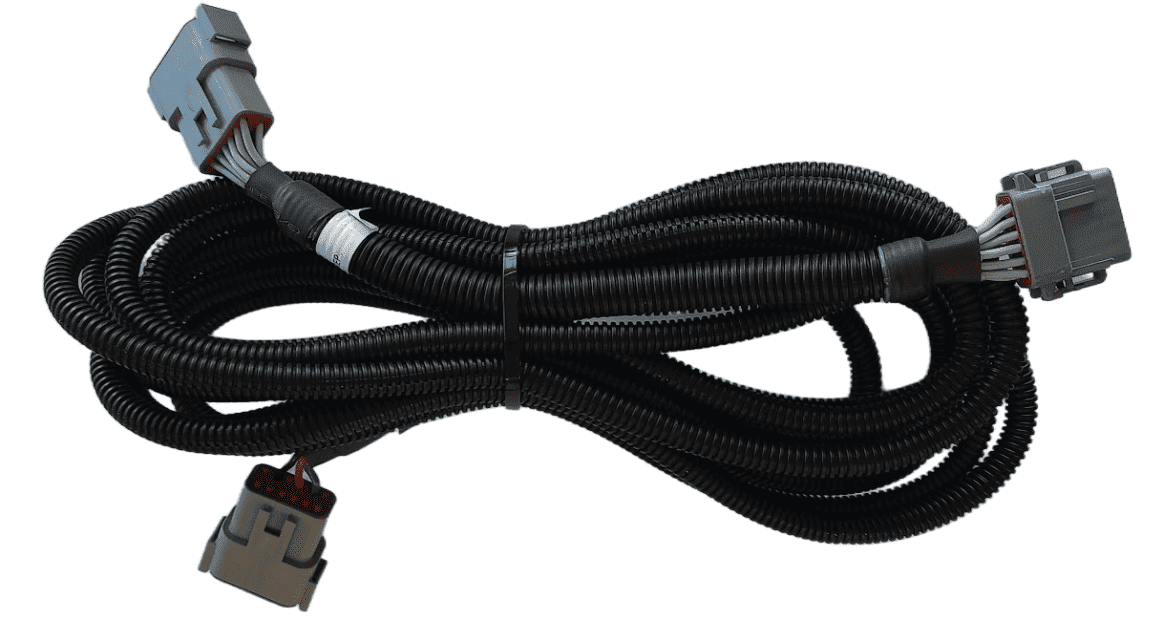
Parts Required
- T3H-G004 - COMMAND Trimble NMEA Output Adapter
Connection Process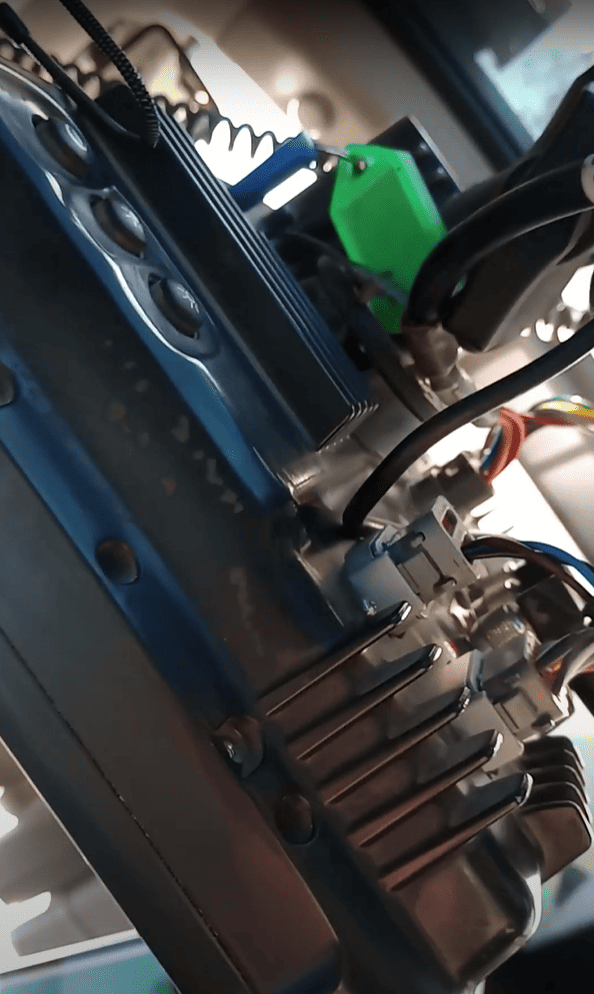
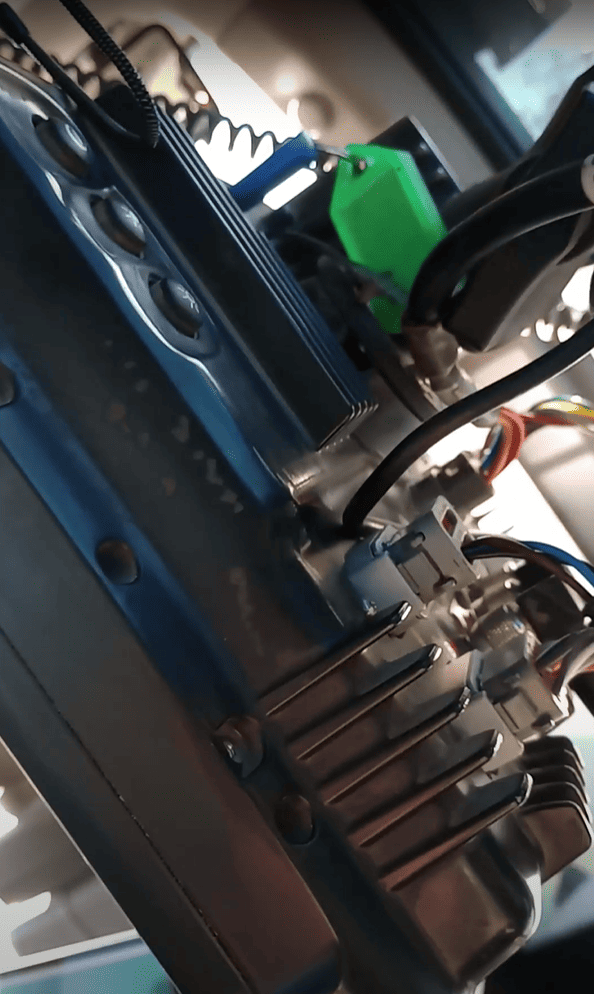
Connect the T3H-G004 adapter to Port C or Port D on the FMX display, or Port _ on the TMX.
A port replicator is supplied in case the port was already in use for something else, if so disconnect the device, connect T3H-G004 and then reconnect the device using the port replicator on T3H-G004.
Connect the other end of T3H-G004 to the T3H-C002 ECU breakout harness.
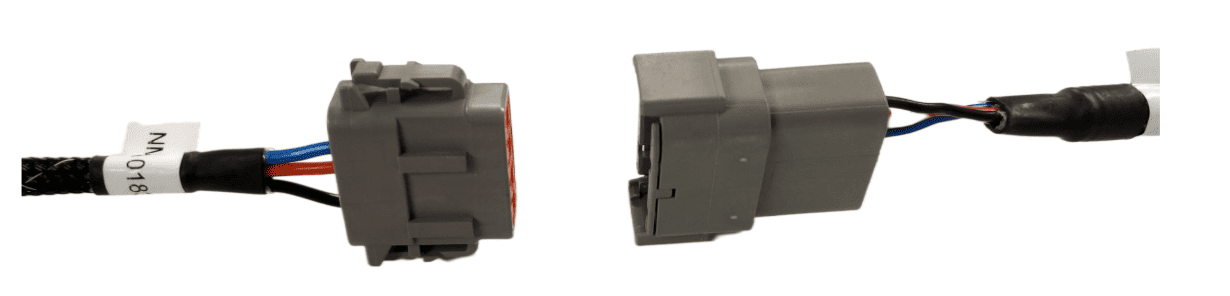
Next, follow the setup process below for activating the NMEA output port on the FMX/TMX system.
Activating the NMEA Output
Make sure that if present, Autopilot is configured for use on Port A - this leaves Port C and Port D free for NMEA output of either implement receiver.
Select the GPS Receiver listed below Autopilot [Vehicle] and press "Setup".
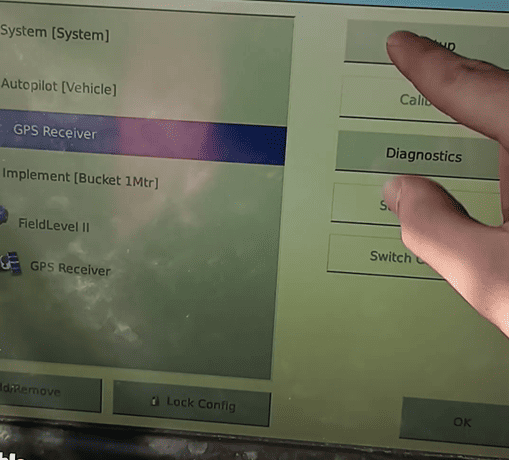
Press the "GPS Output" button. 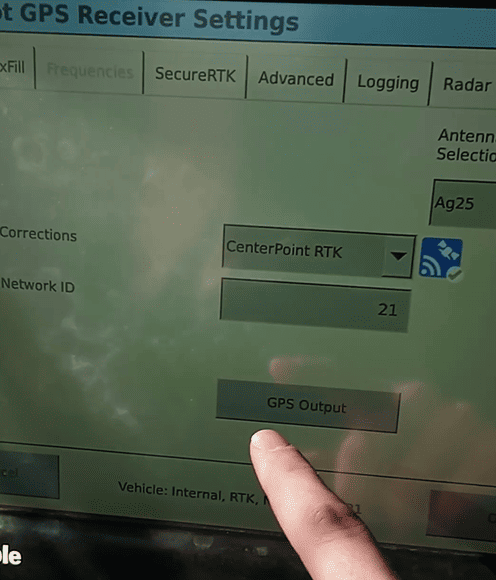
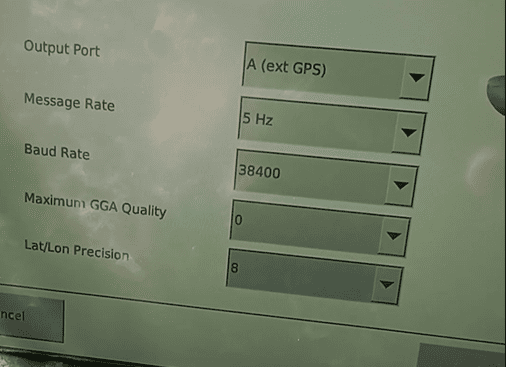
Configure the NMEA GPS Output
- Select Output Port
>A (ext. GPS) MessageSelect a message rate>of5Hz5 Hz- Select a Baud Rate
>of 38400 - Set Maximum GGA Quality
>to 0 - Set Lat/Lon Precision
>to 8
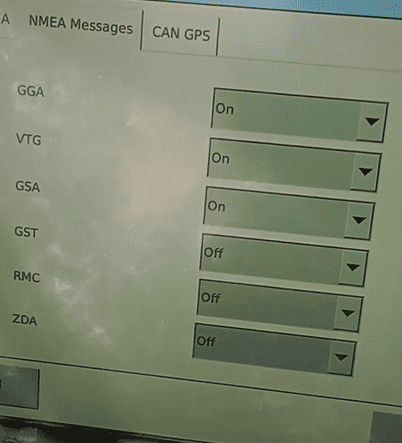
Configure the NMEA Messages as below: