
Trimble FMX/TMX with Ag25
Harnessing Layout Overview
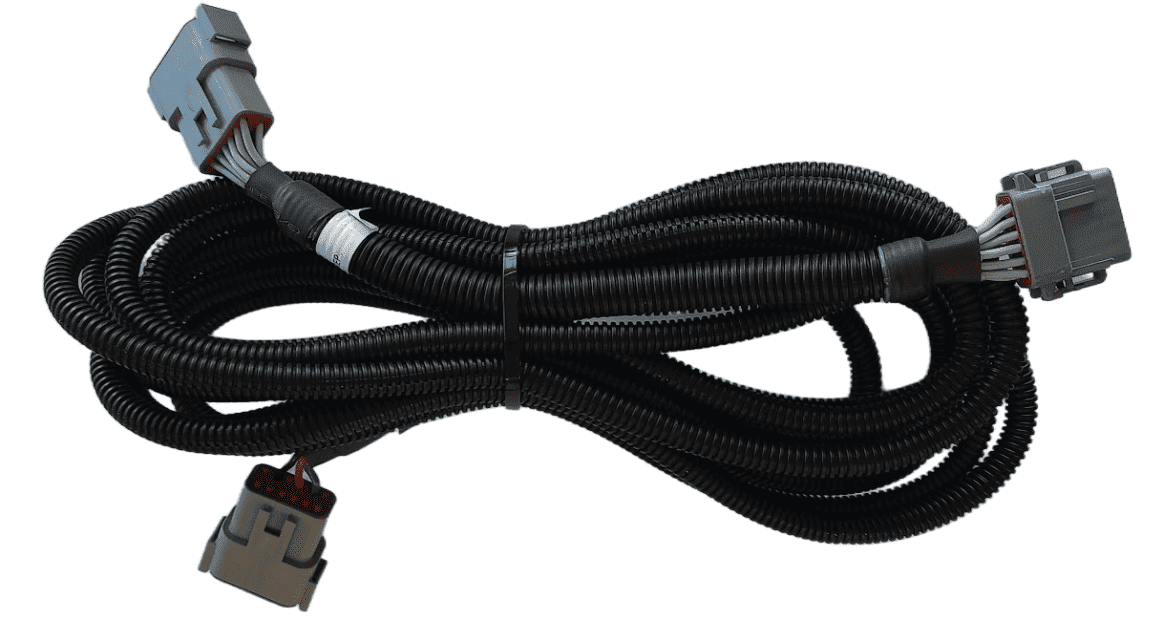
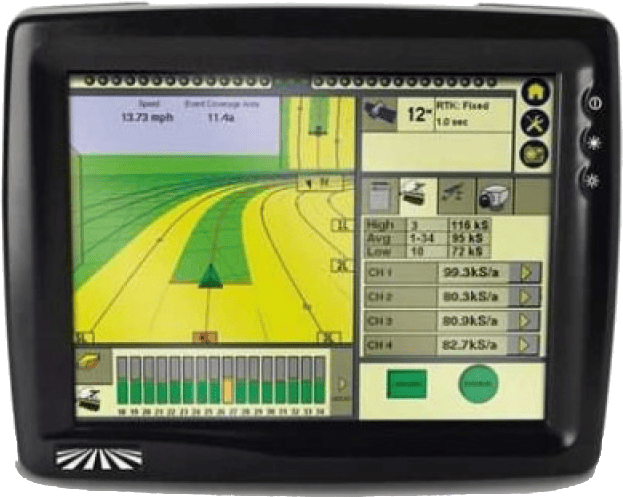
Usage of the FMX/TMX NMEA 0183 output only requires the addition of a T3H-G004 adapter to the T3H-C002 ECU breakout harness.
Parts Required
Connection Process
A port replicator is supplied in case the port was already in use for something else, if so disconnect the device, connect T3H-G004 and then reconnect the device using the port replicator on T3H-G004. Connect the other end of T3H-G004 to the T3H-C002 ECU breakout harness. Follow the setup process below for activating the NMEA output port on the FMX/TMX system.