
Main page/ New Project page
When T3RRA software is firstopened, openedthe thisMain willPage beis the first screen youdisplayed. see,This thissame screen is also whatshown youwhen willNew beProject directedis selected from within the Wizard.
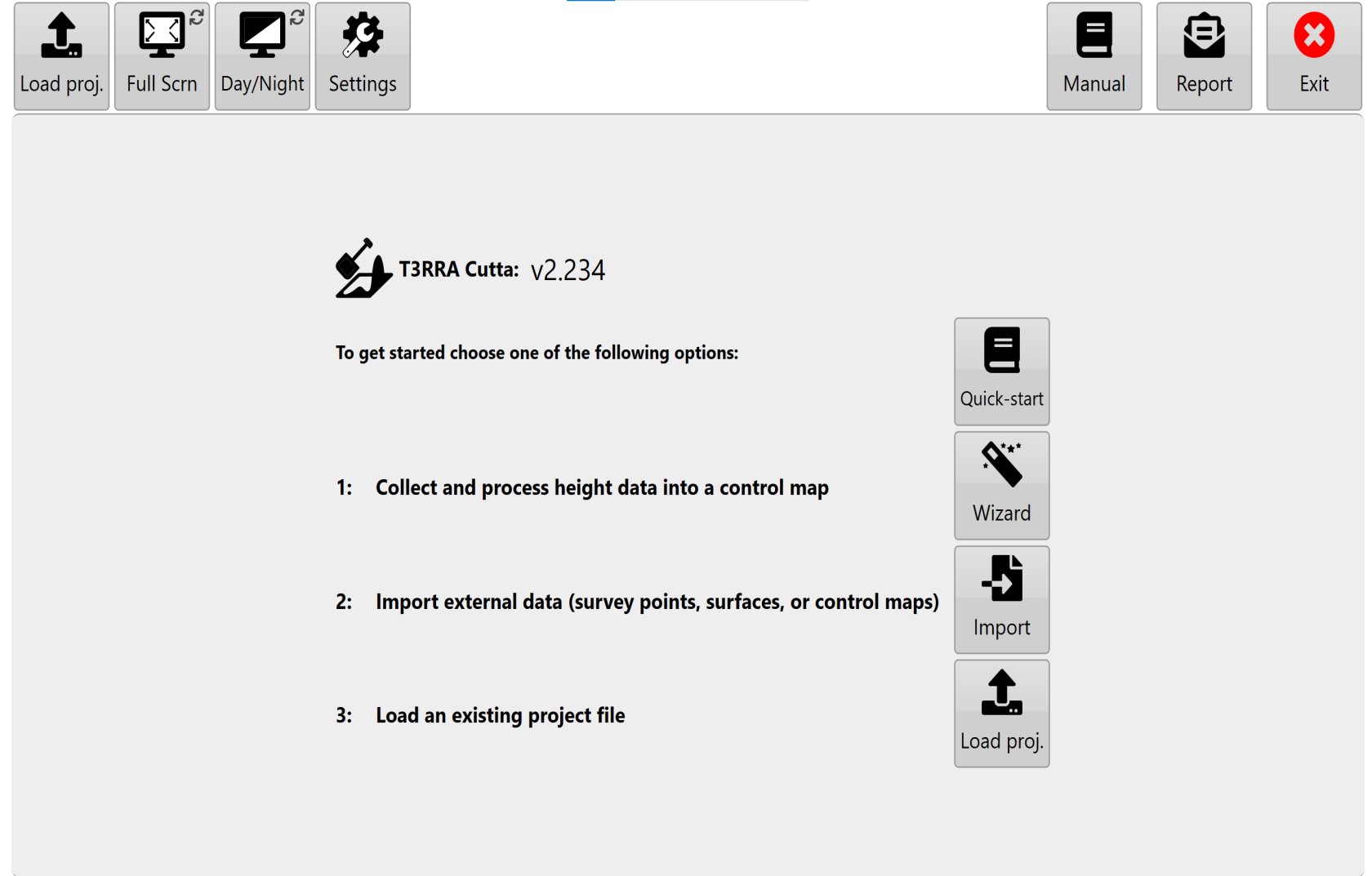
The Main Page provides access to whenthe youprimary pressapplication controls, including display settings, software configuration, the ‘NewOperator’s Project’Manual buttonand onT3RRA asupport Wizard page (discussed in the Wizard section).tools.
Application Information
PointsWhen toT3RRA notesoftware is running in windowed mode, the title bar displays information about the current application and project.
Depending on the software being used, this may include:
The name of the
file. The
 Full Screen Mode
Select Full Scrn - this option allows you to switch T3RRA software between fullfull-screen and windowed operation.
Full-screen mode ormaximises windowedthe mode.available Thisdisplay isarea helpfulfor ifT3RRA software. Windowed mode may be useful when you need to beaccess lookinganother atapplication otheror pagesWindows on the tabletfunction at the same timetime.
If a keyboard is attachedconnected, youpress canF11 useto theswitch shortcutbetween offull-screen F11.and windowed modes.
 Display Modes
T3RRA software provides three display modes to improve visibility under different operating conditions:
Day,
Day mode (1): classic white (thedisplay mode used inthroughout thethis manual).manual.
in some lighting conditions.
Night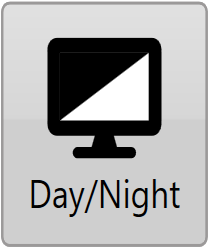
Settings
Select Settings to review and configure the application.
Before beginning work, confirm that the software has been configured correctly for the machine, implement, project and GNSS system being used.
The available settings and their functions are described in the Settings chapter of this manual.
 Open Manual
Settings -to Afteraccess the T3RRA softwareOperator’s hasManual.
The first steptime this option is toused, confirm the correctness of yourT3RRA software configuration. The different settings and how they operate will be covered in the next section.
Open Manual - The ‘Open Manual’ button will download and install a digitallocal copy of the manual and install it on your device. After the manualtablet. hasOnce beeninstalled, downloaded,selecting pressingOpen the same buttonManual will open the manual.manual directly.
An internet connection is required when downloading the manual for the first time.
 Report

Select 
Report -to Theopen the T3RRA bug report buttonand opens up a bug report/feature request windowwindow.
This below)tool allowingcan yoube toused reportto:
The nameName and emailEmail addressAddress fields of this window are automatically filledpopulated using the details linkedassociated towith the software licence.
An mustactive beinternet connectedconnection is required to thesubmit interneta for this to work.
report.