Zero to benchmark
The zero to benchmark calibrates the machine's blade height to a known reference point at ground level. Level COMMAND can accurately control cut and fill depths during the earthmoving operation.

Zero Interface
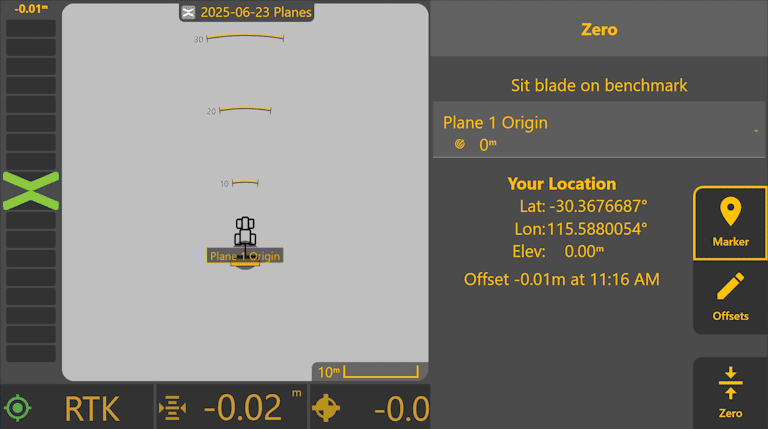
When the Zero interface is loaded, the operator will have the option to sit the blade in one of the benchmarks from a list. The location and the last time that an Offset was set is also available.
Offsets
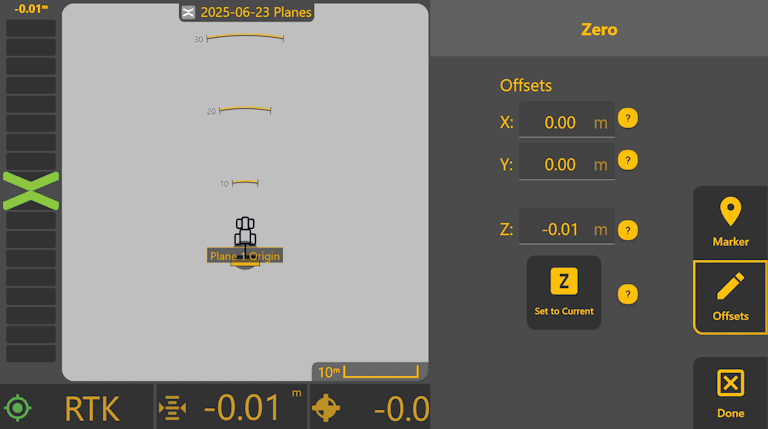
It is possible, for the operator, to define Offsets prior to the zero calibration as shown. After setting the offsets, click on the Done button to return to the main interface.
Zeroing
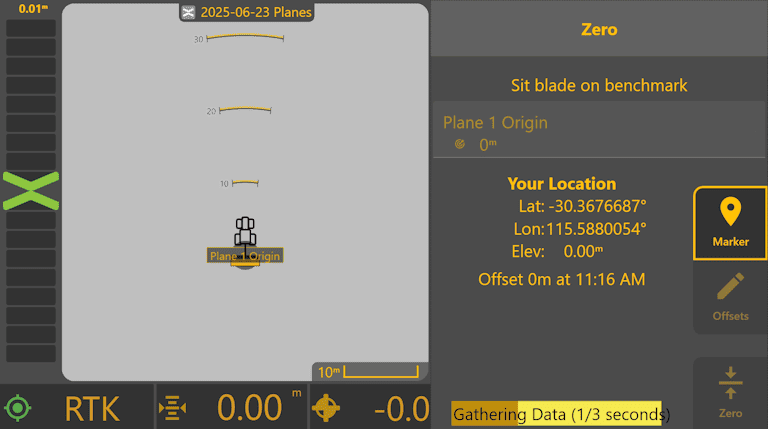
When the "Zero" button is pressed, Level COMMAND will start to gathering data as part of the zero calibration.
Zero Calibration Done
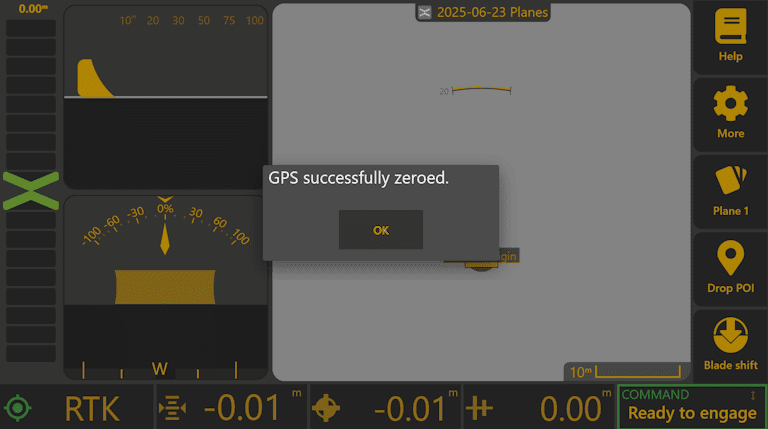
When a zero calibration is successfully done, the main interface will be displayed and a message informing that the GPS was zeroed will pop-up.