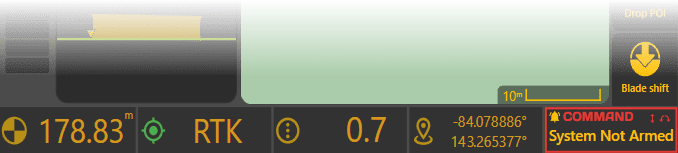
Widget Interface
Widgets line the bottom of the apply page, and look like small information cards. They present current values and status of things that Level COMMAND can access, including the GPS, COMMAND, and when available, tractor sensors. The right-most widget shows COMMAND status information and other important notifications. All but the right-most widget can we swapped out to show different information. To edit widgets, long-press on any widget but the right-most one, or select Widget Settings from the More list.