
License And unlocking
Level Command requires a licence to fully operate. You can tell if you're running a licenced Level Command by the presense (or lack thereof) of a purple bar across the top of the screen.
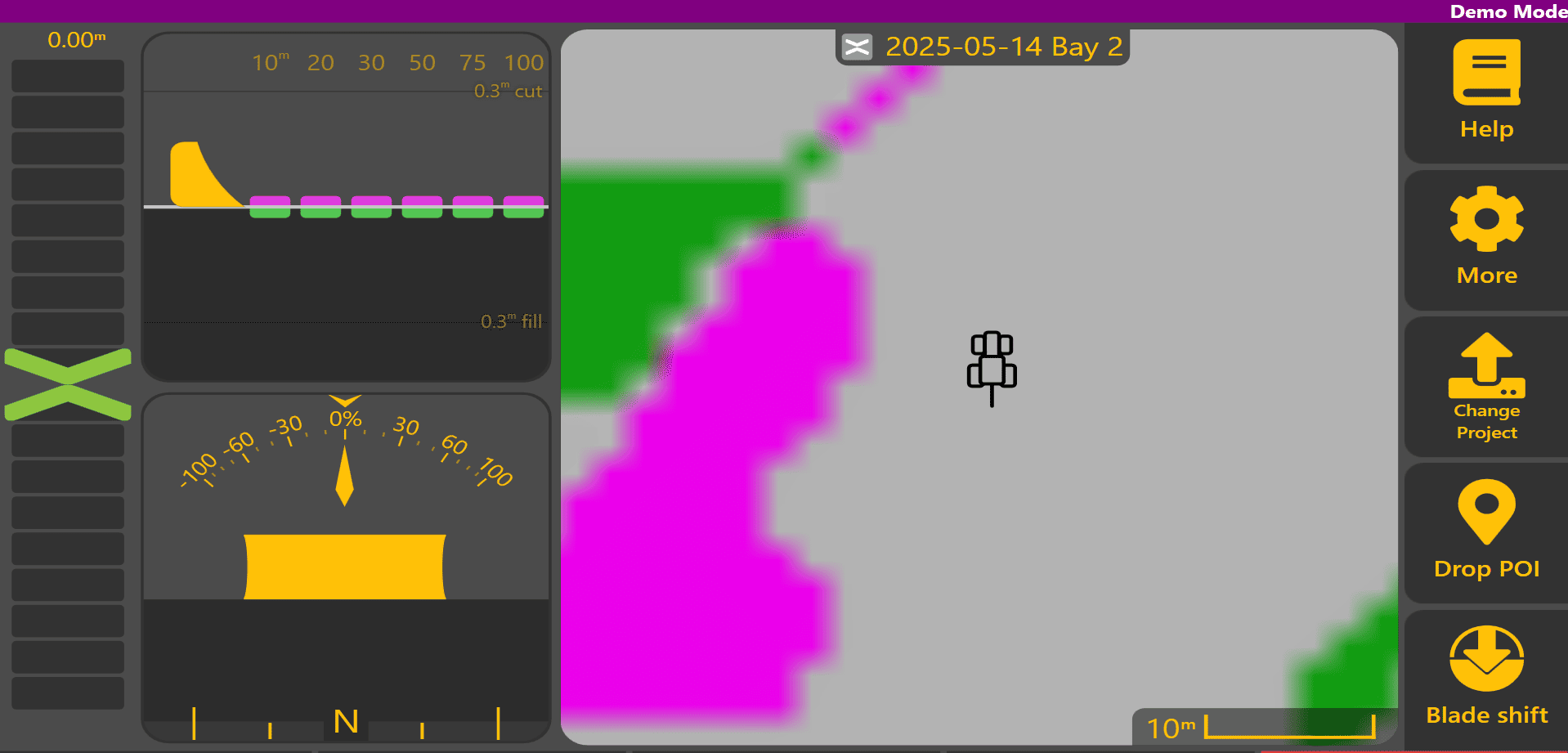
To unlock Level Command, go to "More" ➛ "Licence".
Once there, enter your details and click "OK". It will be enabled once the information you've entered is valid.
Troubleshooting:
Can’t Connect to the internet and unable to unlock
Level Command requires access to the internet to verify the license status. Some antivirus software is a bit enthusiastic and will prevent access which will result in the inability to apply a new unlock code, or for an extended license period to apply, or even perform normal updates. You must add an explicit exception for Level Command. Below is an example for Bitdefender Firewall which had this problem in the past.
The path you need to apply the exception for is %LocalAppData%\LevelCommand
