
Layout
'Layout' - Open the Layout menu to adjust the main display.
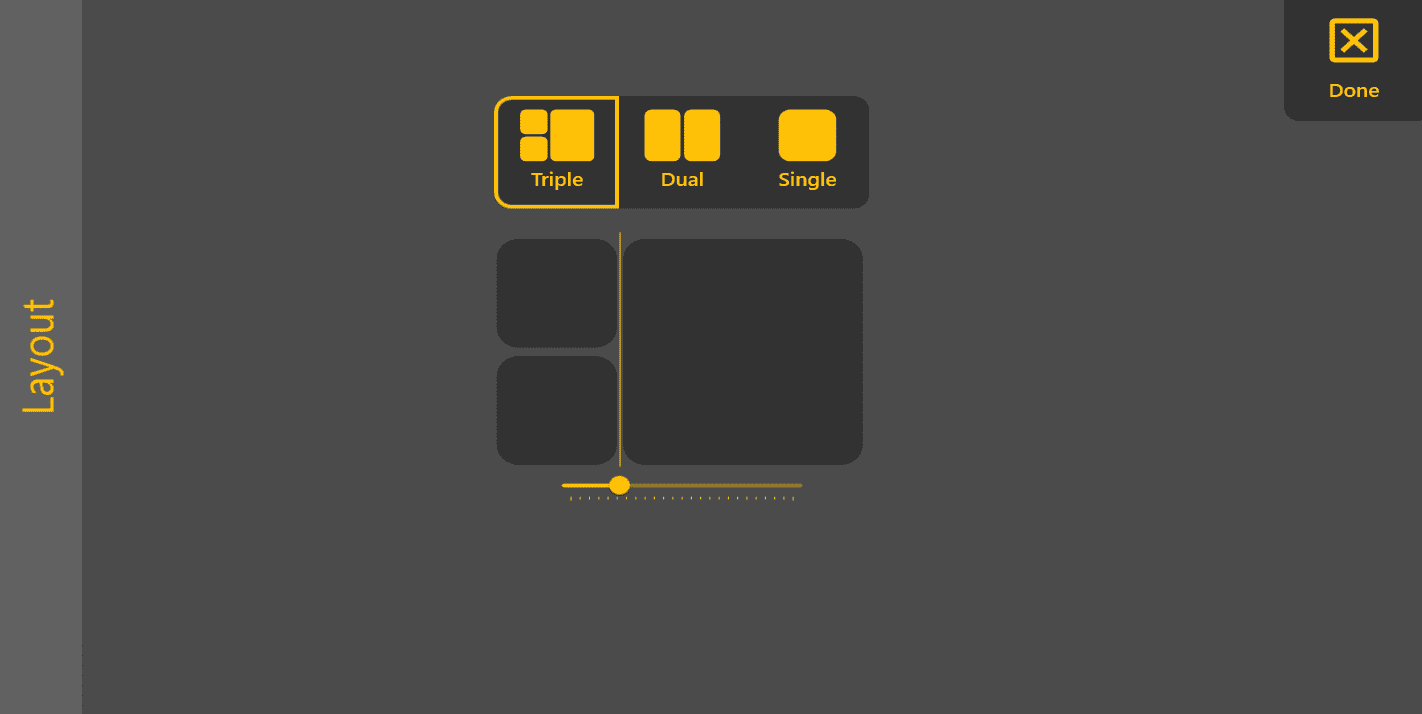

'Triple' - Side view, Behind view and top view.

'Dual' - Top view and side view.

'Single' - Top view only.

'adjustment bar' - draging this handle will adjust the screen ratio.
'Layout' - Open the Layout menu to adjust the main display.
'Triple' - Side view, Behind view and top view.
'Dual' - Top view and side view.
'Single' - Top view only.
'adjustment bar' - draging this handle will adjust the screen ratio.