
COMMAND Settings - Valve Configs
The Valve Configs page is used to set up the control output interface for each control function. Appropriate signals of that interface type are then generated when automatic or manually controlling the implement. External joystick inputs are also configured on this page when making use of an analog or J1939 CANBUS joystick.
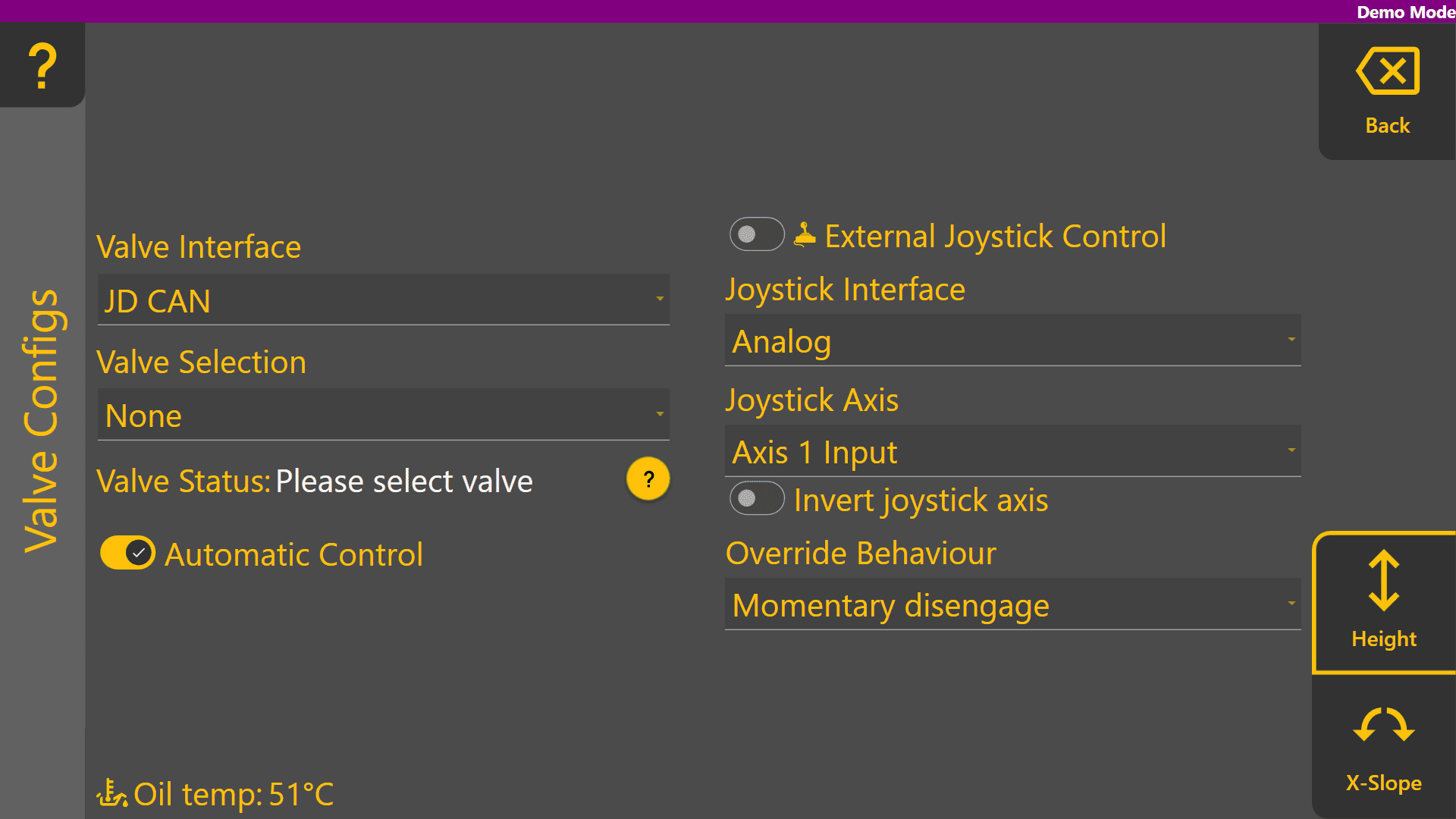
At the bottom right corner of the screen, buttons will be shown if there are two available control functions. If using a Height control only machine profile, only the Height page is displayed.
Valve Interface
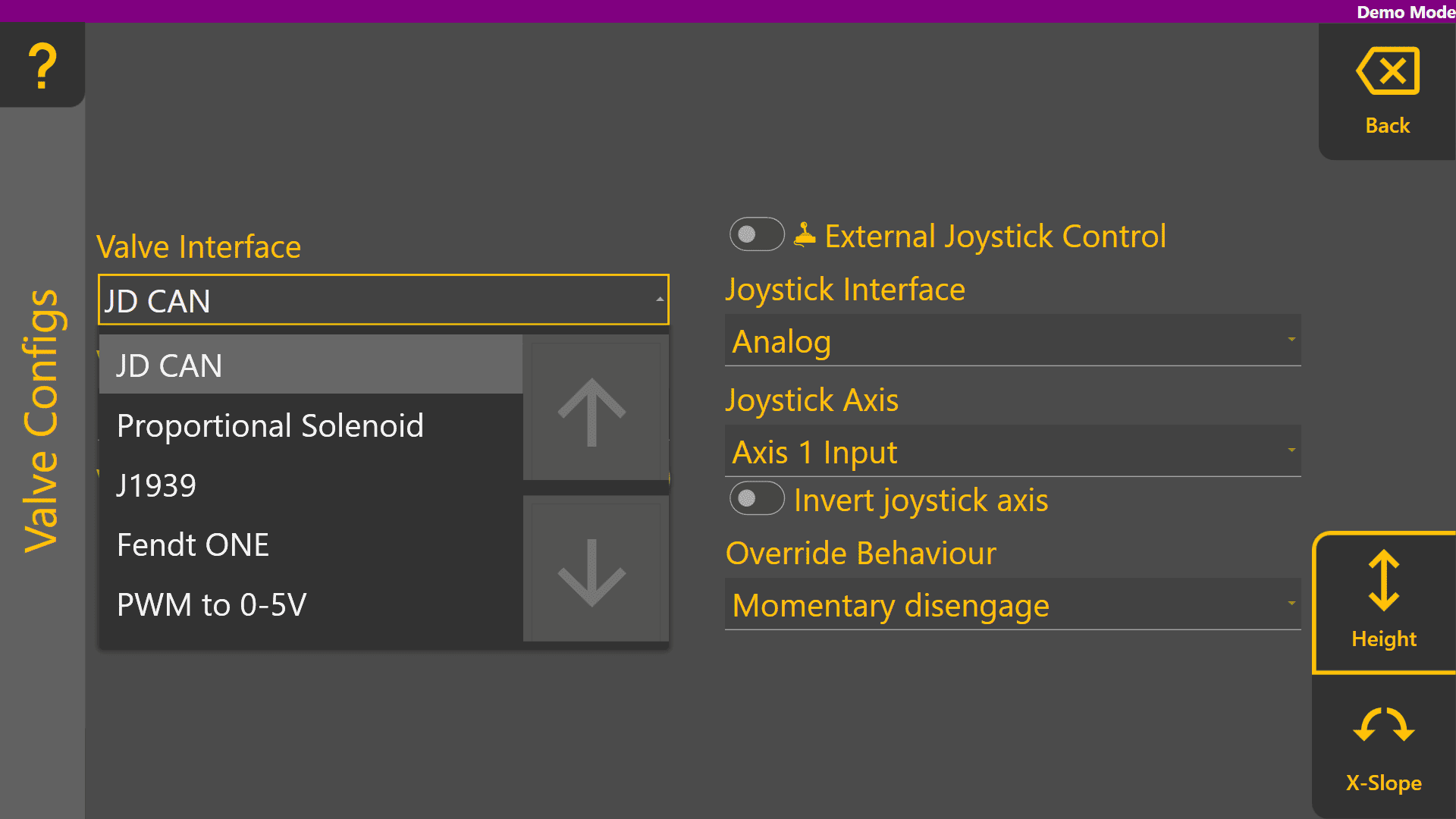
Select the appropriate valve interface for the tractor, machine or external valves being used for that function. To begin with, set the desired valve interface type of the Height control function.
Different Valve Interface selections display different Valve Number selections depending on how they work - for more information please see the section in the COMMAND manual.
Valve Selection
When selecting Valve Interface options like JD CAN, J1939 and Fendt ONE will only display valve numbers that have been detected on the ISOBUS or machine CANBUS. Below shows an example of the dropdown with the tractor switched off.
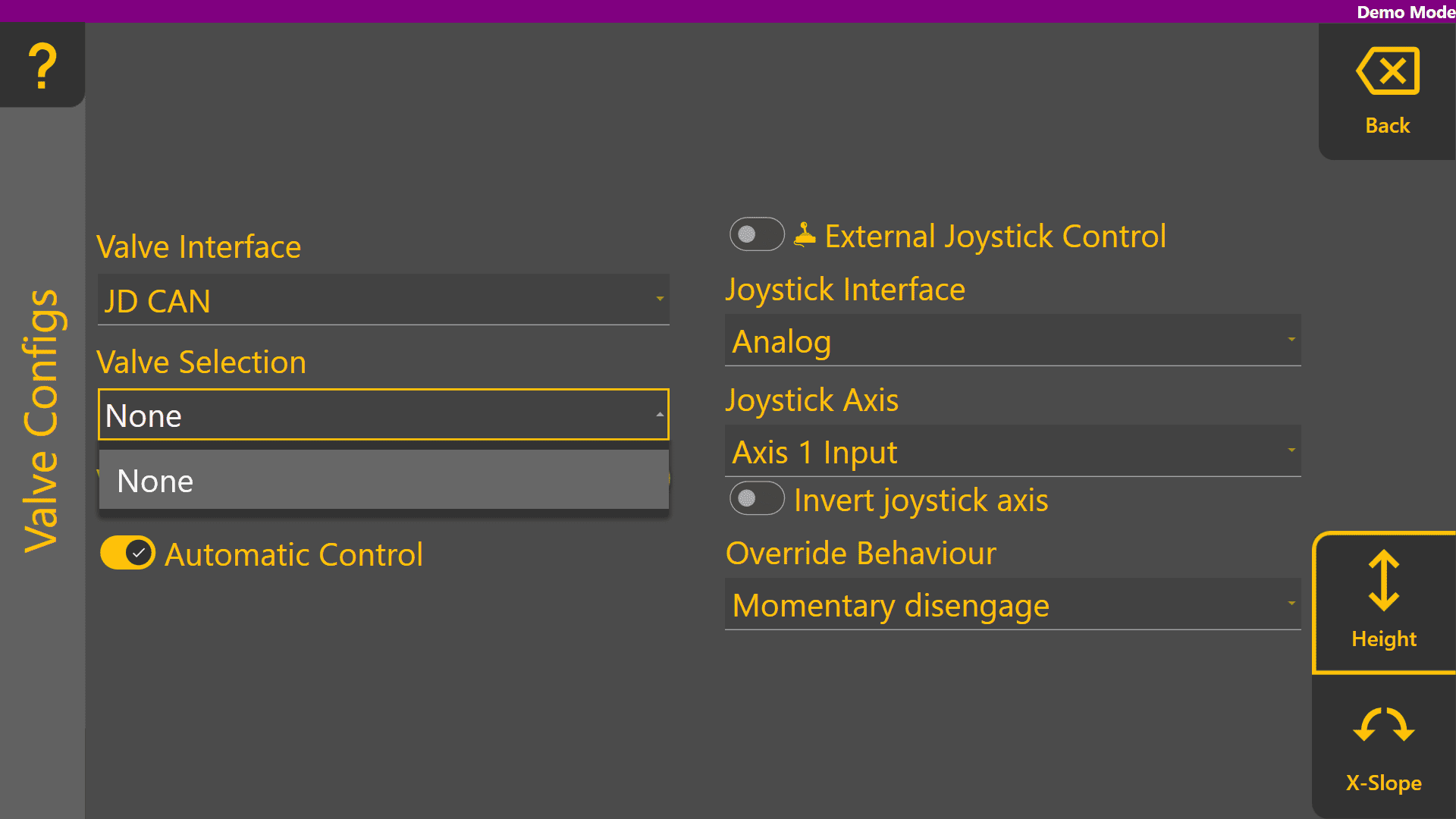
Once detected on the ISOBUS or machine CANBUS, any available SCV / Remote / Auxiliary valve selections will be displayed in the Valve Selection list as shown:

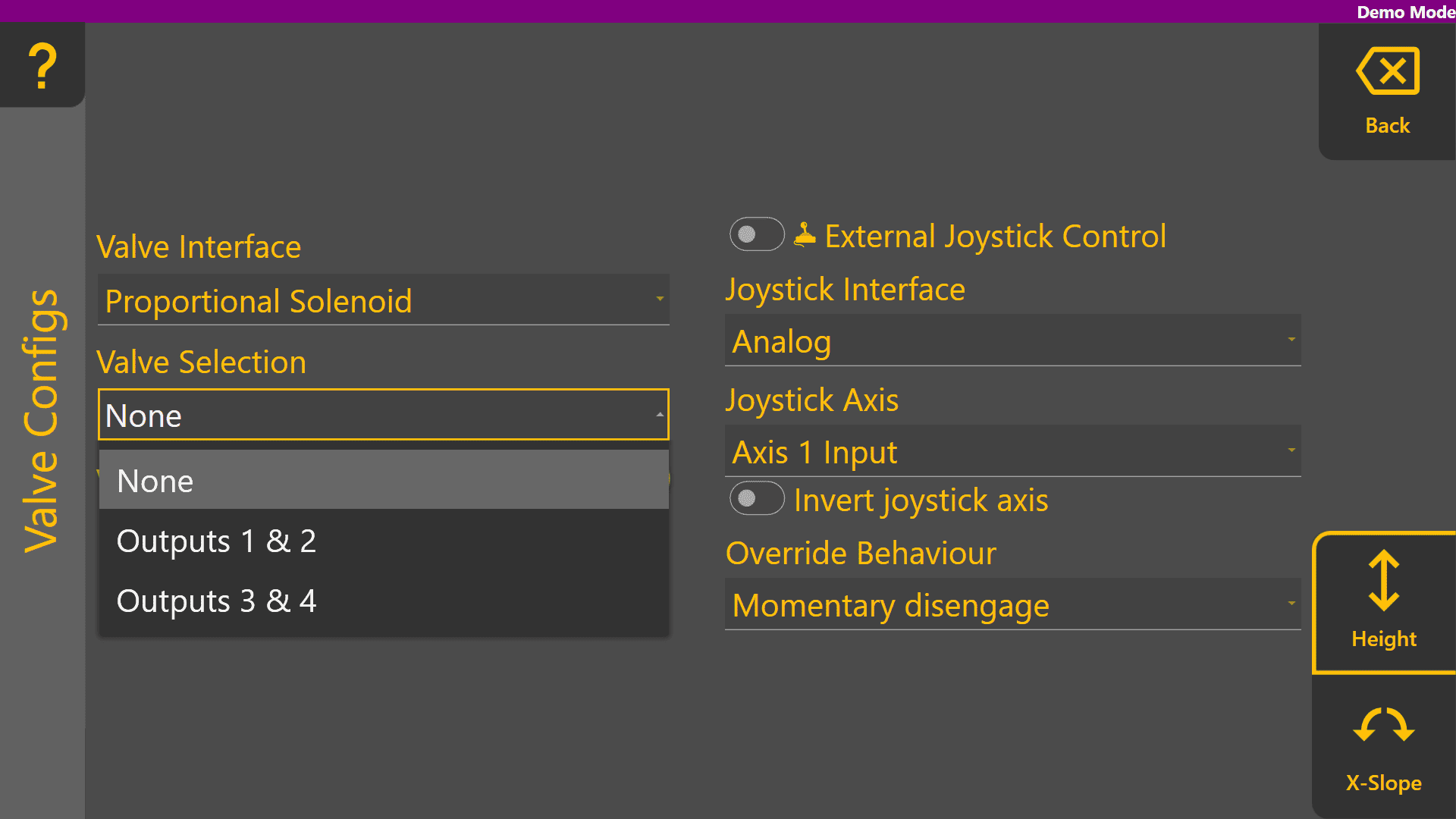
Analog valve interfaces such as Proportional Solenoid and PWM to 0-5V always display all Valve Selection options. Valve signals for these selections generally rely on harnessing to connect the outputs of the COMMAND ECU to the proportional solenoid or laser system inputs.
Valve Status
The Valve Status provides information on the current status of the selected Valve Interface and Valve Selection. The table below explains each of the different possible valve statuses that may appear:
| Status | Description |
| Valve Unavailable |
The selected valve is not available for use.
|
| Waiting for Manual SCV Input |
Move the SCV lever corresponding to the selected SCV - this must be done when using John Deere tractors.
|
| Short to Ground |
An overload has been detected and the resistance between the valve signal output pin and ground is near-zero, holding the output low.
|
| Short to Batt |
An overload has been detected and the valve signal output pin is being fed power from another source holding the output high.
|
| Open Load |
A connection or valve issue has been detected, and the resistance between valve signal output pin is too high, indicating a broken wire or valve solenoid/coil.
|
| SCVs Locked |
The SCVs must be unlocked using the console SCV padlock button.
|
| System Not Armed |
If the Arm/Engage switch is currently Off:
If the Arm/Engage switch is currently in the middle position:
|
| Ready |
The selected valve is currently not active and the ECU is ready for automatic control or manual control commands for that function.
|
External Joystick Setup

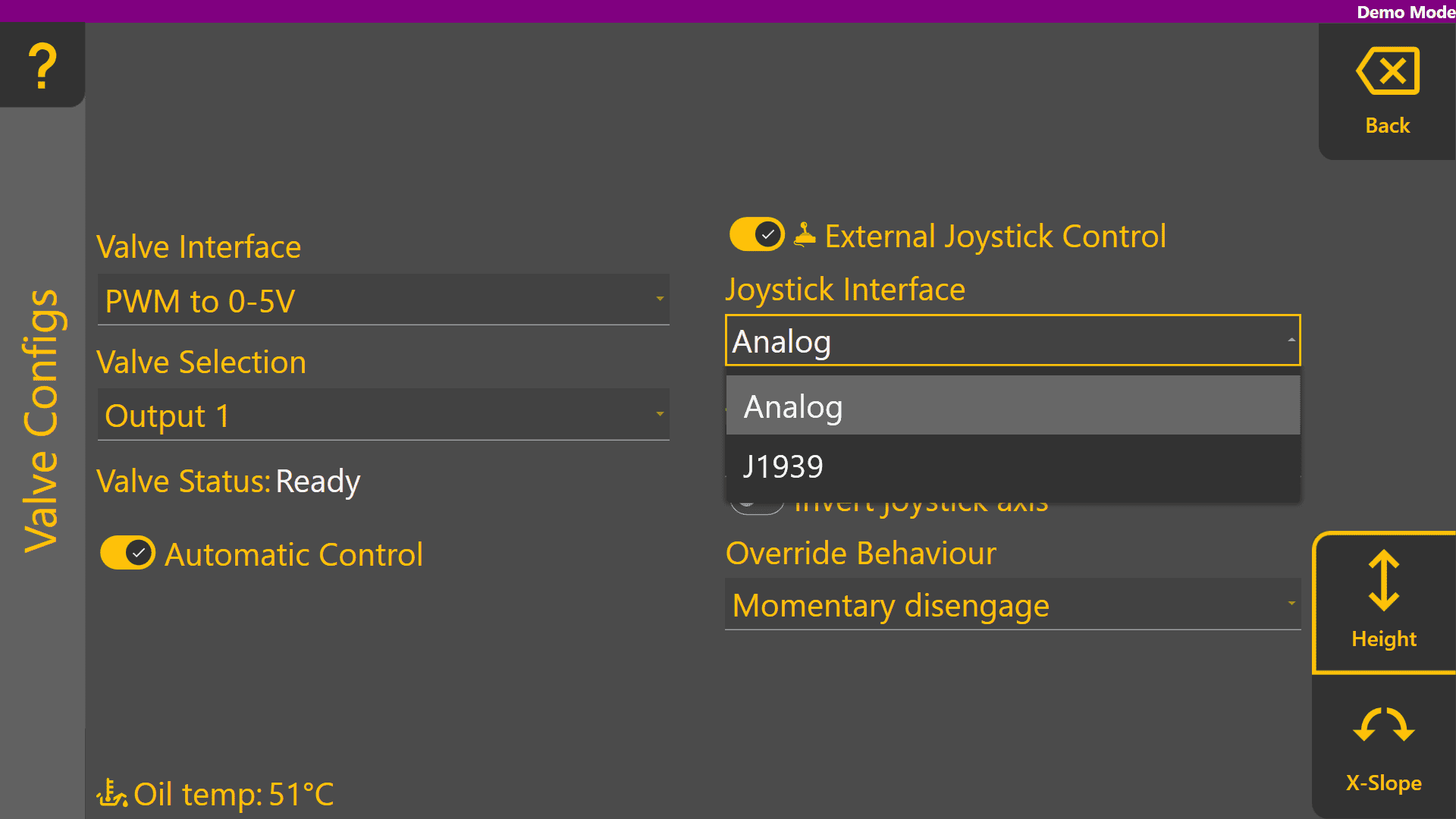
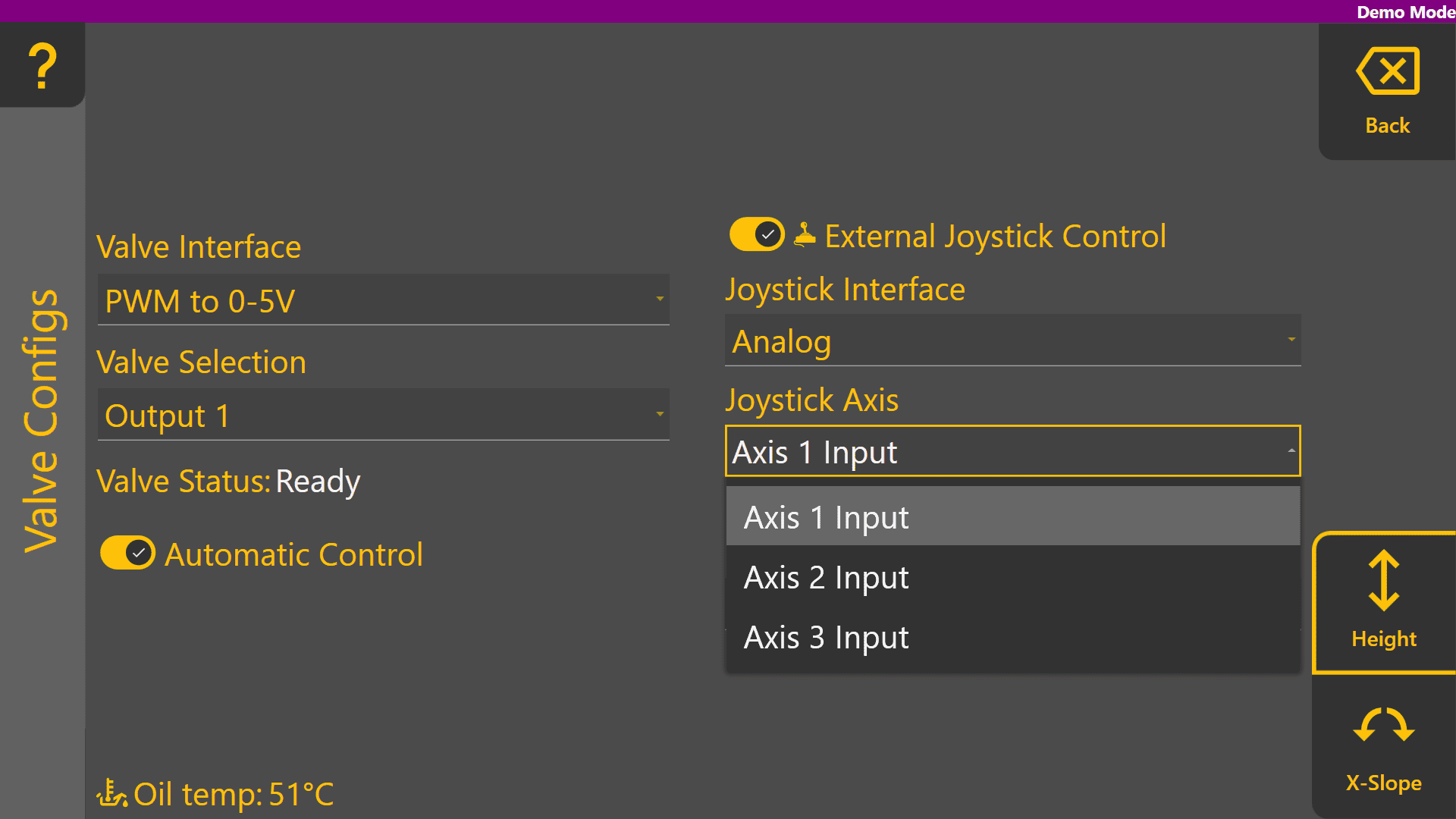
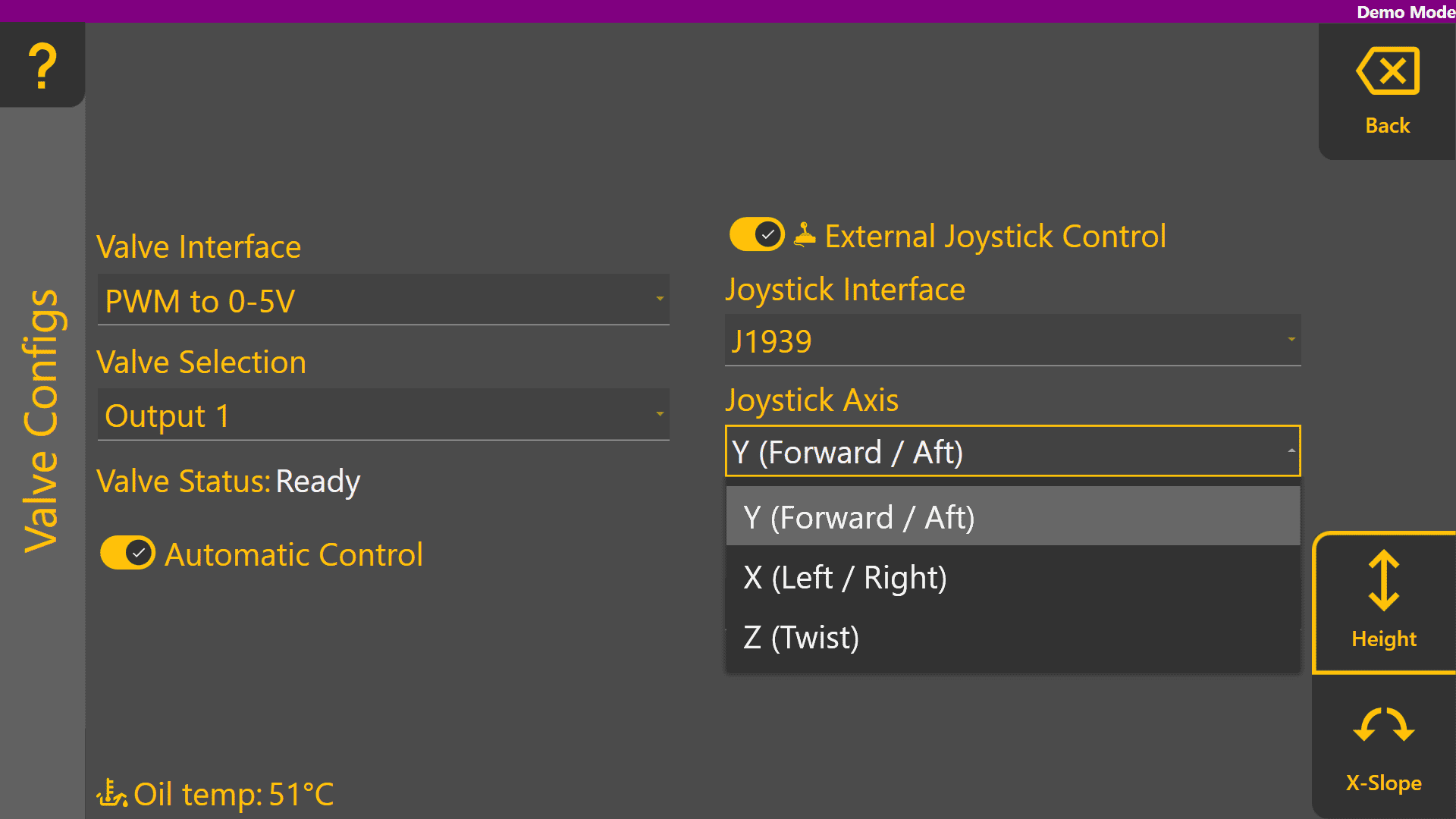
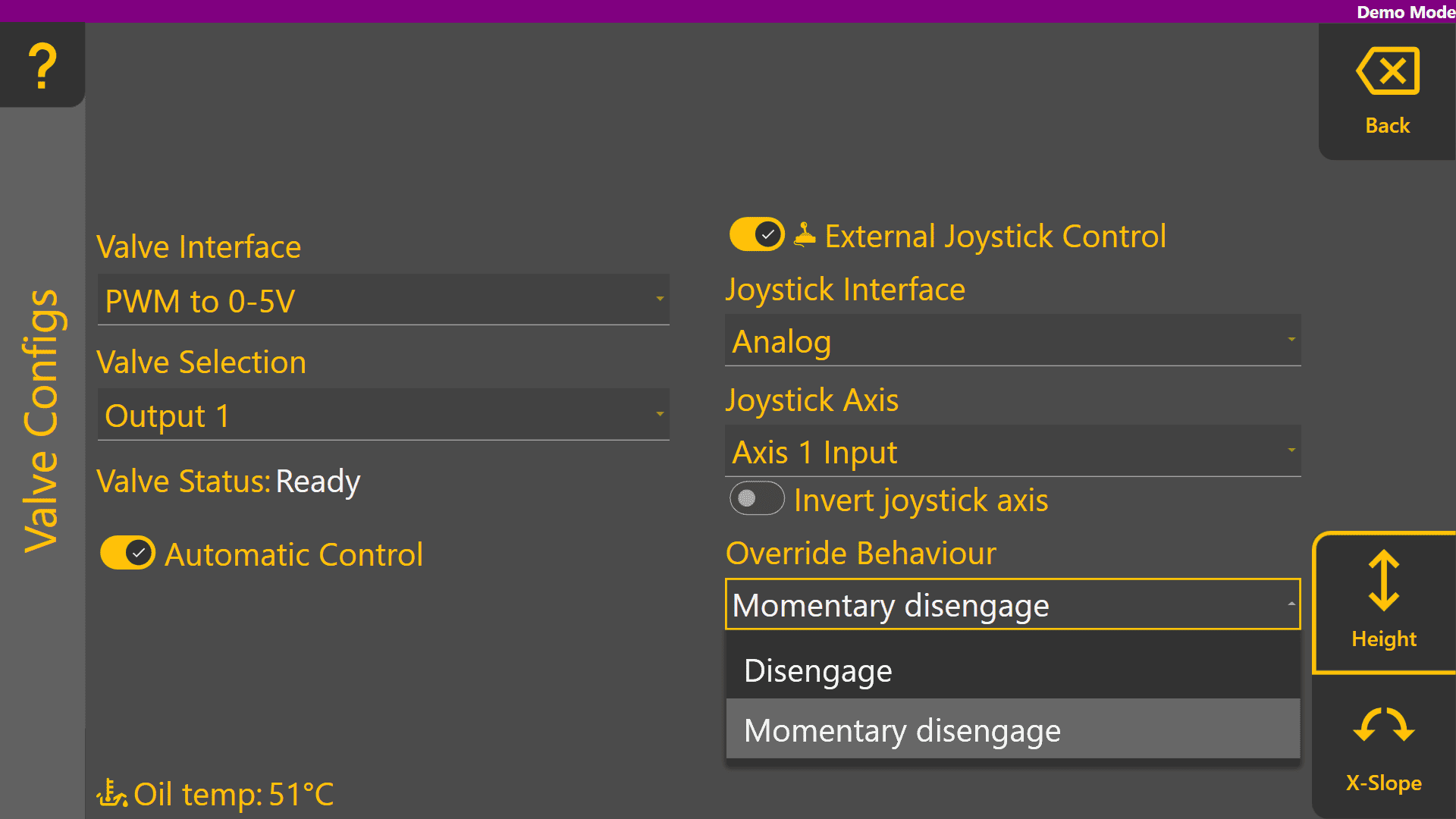

Example Height Valve Configuration Page
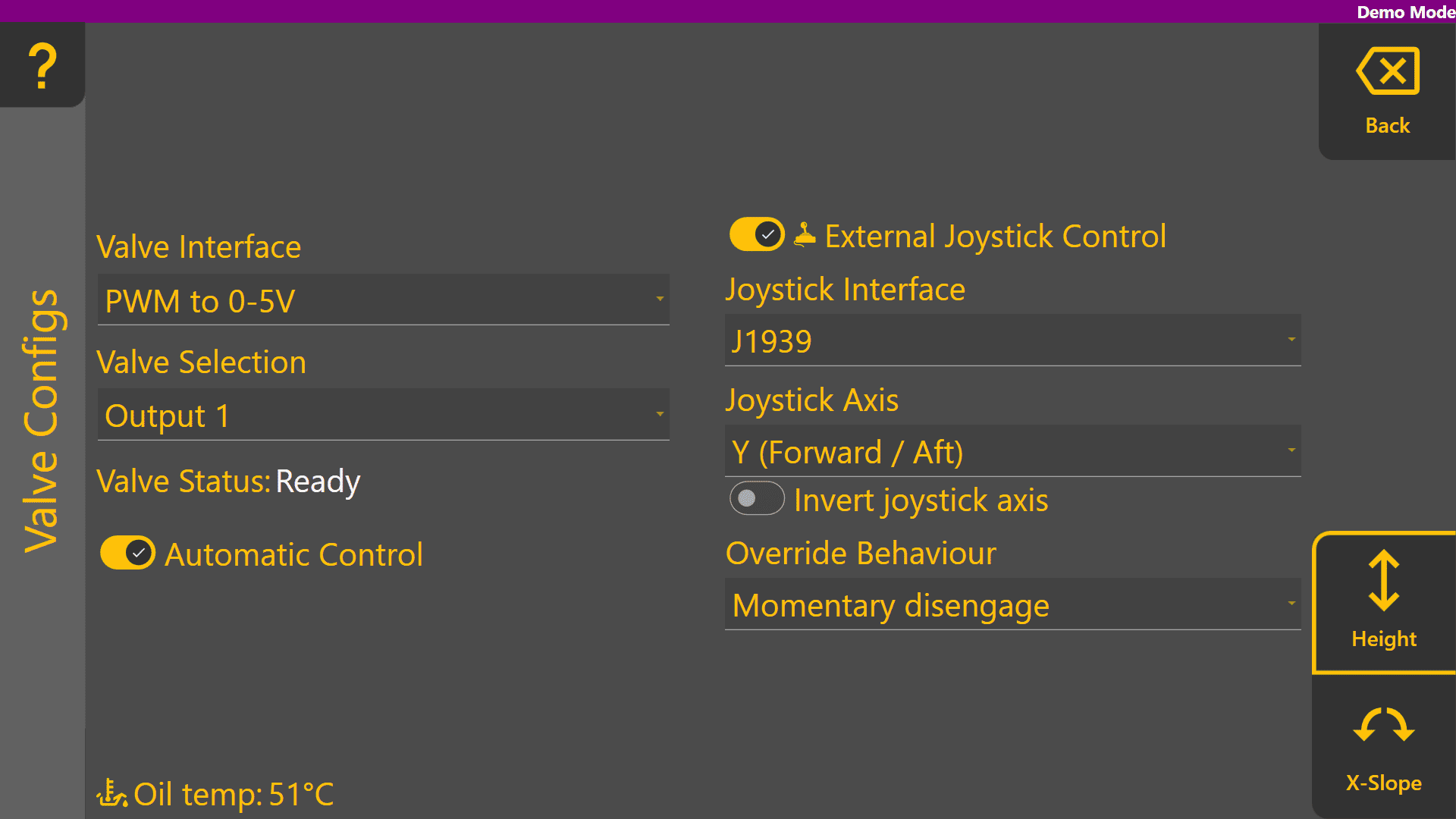
Example X-Slope Valve Configuration Page
