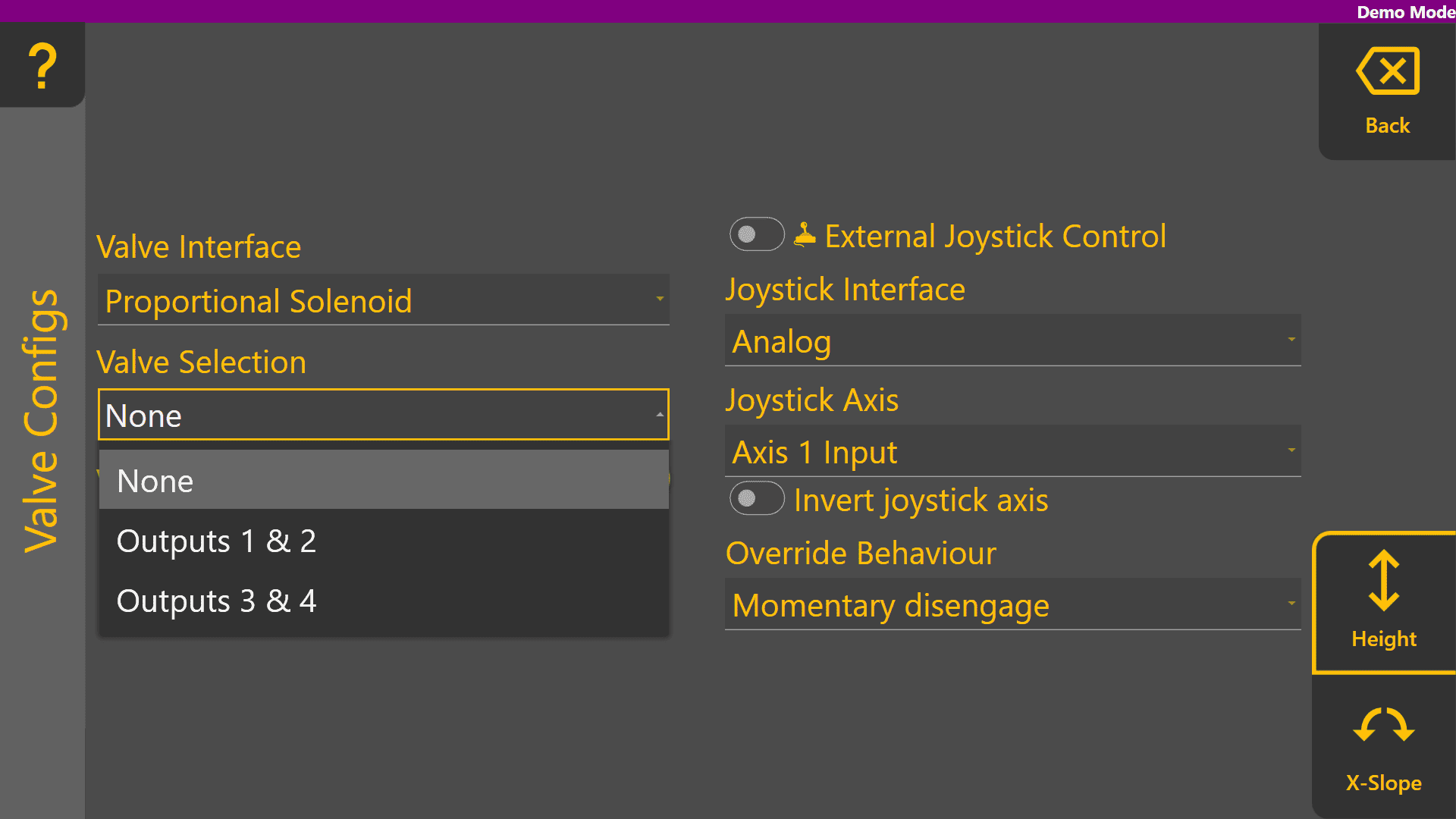
COMMAND Settings - Valve Configs
The Valve Configs page is used to set up the control output interface for each control function. Appropriate signals of that interface type are then generated when automatic or manually controlling the implement. External joystick inputs are also configured on this page when making use of an analog or J1939 CANBUS joystick.
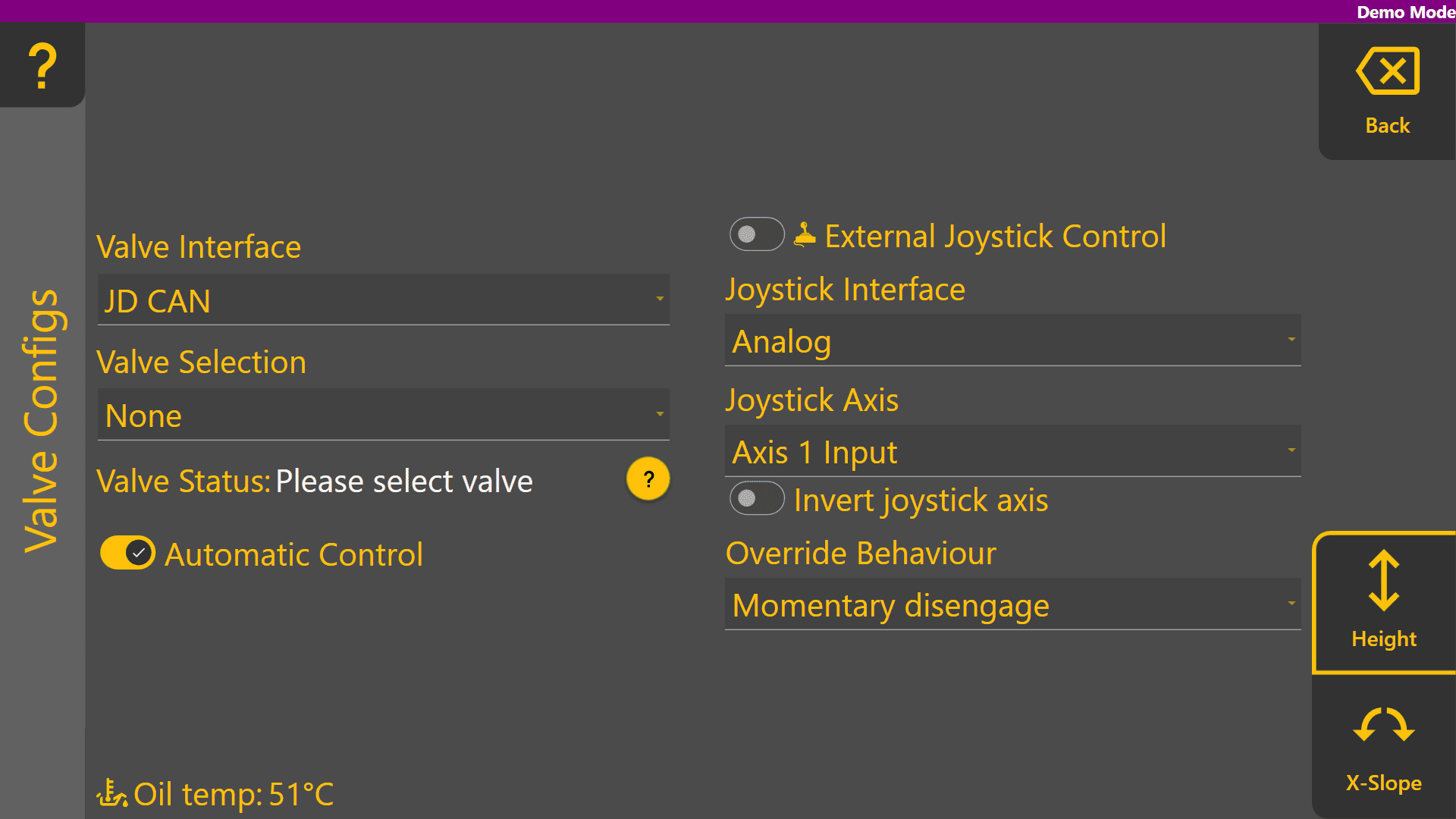
At the bottom right corner of the screen, buttons will be shown if there are two available control functions. If using a Height control only machine profile, only the Height page is displayed.
Valve Interface
Select the appropriate valve interface for the tractor, machine or external valves being used for that function. To begin with, set the desired valve interface type of the Height control function.
Different Valve Interface selections display different Valve Number selections depending on how they work - for more information please see the section in the COMMAND manual.
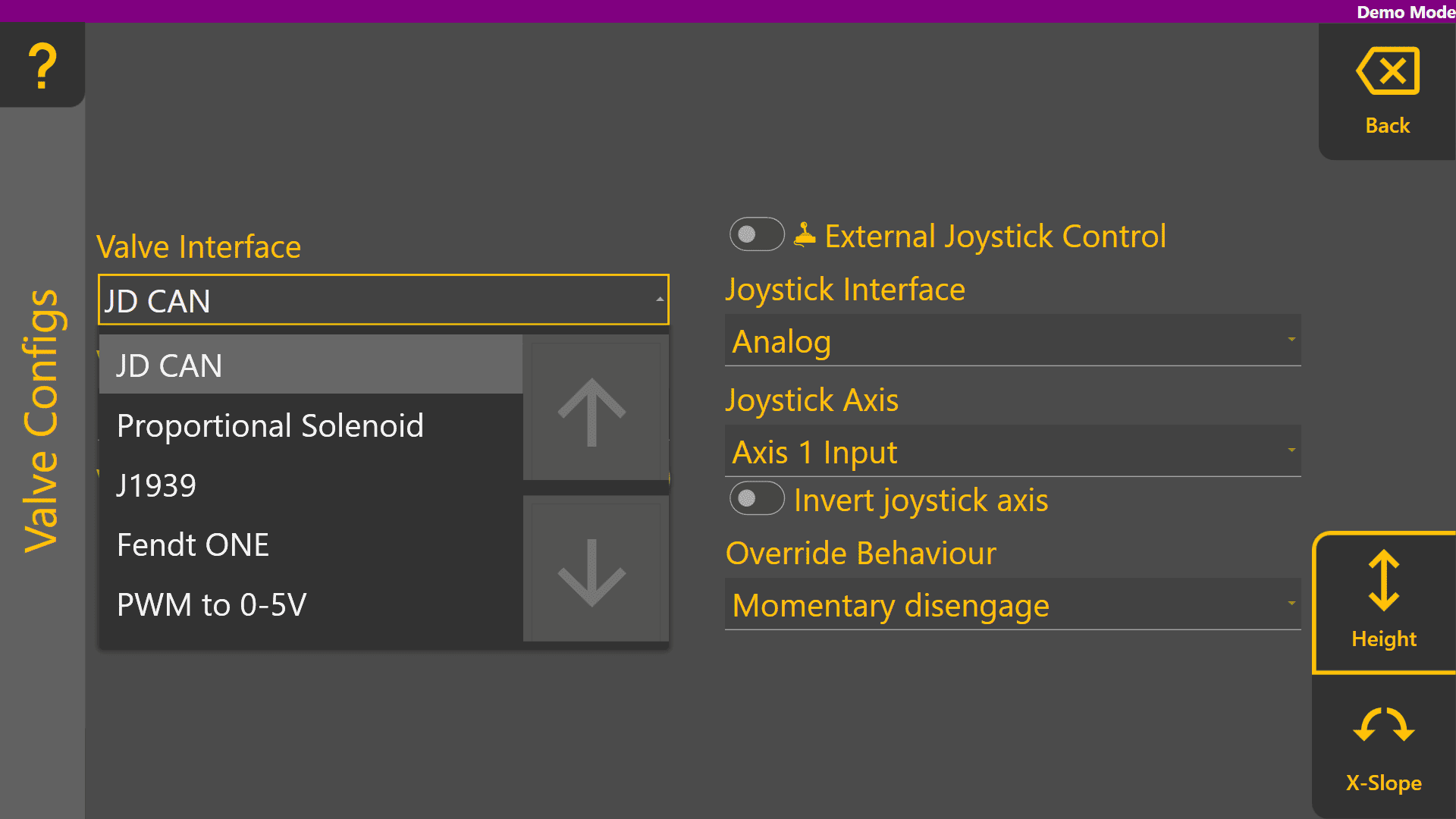
Valve Selection
When selecting the Valve Interface,Interface options like JD CAN, J1939 and Fendt ONE will only display valve numbers that have been detected on the ISOBUS or machine CANBUS. Below shows an example of the dropdown with the tractor switched off.
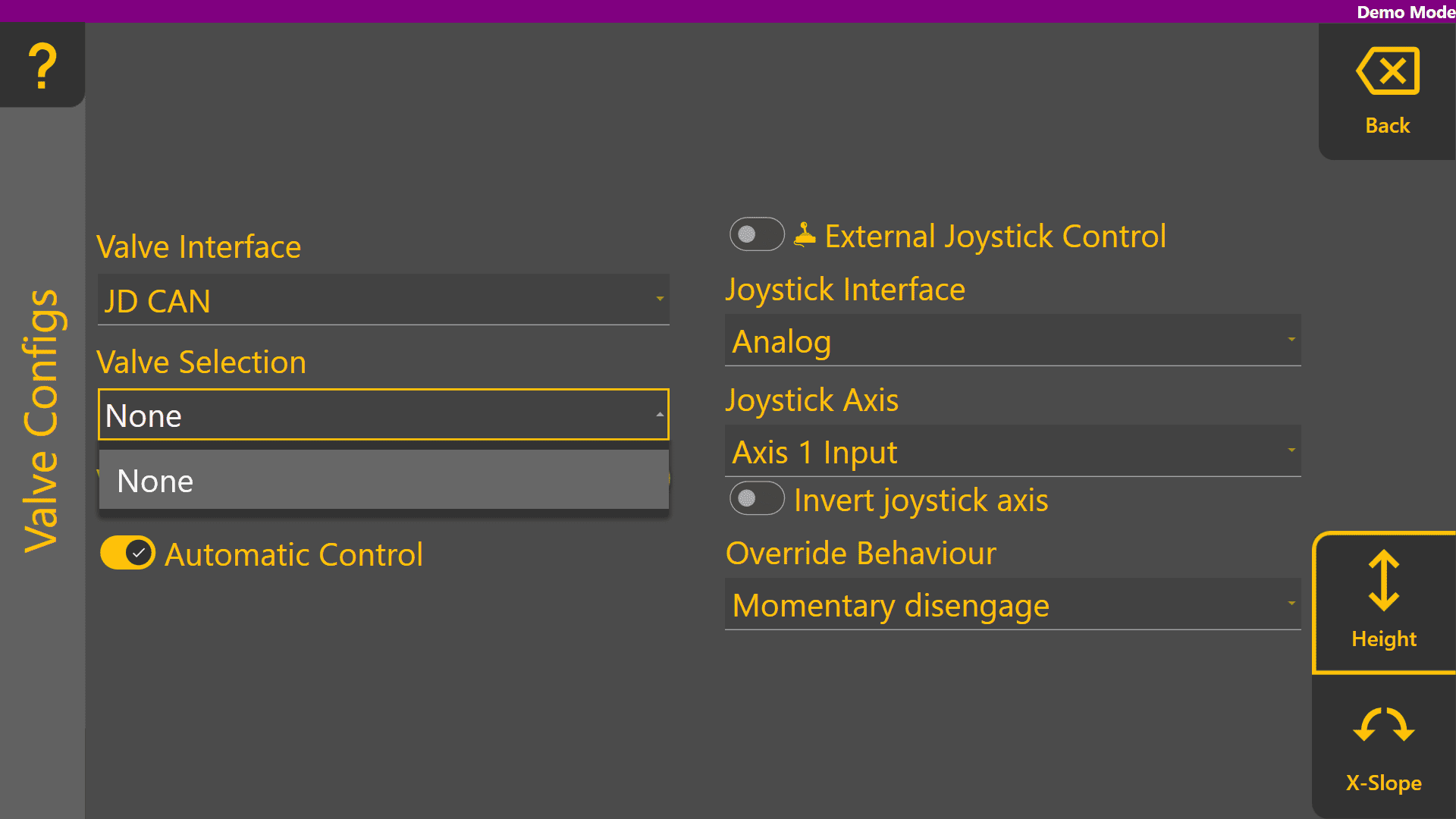
Once detected on the ISOBUS or machine CANBUS, any available SCV / Remote / Auxiliary valve selections will be displayed in the Valve Selection list as shown:

Analog valve interfaces such as Proportional Solenoid and PWM to 0-5V always display all Valve Selection options. Valve signals for these selections generally rely on harnessing to connect the outputs of the COMMAND ECU to the proportional solenoid or laser system inputs.