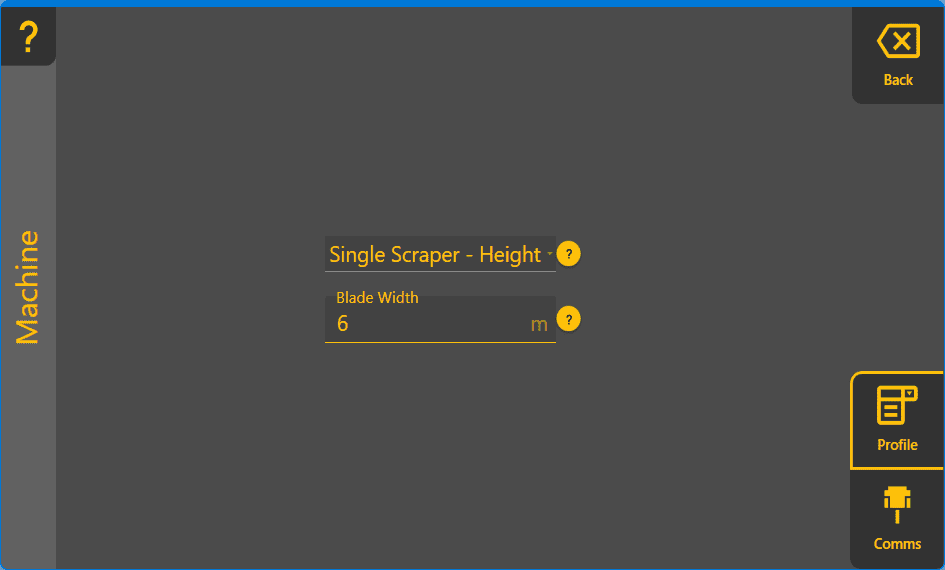
COMMAND Settings - Machine
The Machine page is used to setup the connection between Level COMMAND software and the COMMAND ECU in addition to selecting the machine profile being used.
Comms
When clicking on the Scan ports button, Level COMMAND will search for the serial port connected to the ECU.
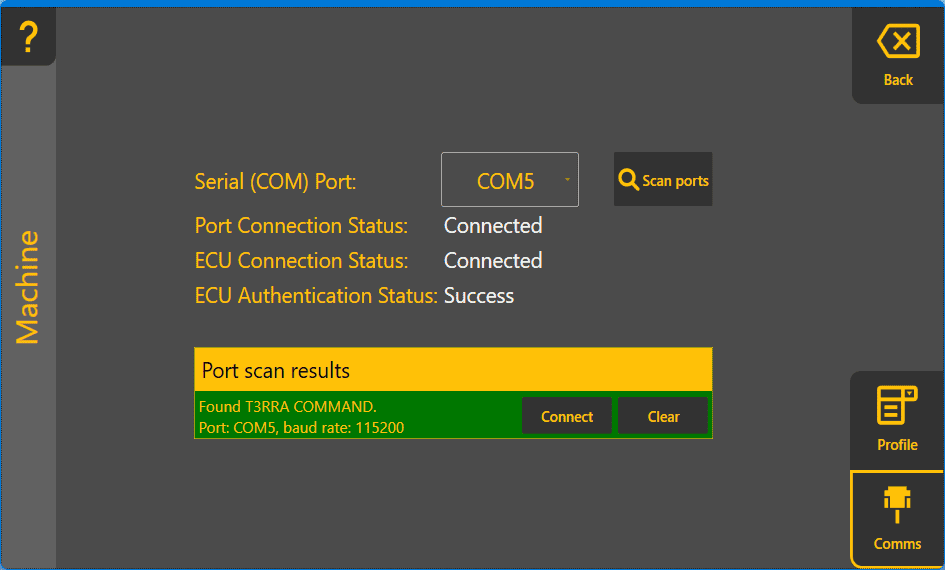
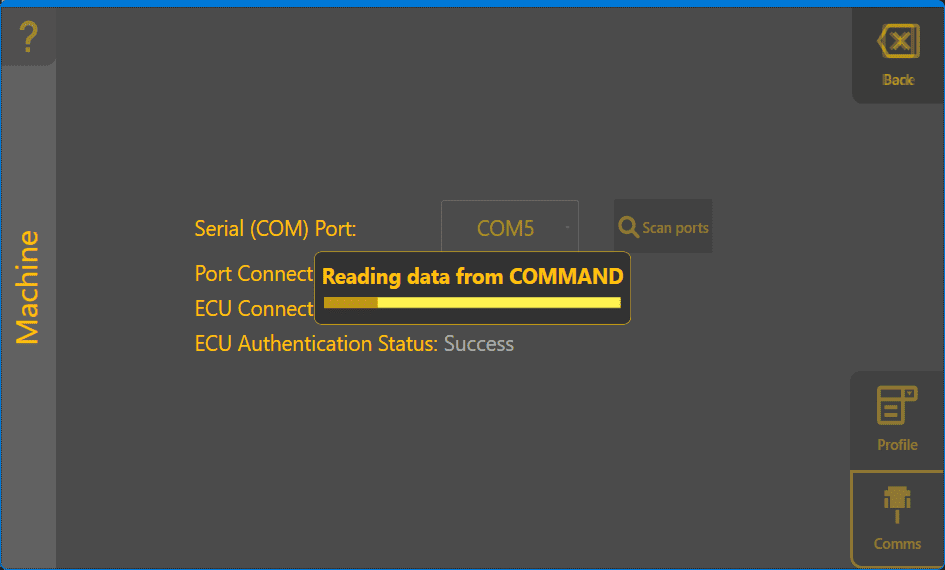
If the scan was successful, clicking on Connect will read all stored parameters from the COMMAND ECU.
Profile
The profile is used to select the type of equipment being used, for detailed information please refer to the COMMAND manual section.
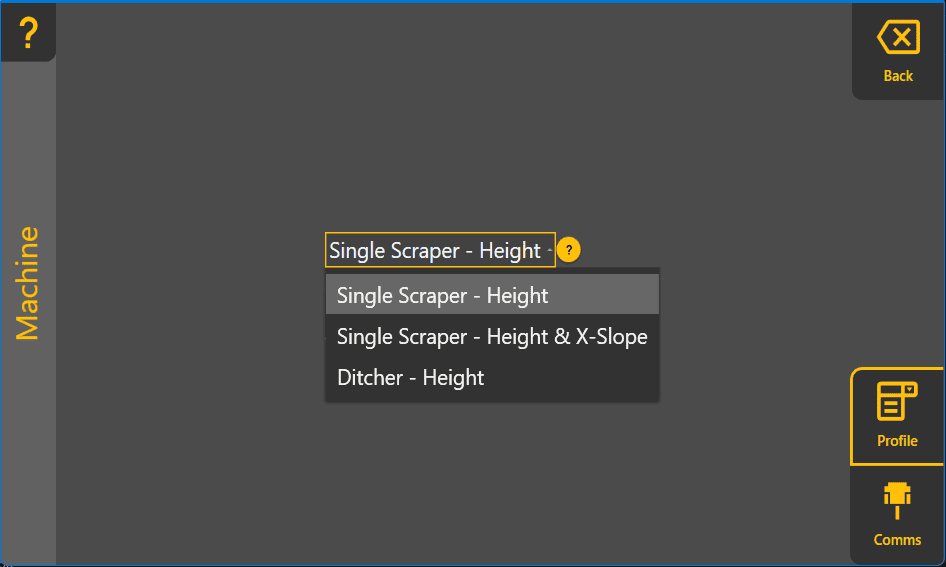
After selecting the machine profile, enter a blade width in the entry field shown - a red exclamation mark icon indicates that the blade width has not been set yet.