COMMAND Settings - Inputs/Offsets
The Inputs / Offsets page is used for selection of input sensors, such as GNSS receivers for height control or Inertial Measurement Units (IMU) for terrain compensation and Tilt / X-slope control.
Height
Inputs
All COMMAND machine profiles have at least one height control function intended for use with a GNSS receiver for vertical position feedback.
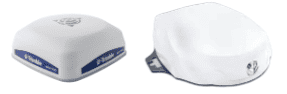
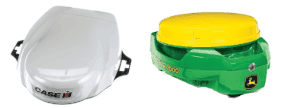
Tap on the dropdown box below Input Type to view the different GNSS input options currently available. This dropdown will update with any StarFire or NMEA 2000 receivers currently connected, which are then displayed with either "SF" or "N2K" followed by the receiver serial number.
StarFire Example:
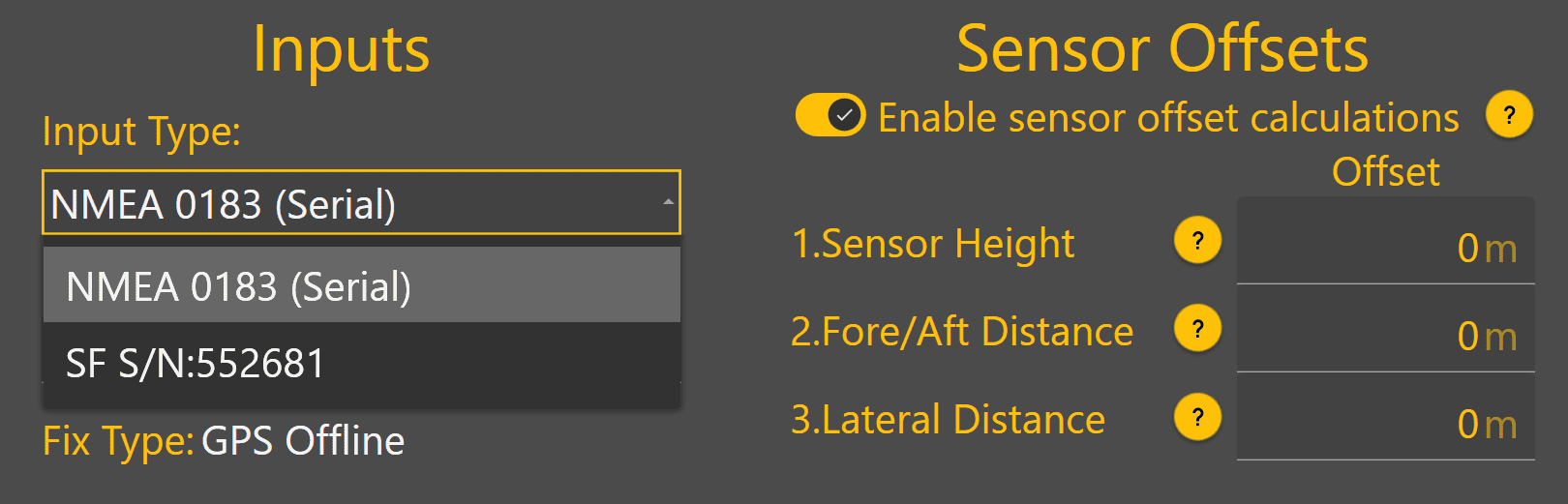
NMEA 2000 Example:
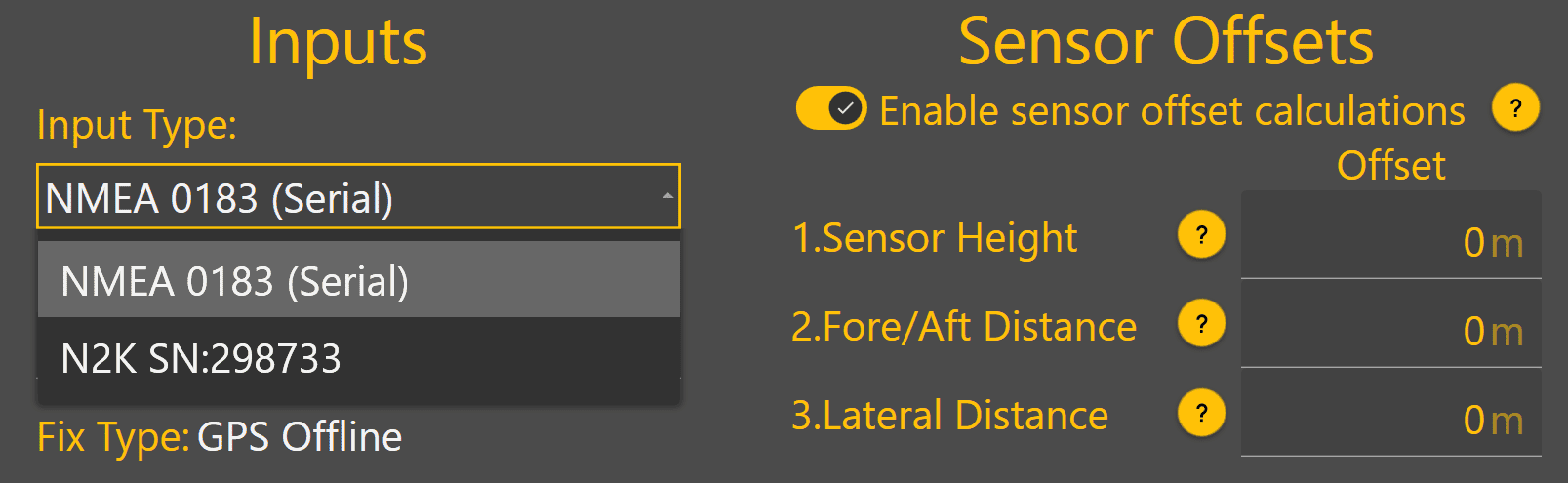
Once the GNSS receiver has been selected, Fix Type should change from GPS Offline to another status to indicate the current GPS quality. If GPS Offline is still shown, the receiver may still be initialising.
Sensor Offsets
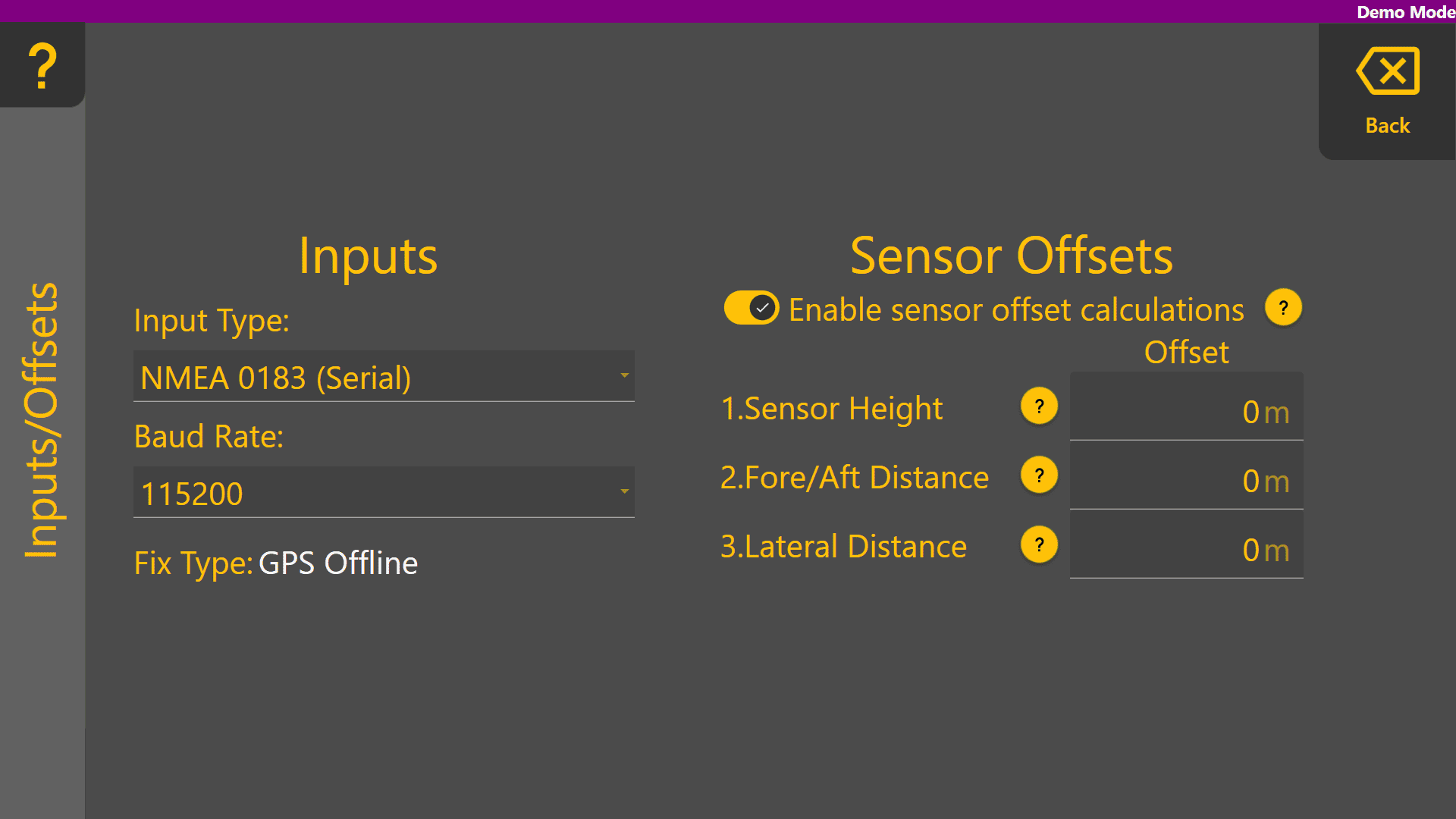
If using a GNSS receiver with Level COMMAND that is not capable of IMU-based terrain compensation, sensor offset calculations can be enabled.
Blade Width - Enter the height of the GNSS receiver's measurement point above the cutting edge of the blade.
Positive = Above the cutting edge
Negative = Below the cutting edge
Fore/Aft Distance - Enter the distance forward or backward from the GNSS receiver centre point to the cutting edge of the blade.
Positive = In front of the cutting edge
Negative = Behind the cutting edge
Lateral Distance Enter the distance between the GNSS receiver centre point to the middle of the cutting edge of the blade.
Positive = To the right side of the middle as if standing behind the scraper
Negative = To the left side of the middle as if standing behind the scraper
Sensor Offsets Example:
In the example screenshot below, the GNSS receiver has been mounted:
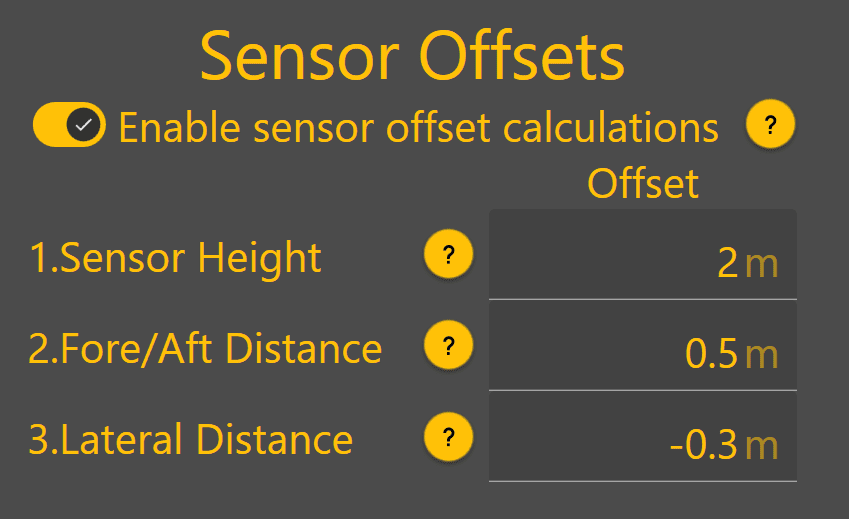
- 2 metres above the blade cutting edge
- 0.5 metres in front of the blade (toward the front of the tractor)
- 0.3 metres to the left of the middle of the blade (looking toward the rear of the scraper)
Inputs / Offsets set up is now complete for profiles with only a height control function.
X-Slope 
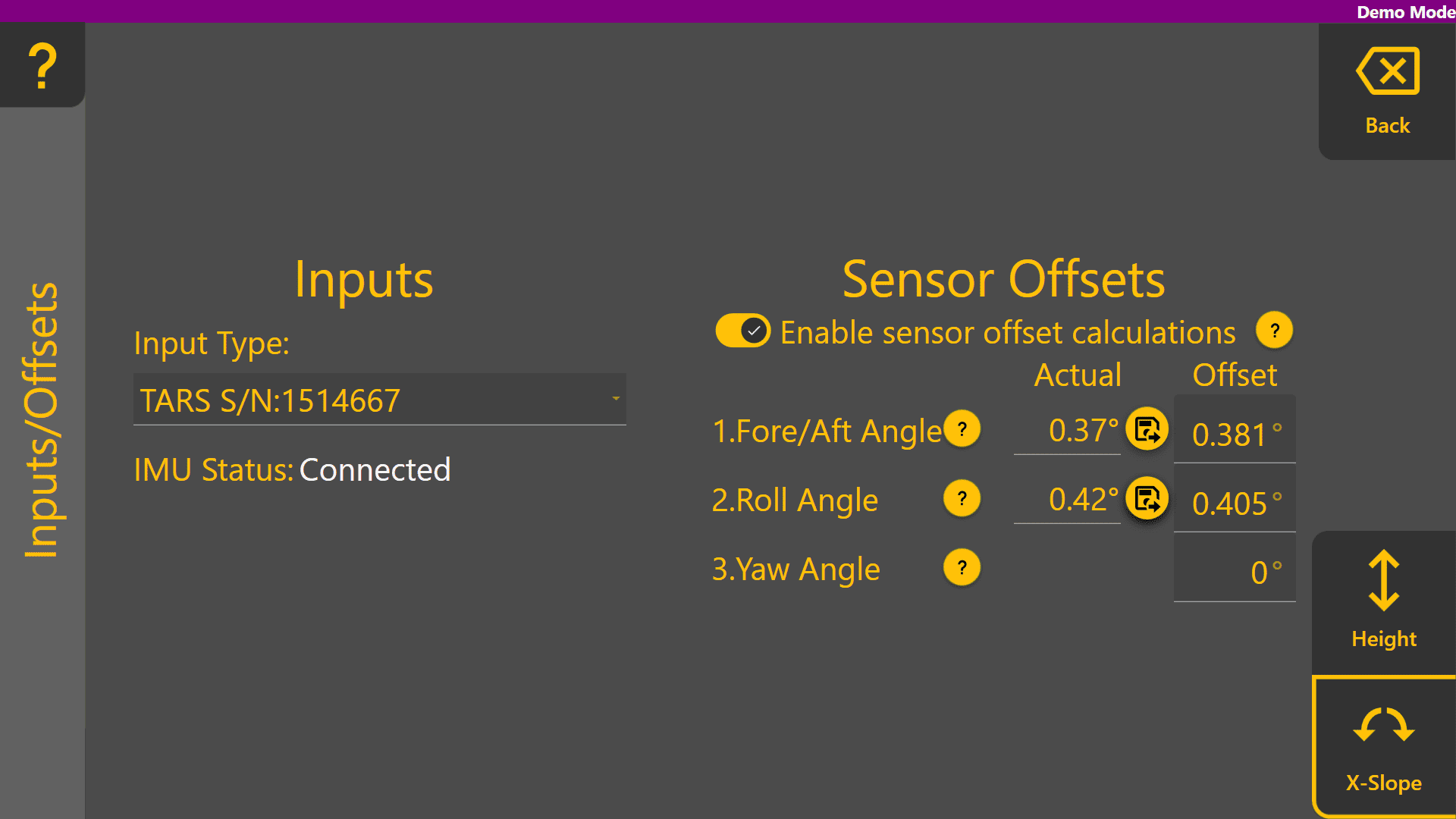
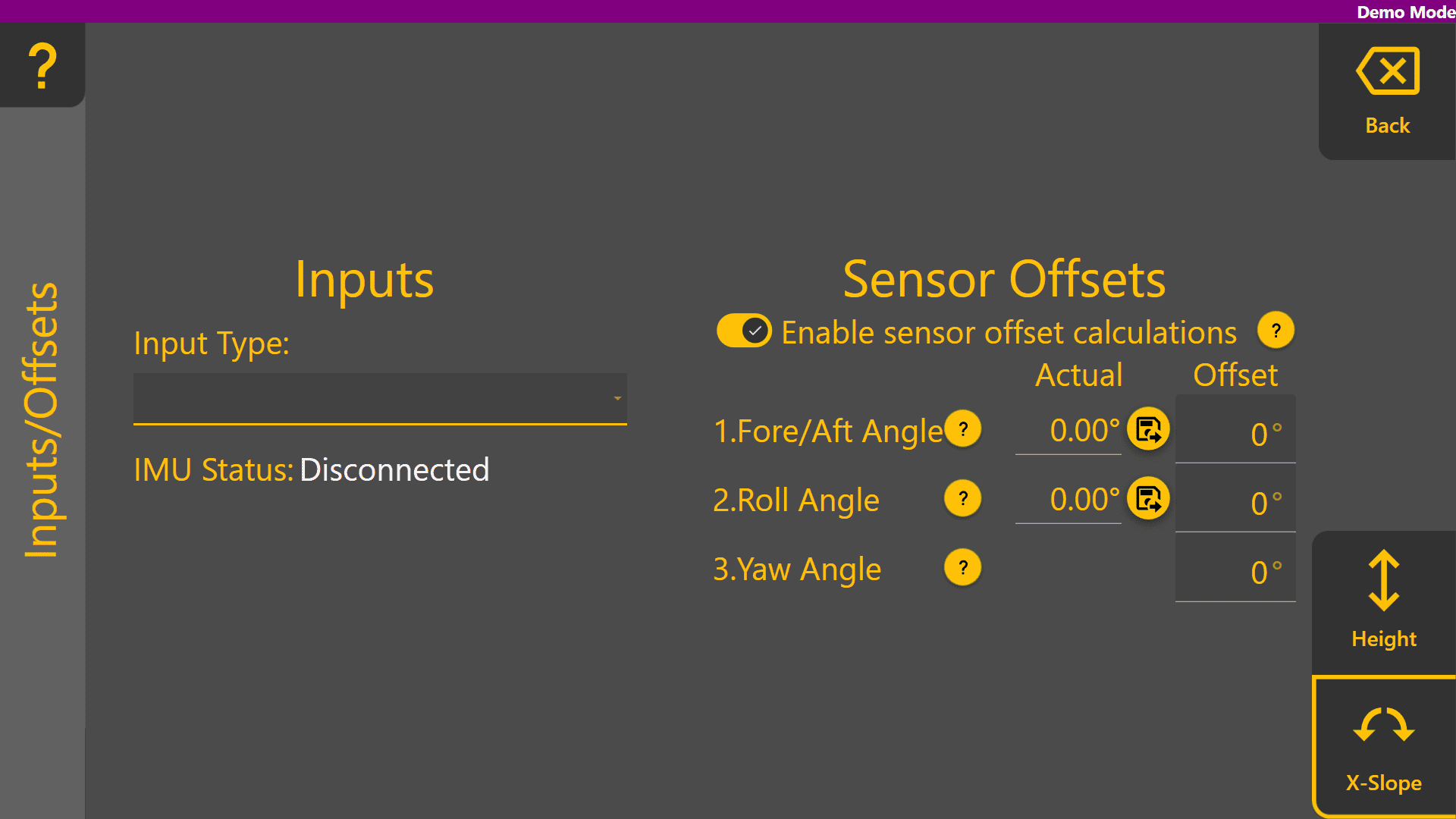
Some COMMAND machine profiles have a Tilt / X-slope control function intended for use with an IMU for blade tilt / x-slope angle feedback. Tap on the Input Type dropdown box to view currently connected IMU sensors, and select the desired input sensor.
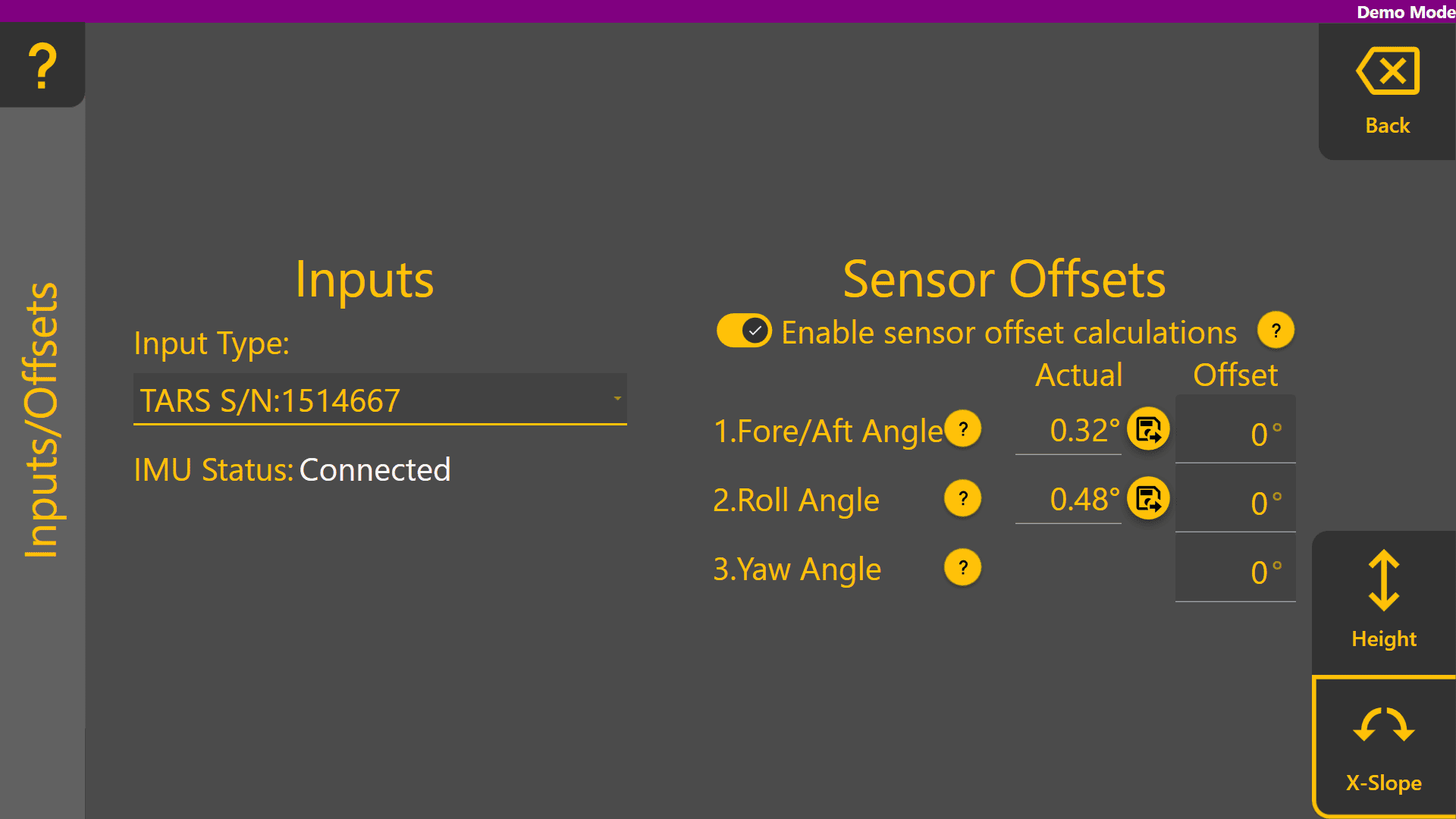
Once selected, IMU Status will change to Connected. Additionally, the "Actual" values for Fore/Aft Angle and Roll Angle under Sensor Offsets will begin updating with the current angle of the selected IMU sensor.
In cases where the IMU sensor has not been mounted on the blade at a perfect 0 degree pitch and roll angle, the save offset buttons can be used to set the Fore/Aft Angle and Roll Angle offsets to the current angle reading. Before doing so, use equipment such as a spirit level, or a known level surface to ensure the blade is completely level. Once done, press the  icons to set each of the two offset values to the current angles.
These values are saved in the COMMAND ECU and only need to be changed if the position of the IMU sensor, or the shape of the blade has changed for some reason.