
Blade Shift
The blade shift buttons allow you to manually shift the height of the blade; up, down, or rotate it (for cross-slope control).
To use it, click the "Blade shift" button.
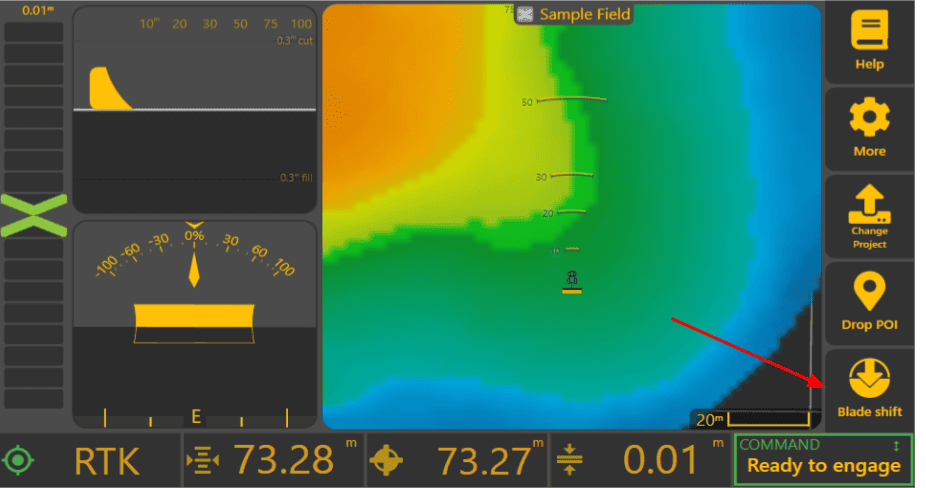
Breakdown of the Blade Shift UI


Target Graph: The top graph shows you all the stats about what is happening with the control loop.
- Design is the what the goal is to hit - the design surface.
- Target is what the ECU is currently targeting. In this case it's been nudged by -2cm so it's showing below design. If there was no shifts present then it would be the same as Design. This is what all of the other UI (On-grade indicator,
- Current: Is the current height of the blade/implement
- Original: The elevation surface, what the surface started as before any earth was moved.
Up/Down: Will adjust your targeted blade height by the blade shift increment. Likewise, in cross-slope it will be left/right with the same effect.
To slope: this will let you change from nudging up/down to editing cross slope. Only present if you have a cross slope capable setup.
Blade shift: this text-box shows the current shift. Tapping on it will allow exact entry of a desired shift.
Advice on how to use Blade shift