
7.6 | Support & Error Reporting
'The GetSupport support& Error Reporting' -tools helpsallow your dealer give you remote support. You must be connected to the Internet for this to work.
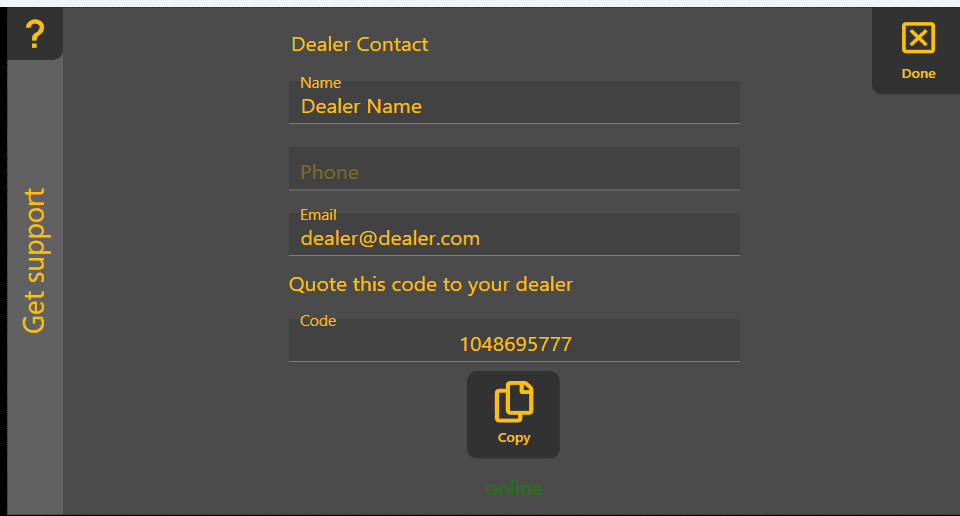
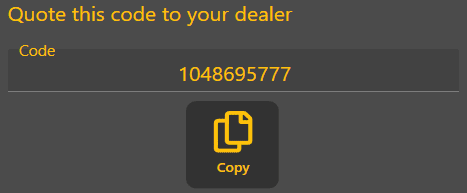
'Setup remote support' - downloadsoperators and installs the support app. A progress bar will be displayed, followed by a code that you should provide to your dealer.

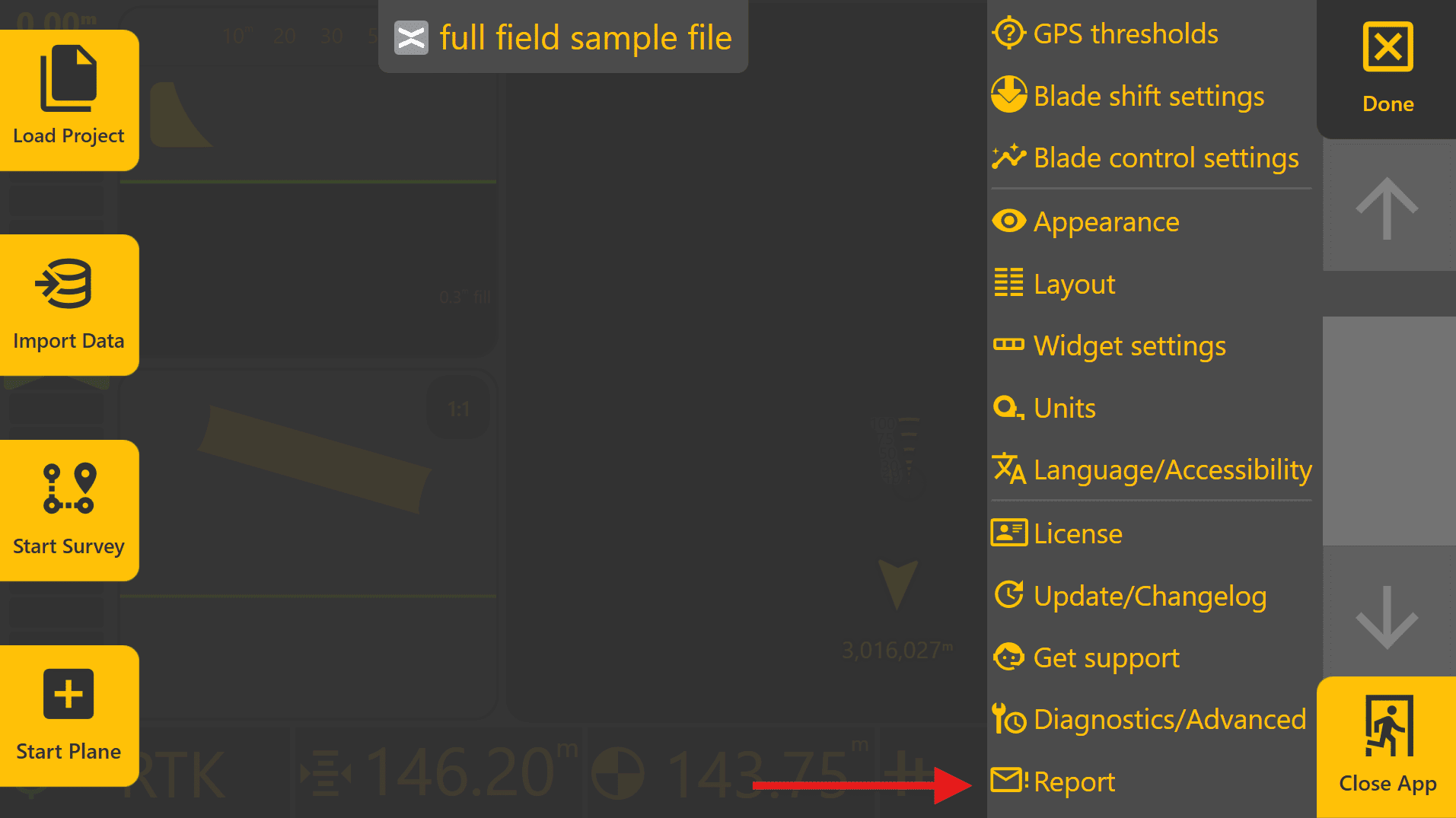
To access the Error Reporter, press More → Report.
An internet connection is required for Remote Support and sending reports.
Error Reporter
The 'SetupError remoteReporter support'allows buttonbug onlyreports, isfeature onlyrequests shownand whenother the support app is not installed on your device.
This is the last option in the More menu. It opens up a pagefeedback to sendbe asubmitted bug report or feature requestdirectly to T3RRA.
Your name and email address fields of this window are automatically filledpopulated using the detailsinformation fromentered youron the License page.
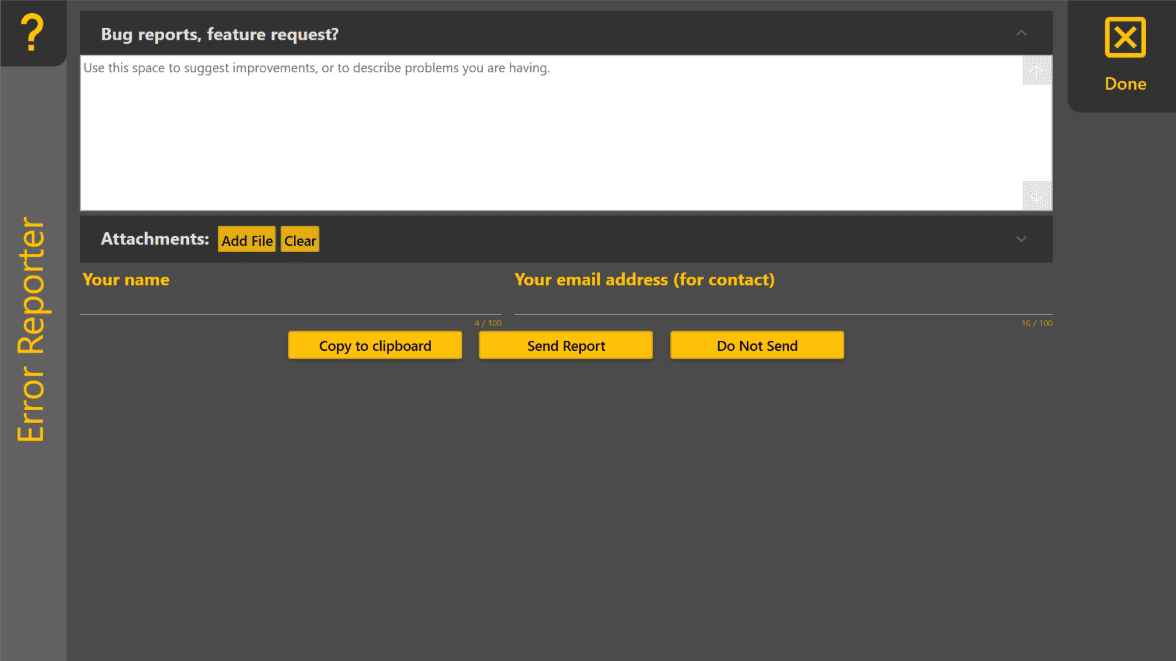
Creating bea connectedReport
For the most useful reports:
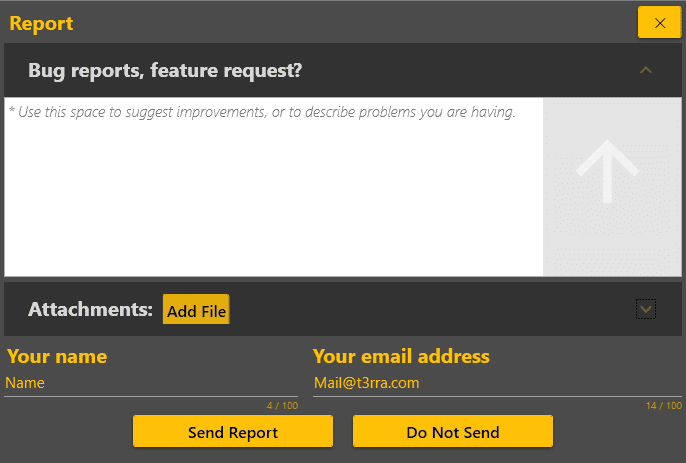
'Bugwhat reports,actually Featureoccurred.

'can be added using Add fileFile' - allows you to attach extra files that help the T3RRA development team address your issue..
Sending or Saving a Report

'
After selecting Send Report, do not close Level COMMAND until youconfirmation seeis displayed indicating that the message 'The report has been sent.'sent Otherwise,successfully. Closing the application too early may prevent attached files mayfrom notbeing beuploaded.
Operator Tip: The more information included with a report, the easier it is to reproduce and investigate. If possible, include screenshots, project files, log files and a clear description of the steps leading up to the issue.
Remote Support
Remote Support allows your authorised dealer to assist with troubleshooting and system configuration without requiring direct access to the machine.
To enable Remote Support:
Once connected, your dealer can assist with diagnosing configuration issues and investigating system behaviour.
'The DoSetup Remote Support button is only displayed if the Remote Support application has not send'already -been Close the page without sending the report.installed.