
8.8 | Support & Error Reporting
'Get support' - helps your dealer give you remote support. You must be connected to the Internet for this to work.
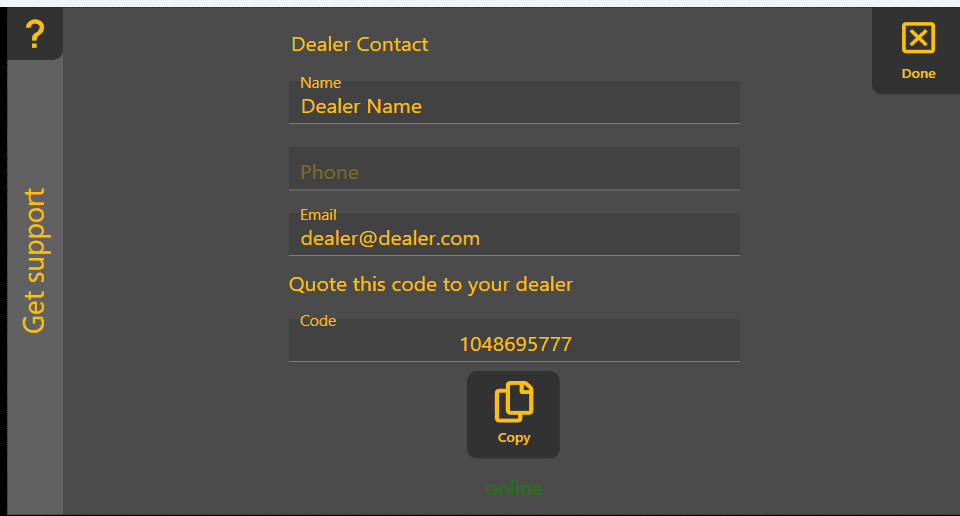
'Setup remote support' - downloads and installs the support app. A progress bar will be displayed, followed by a code that you should provide to your dealer.

-
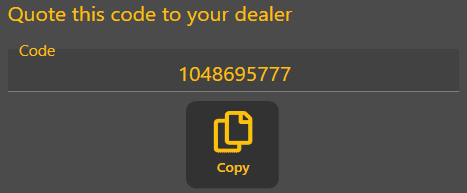
- Send your code to your dealer. You will then be able to receive remote support.

The 'Setup remote support' button only is only shown when the support app is not installed on your device.