
7.5 | Licensing
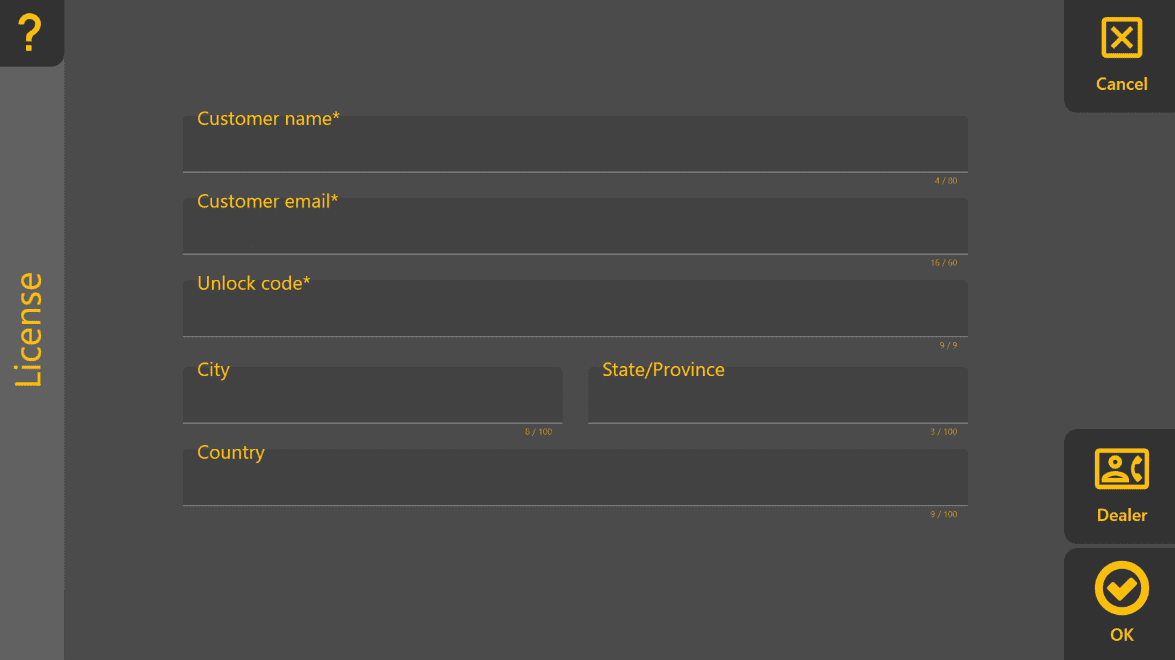
The Licensing page is used to activate Level COMMAND requiresand register the software for normal operation.
To open the Licensing page, press More → License.
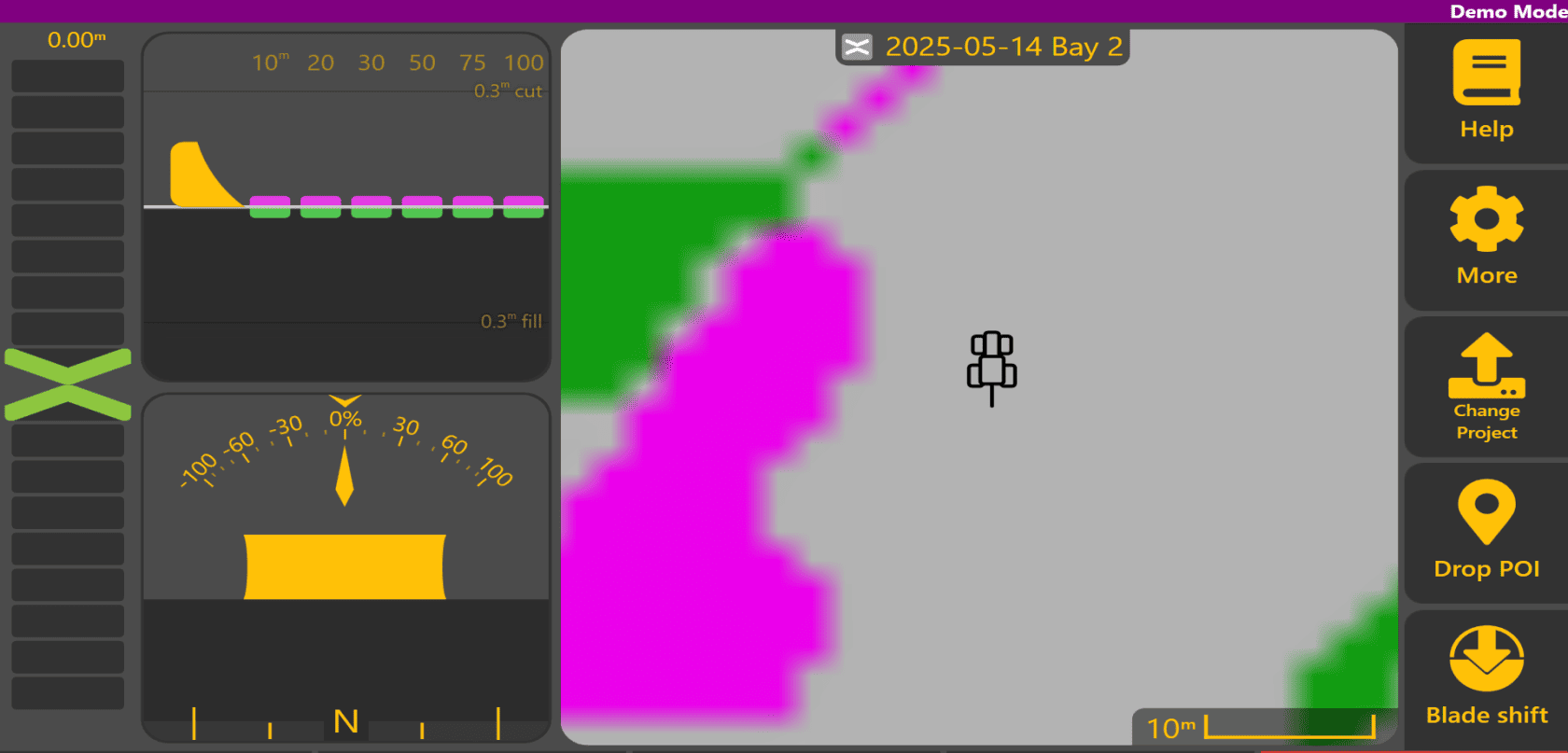
A valid licence is required for normal operation. If Level COMMAND has not been activated, a licenseDemo forMode completebanner operation.is You can tell if you're properly licensed by the presense (or lack) of a purple bardisplayed across the top of the screen.Apply View.
Activating Level COMMAND
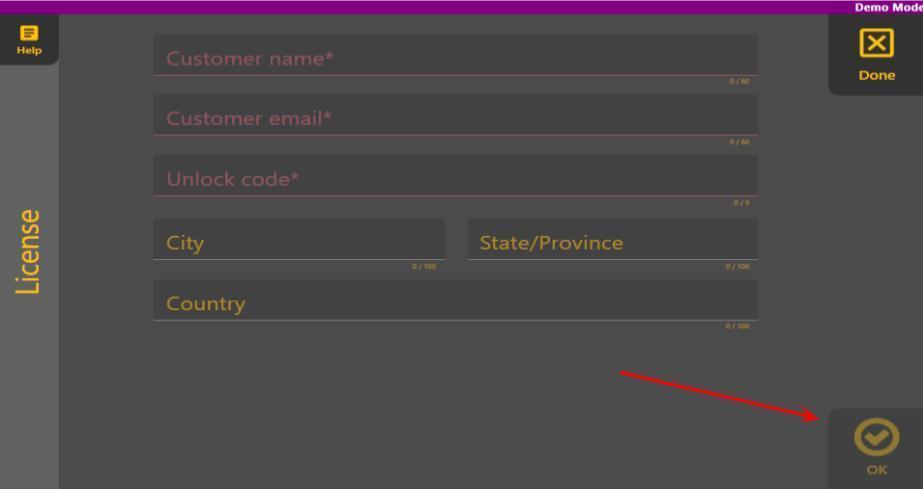
To unlockactivate Levelthe COMMAND,software:
The customer email address is requiredused for uslicensing and product-related communication where required.
Dealer Information
Press Dealer to view the contact youdetails regardingof licensingthe updatesauthorised andT3RRA softwaredealer reports.
responsible for supplying or supporting the system.
If Activation Fails
If you still can't unlock Level COMMAND,COMMAND seecannot Can'tbe unlockactivated: