
4.3 | Loading or Importing a Project
Loading a Design File
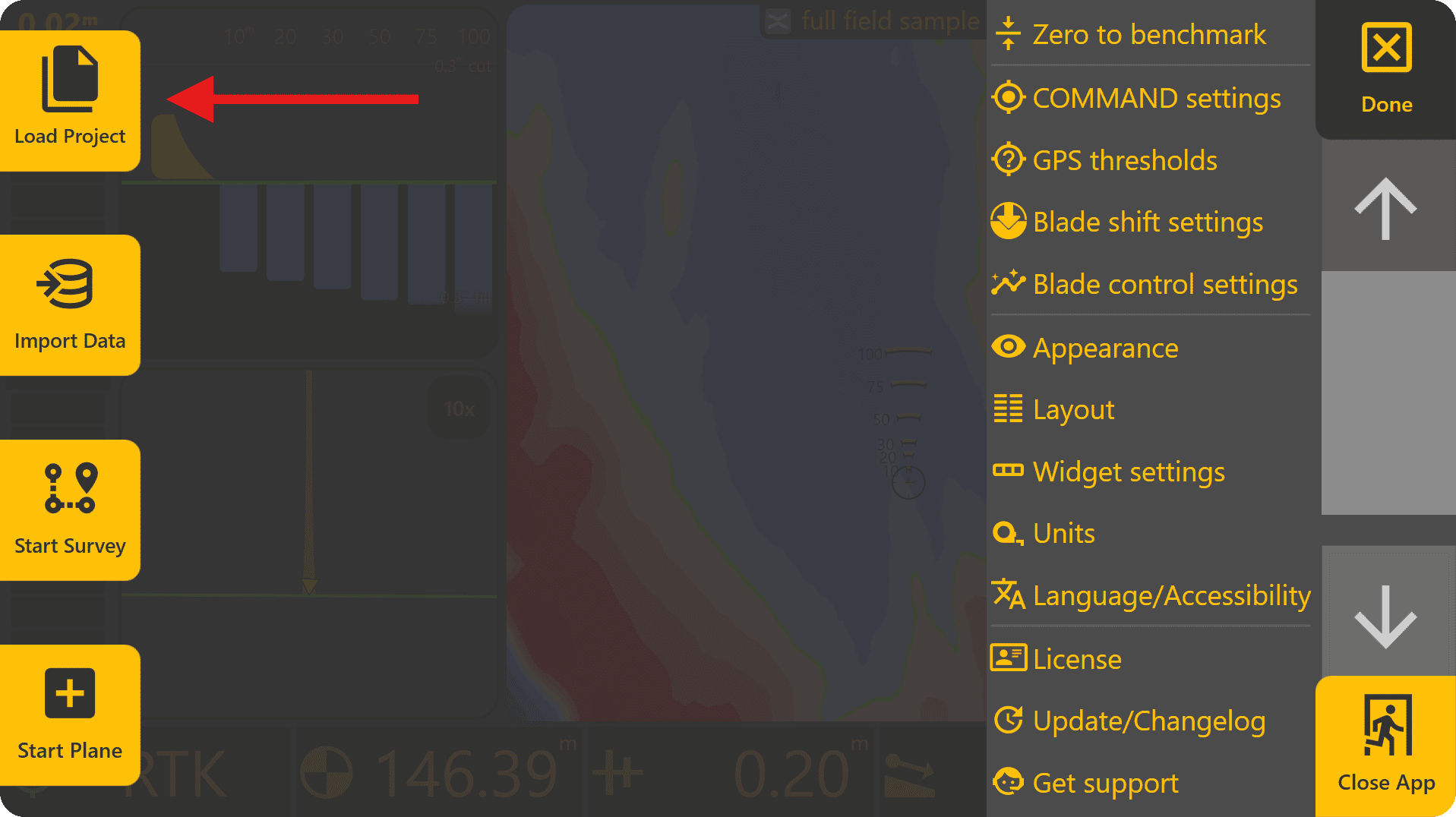
To load a design file, press Done at the top-right to return to the Level COMMAND apply page, then press More > Change Project:
If loading an existing Plane Project, select it from the list and press Load Selected. If loading a .tci or .gps design file, press To Import.
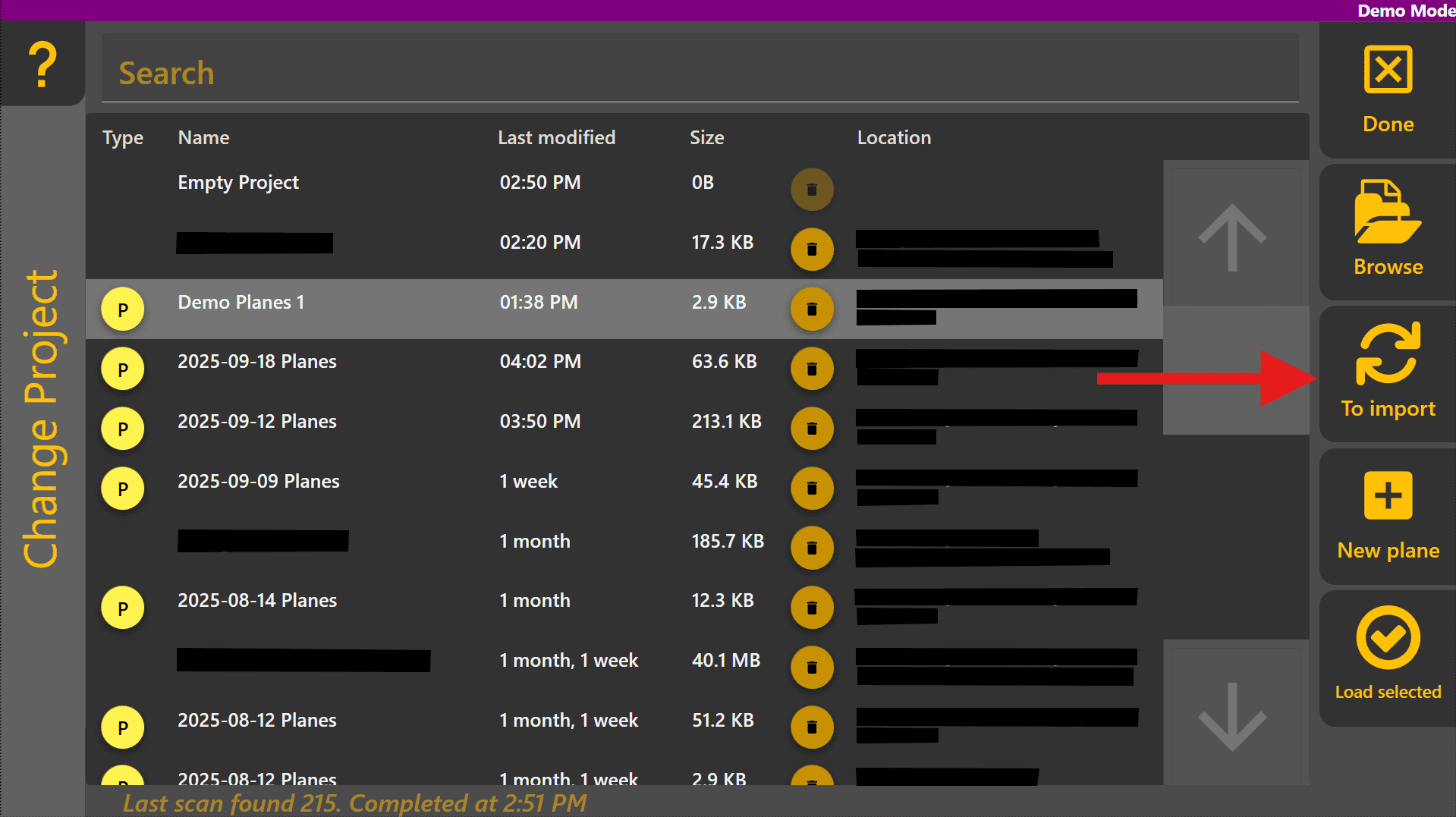
Select the design file from the list and press Load Selected.
