
Modern Case IH / New Holland / Trimble
Relevant Receiver Models
This section is aimed at connecting Novatel-based Case/NH/Trimble receivers with a 12-pin Deutsch DTM connection. The receiver can be connected to John Deere implement harnessing using the T3H-G002 adapter harness.
- Case IH - Vector Pro
- New Holland - PLM Cygnus
- Trimble - AG-372, AG-392, NAV-900
- Steyr - S-Guide
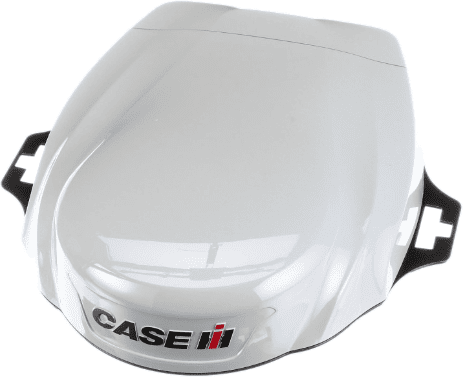
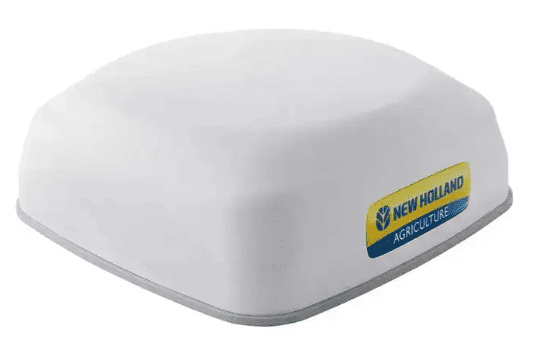
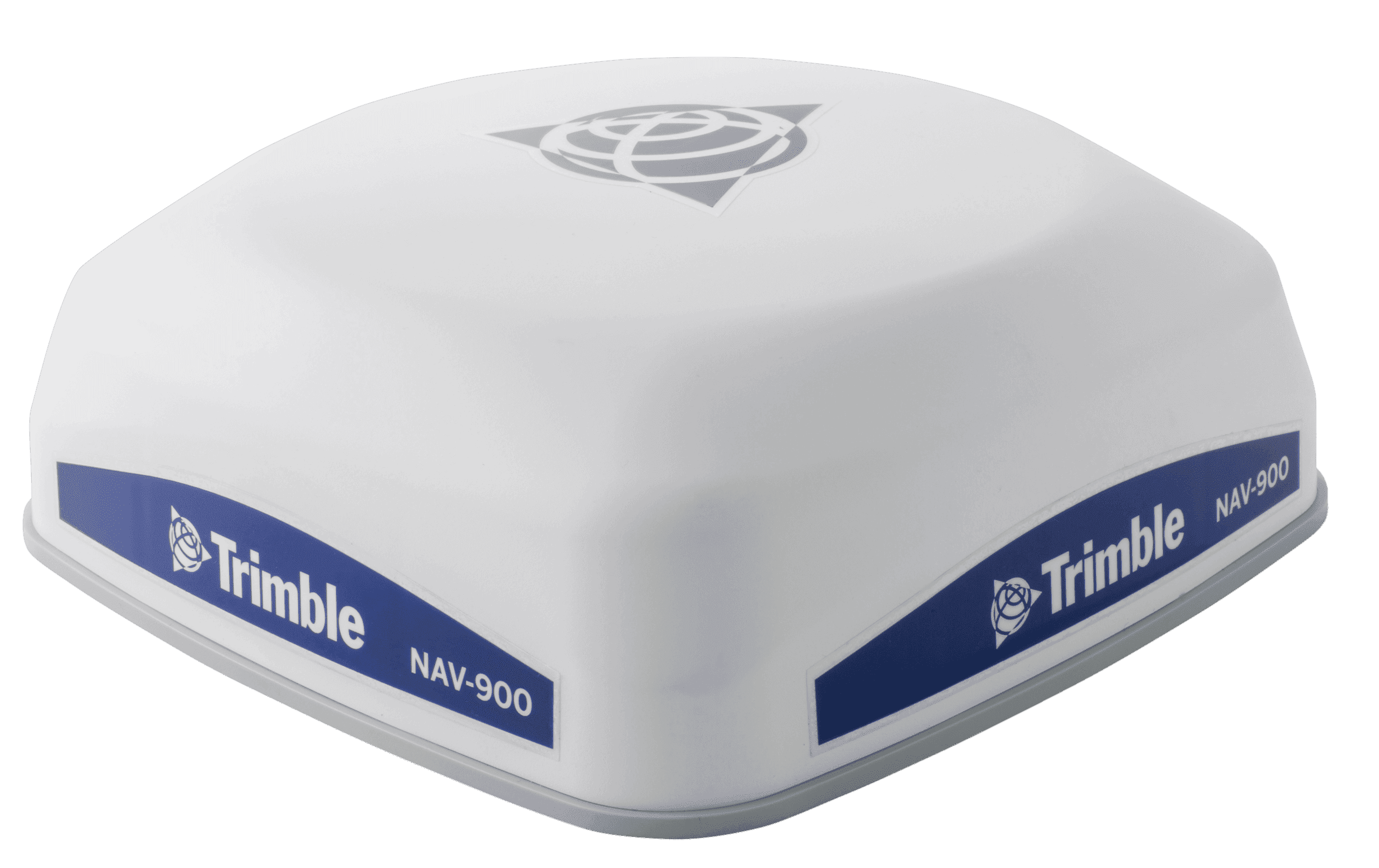
Parts Required
- BPF11284 - Front Extension Harness (10m)
- PF81137 - Implement Pigtail Terminator Wiring Harness
- T3H-G002 - COMMAND Impl Adapter - NAV-900
- T3H-S001 - COMMAND Impl Adapter – Stub Junction
- Optional - T3H-G001 / T3H-G007 - COMMAND NMEA Extension Harness
- Only required if using NMEA 0183 Serial for GNSS data.
Connection Process
- Connect the John Deere Front Extension Harness to the IBBC and route it along the hosing/implement making sure to leave some slack wherever the hitch might flex but also paying close attention to any objects that could get caught on the harnessing.
- Connect the T3H-S001 adapter to the Front Extension Harness.
- Connect the Implement Pigtail Terminator to the T3H-S001 adapter and secure the terminator to the implement receiver wiring harness.
- Connect the T3H-G002 adapter to the T3H-S001 adapter.
- Connect the T3H-G002 adapter to the appropriate GNSS receiver port.
- If using NMEA 0183 Serial, also connect the NMEA extension harness to the T3H-G002, then connect the other end to the T3H-C002 ECU breakout harness.
- Check that the receiver powers up correctly and that data is being received by COMMAND