
7.2 | John Deere Legacy (Analog)
Applicable to:
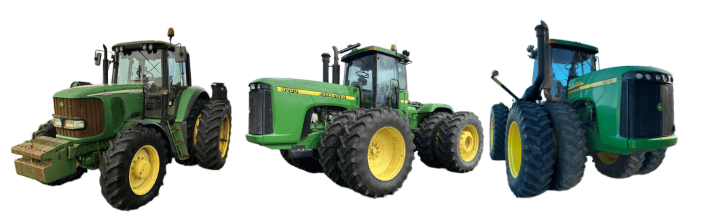
John Deere tractors with analog SCV control (typically pre-2005 models).
Connection Method
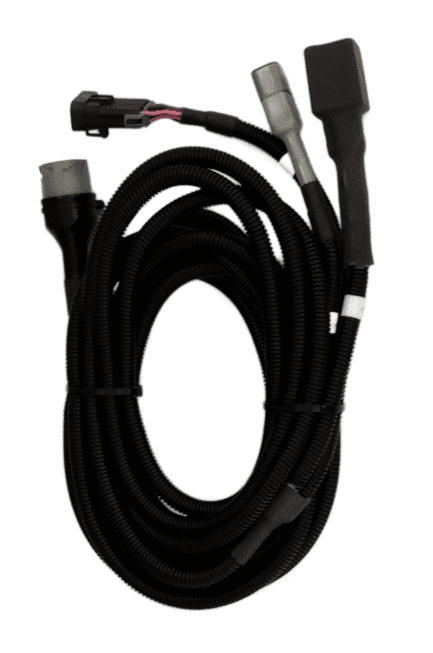
COMMAND can control John Deere legacy valve systems through the use of a T3H-V001 COMMAND Legacy Output Adapter.
Installation Steps
10-way Metripack 150 Series Connection
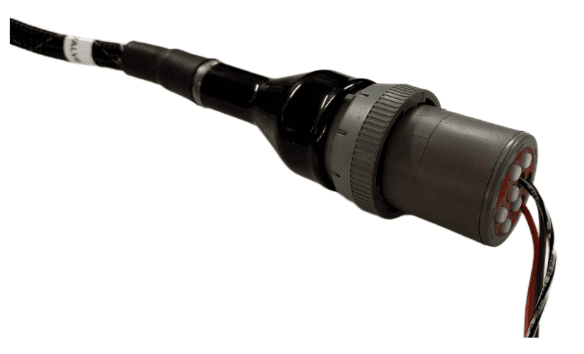
Connect the T3H-V001 adapter to the T3H-C002 ECU breakout harness at the round Deutsch HD series connector.
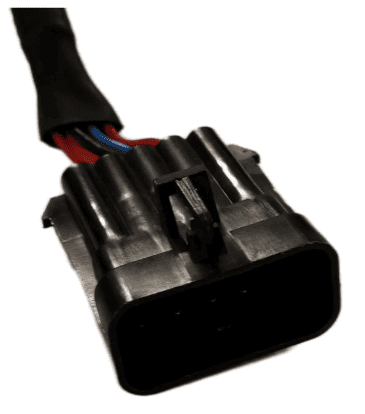
Connect the 10-way Metripack connector on T3H-V001 to the tractor's SCV signal input plug.
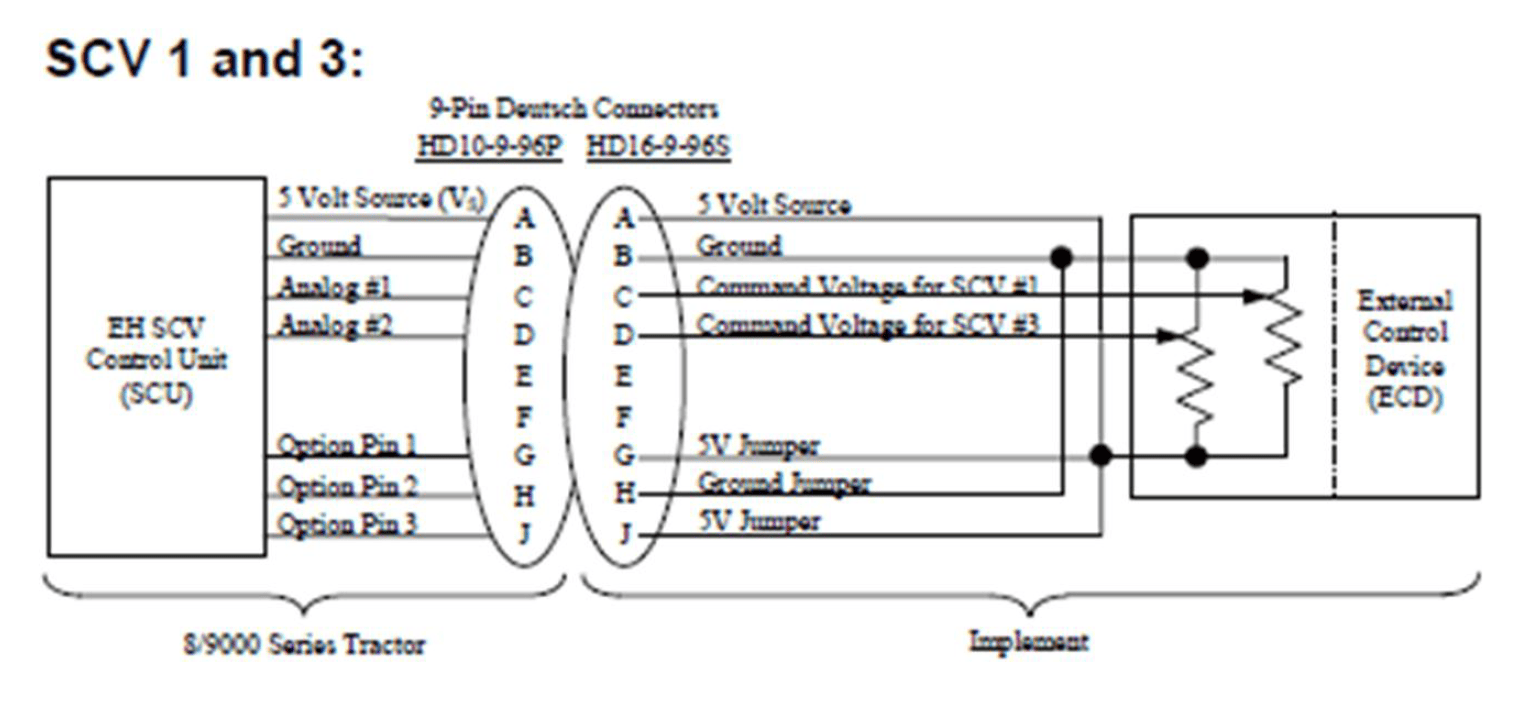
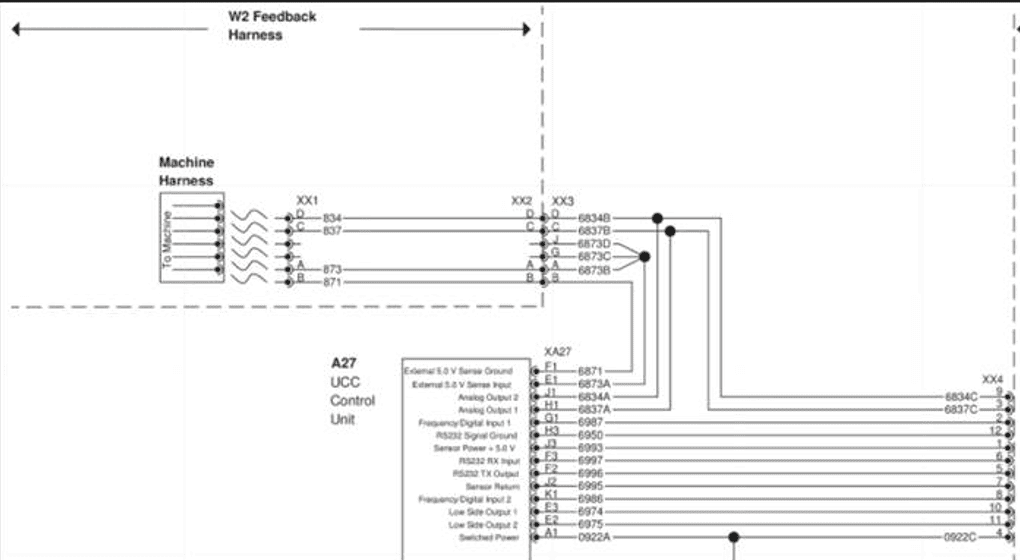
John Deere SCV Controller Connection Overview
Operation Notes
COMMAND interfaces with legacy John Deere tractor SCVs by sending analog voltage signals to the integrated valve controller, commanding either port A or port B flow of two of the rear tractor SCVs (generally SCV1 and SCV3).
To operate the SCVs in automatic control mode, the user must push the respective SCV lever forward into the detent position. This will cause "AUTO" to appear on the console/display to indicate that the SCV is ready for automatic control commands.
Moving the lever will disengage AUTO mode on the console/armrest. To re-enter AUTO mode, push the SCV lever into detent position again.
IMPORTANT: Moving the SCV lever will disengage AUTO mode in modern JD tractors, so movements based on any current valve signals will cease. Always keep this in mind during operation - the lever must be pushed into detent position again to resume automatic control.
For more information on configuring COMMAND for use with JD Legacy Proportional SCVs, refer to the Level COMMAND Manual.