John Deere Legacy
Interface Overview - John Deere Legacy Proportional
For more information on configuring COMMAND for use with JD Legacy Proportional SCVs, prefer to the Level COMMAND Manual.
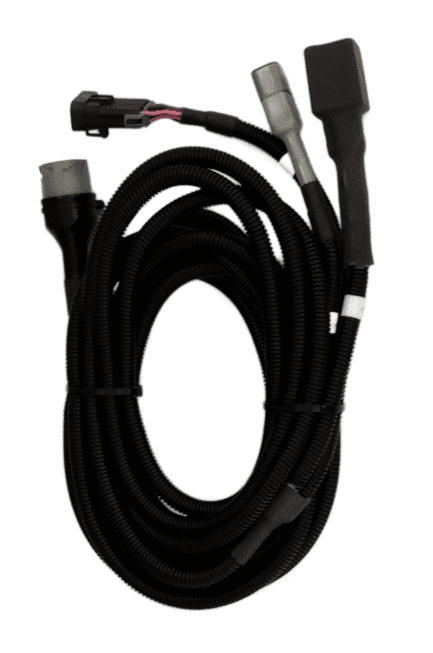 COMMAND can control John Deere legacy valve systems through the use of a T3H-V001 COMMAND Legacy Output Adapter.
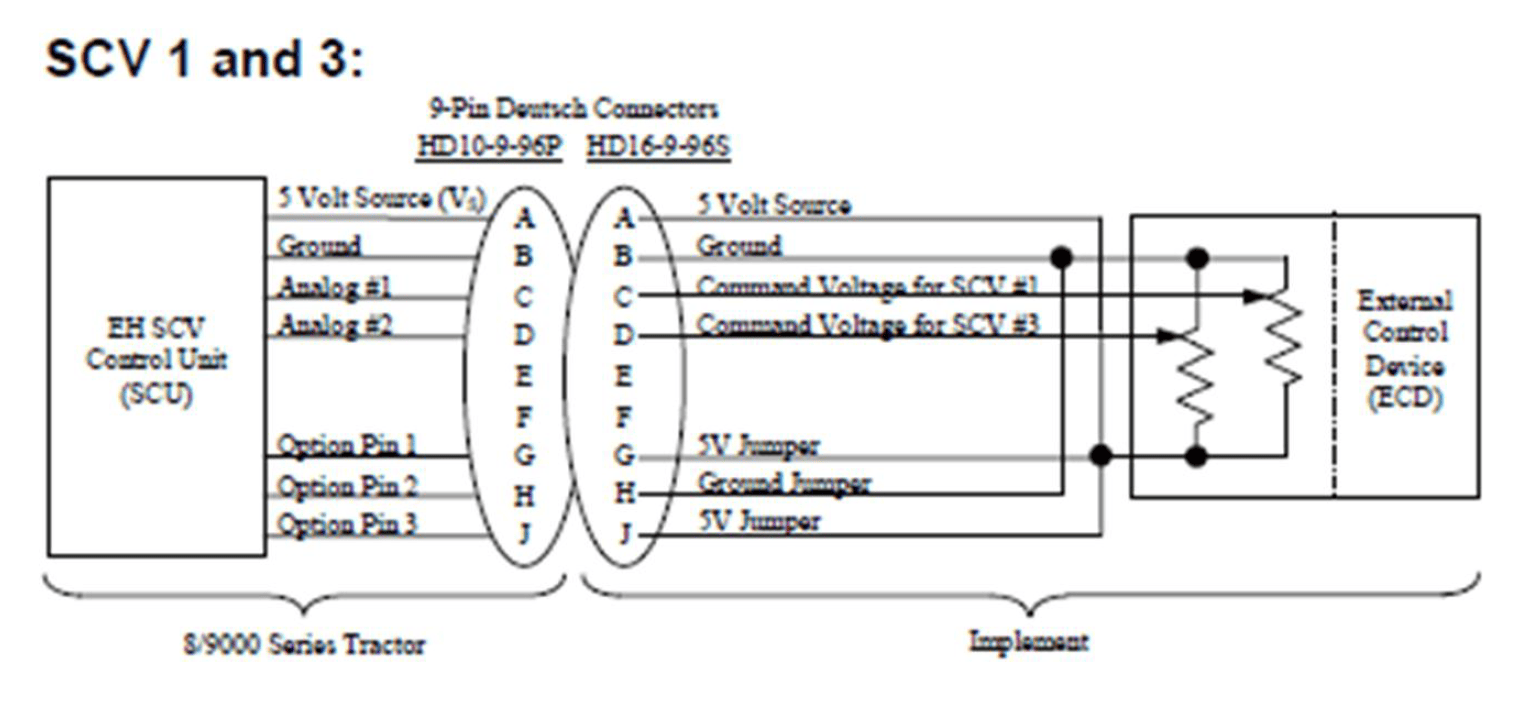
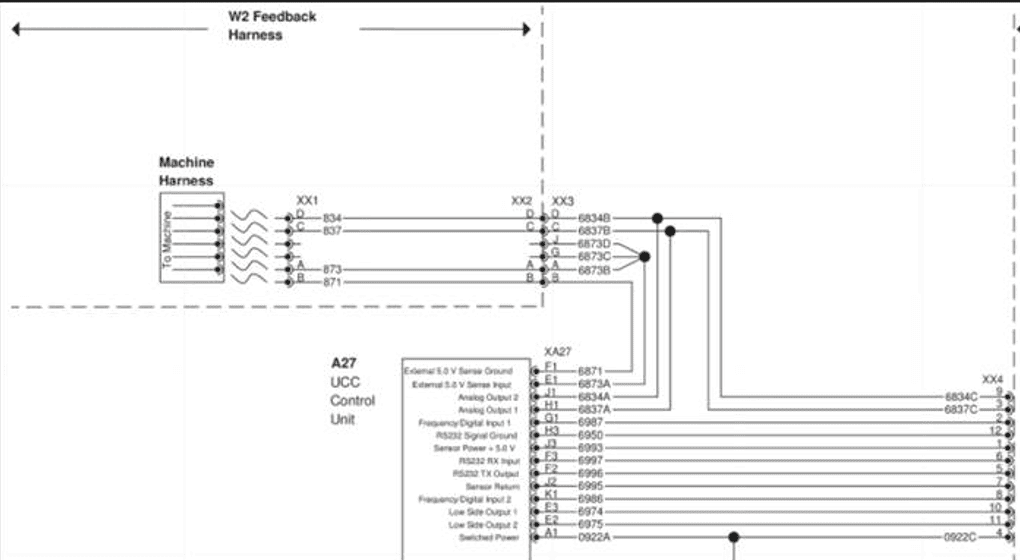
COMMAND then interfaces with the John Deere tractors SCVs by sending analog signals to the integrated valve controller, commanding either port A or port B flow of two of the rear tractor SCVs (generally SCV1 and SCV3).
To operate the SCVs in automatic control mode, the user must push the respective SCV lever forward into the detent position. This will cause "AUTO" to appear on the console/armrest to indicate that the SCV is ready for automatic control commands. Moving the lever will disengage AUTO mode on the console/armrest. To re-enter AUTO mode, push the SCV lever into detent position again.