# Battery Level

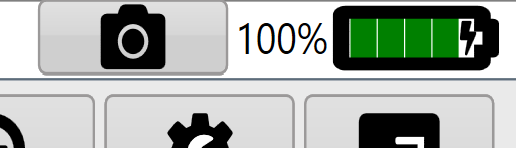
<span dir="ltr" style="font-size: 14pt; font-family: Helvetica, sans-serif; color: rgb(0, 0, 0); font-weight: 300;">In the top right of the screen next to the screenshot button you will find the Battery level indicator. </span><span style="font-family: Helvetica,sans-serif;"><span dir="ltr" style="font-size: 14pt; color: rgb(0, 0, 0); font-weight: 300;">This indicator displays the tablet/computer's battery level and whether it is plugged into power or not.</span></span>

<span style="font-family: Helvetica,sans-serif;"><span dir="ltr" style="font-size: 14pt; color: rgb(0, 0, 0); font-weight: 300;">![](https://docs.t3rra.com/uploads/images/gallery/2025-03/scaled-1680-/ZCQipt1irgundec75-myka-rsdthghbczhj5q-png.png)</span></span>