# 8. Map Display

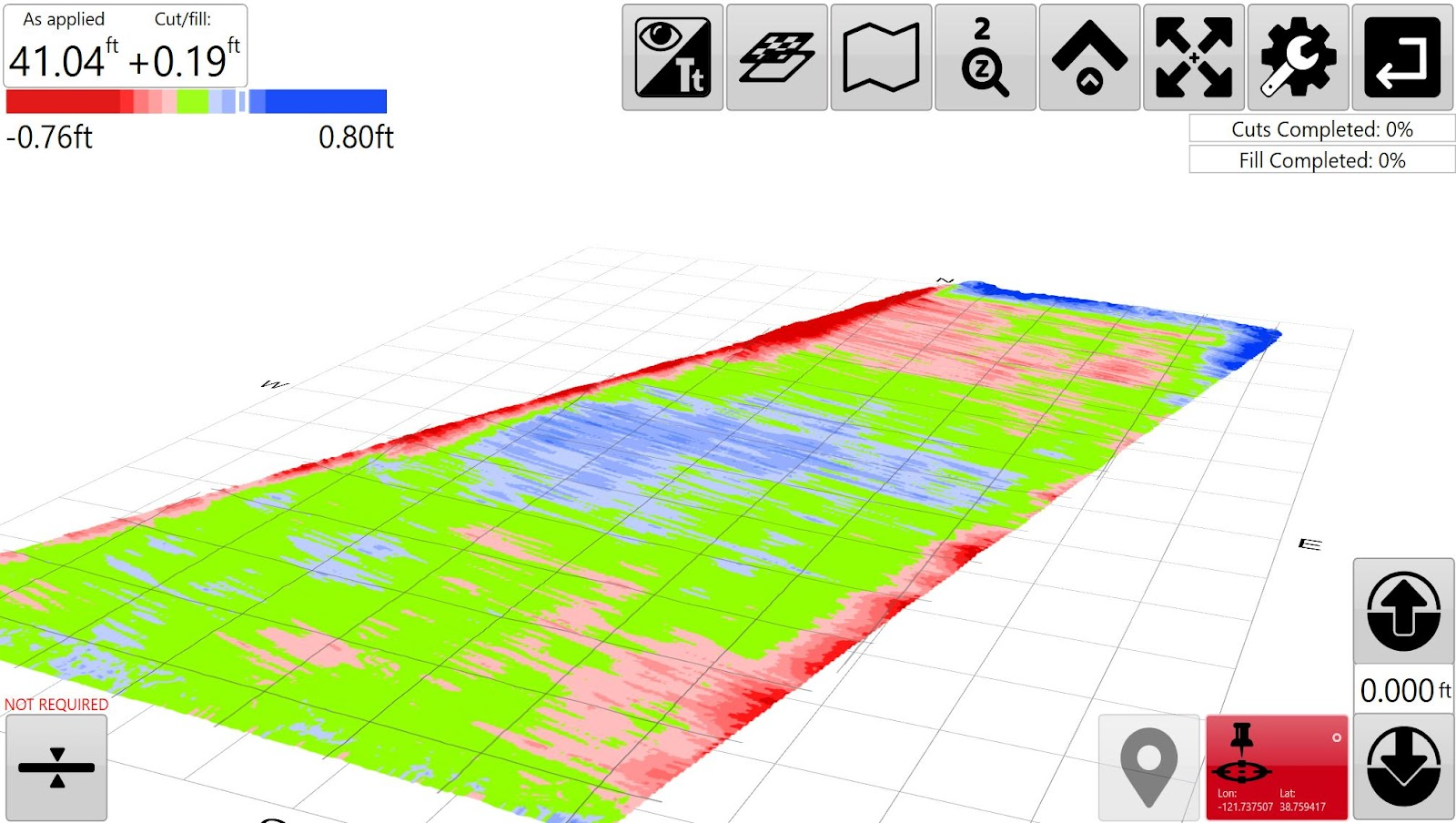
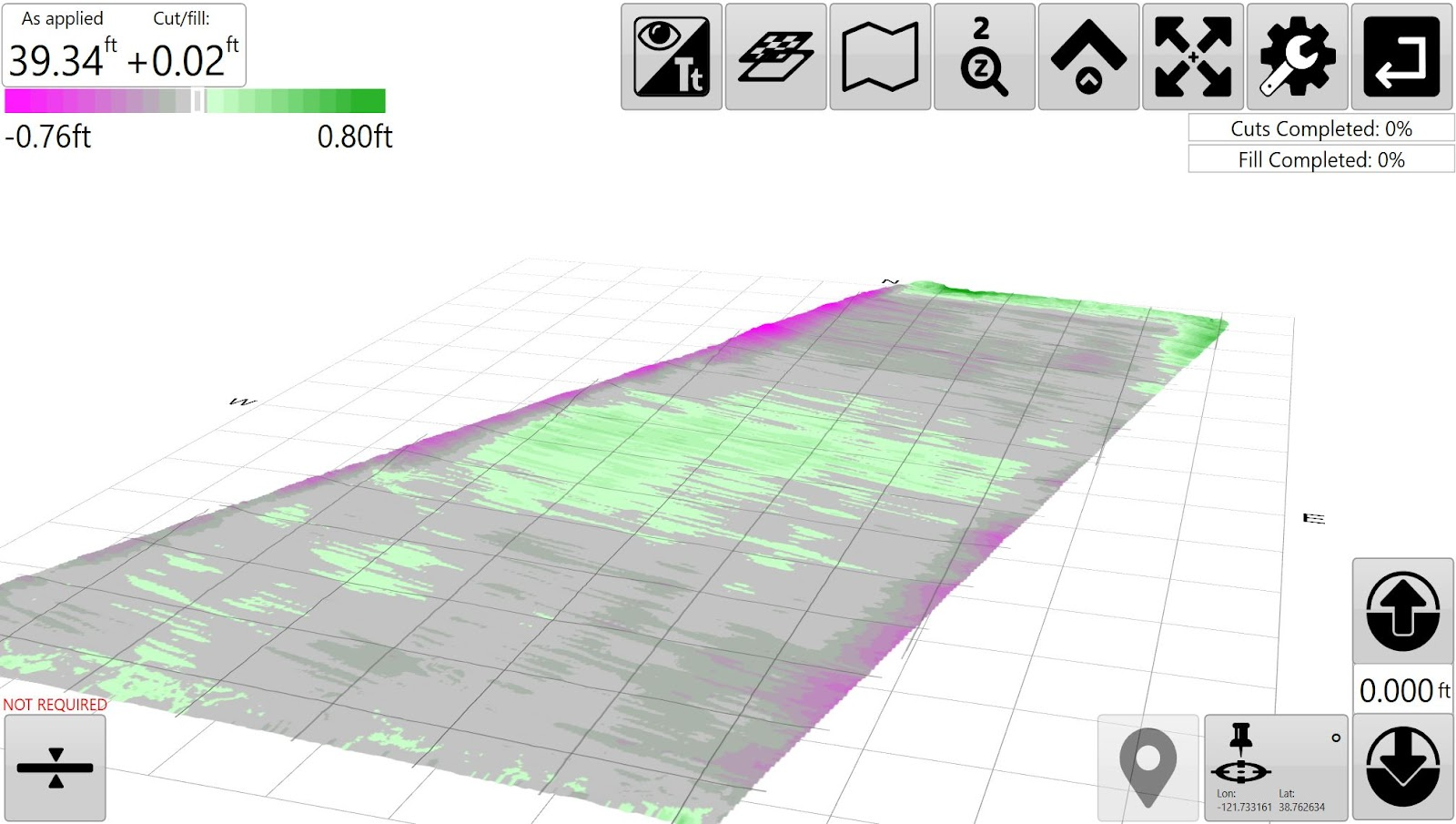
<span dir="ltr" style="font-size: 14pt; font-family: Helvetica, sans-serif; color: rgb(0, 0, 0); font-weight: 300;">When implementing the display will show a cut/fill map by default. The Cut/fill map will be displayed using the color settings you have set in the '</span><span style="font-family: Helvetica,sans-serif;"><span style="font-size: 14pt; color: rgb(0, 0, 0); font-weight: 400;">**Settings &gt;**</span>**<span style="font-size: 14pt; color: rgb(0, 0, 0);"> </span>**<span style="font-size: 14pt; color: rgb(0, 0, 0); font-weight: 400;">**Application**</span><span style="font-size: 14pt; color: rgb(0, 0, 0); font-weight: 300;">' window.</span></span>

<span style="font-family: Helvetica,sans-serif;">  
</span>

![](https://docs.t3rra.com/uploads/images/gallery/2025-03/scaled-1680-/912waaml5karf3kcr5ievsx0z6cqdhgolfxdg-png.png)

<span style="font-family: Helvetica,sans-serif;"><span style="font-size: 14pt; color: rgb(0, 0, 0); font-weight: 300;">Red/Green/Blue</span></span>

<span style="font-family: Helvetica,sans-serif;">  
</span>

<span style="font-family: Helvetica,sans-serif;">  
</span>

![](https://docs.t3rra.com/uploads/images/gallery/2025-03/scaled-1680-/K0gua5cudfn9idrouwdduic-y93uocjkvm9g-png.png)

<span style="font-family: Helvetica,sans-serif;"><span style="font-size: 14pt; color: rgb(0, 0, 0); font-weight: 300;">Magenta/Green (default color setting)</span></span>

<span style="font-family: Helvetica,sans-serif;">  
</span>

<span dir="ltr" style="font-size: 14pt; font-family: Helvetica, sans-serif; color: rgb(0, 0, 0); font-weight: 300;">The Magenta/Green color scheme may be easier to view for those users with red/green color blindness. The Red/Green/Blue color scheme may be preferred by users wanting a clearer delineation of “on grade” areas.</span>