# 7.4 | Earthworks information
Press the 'i' button to view earthwork details.
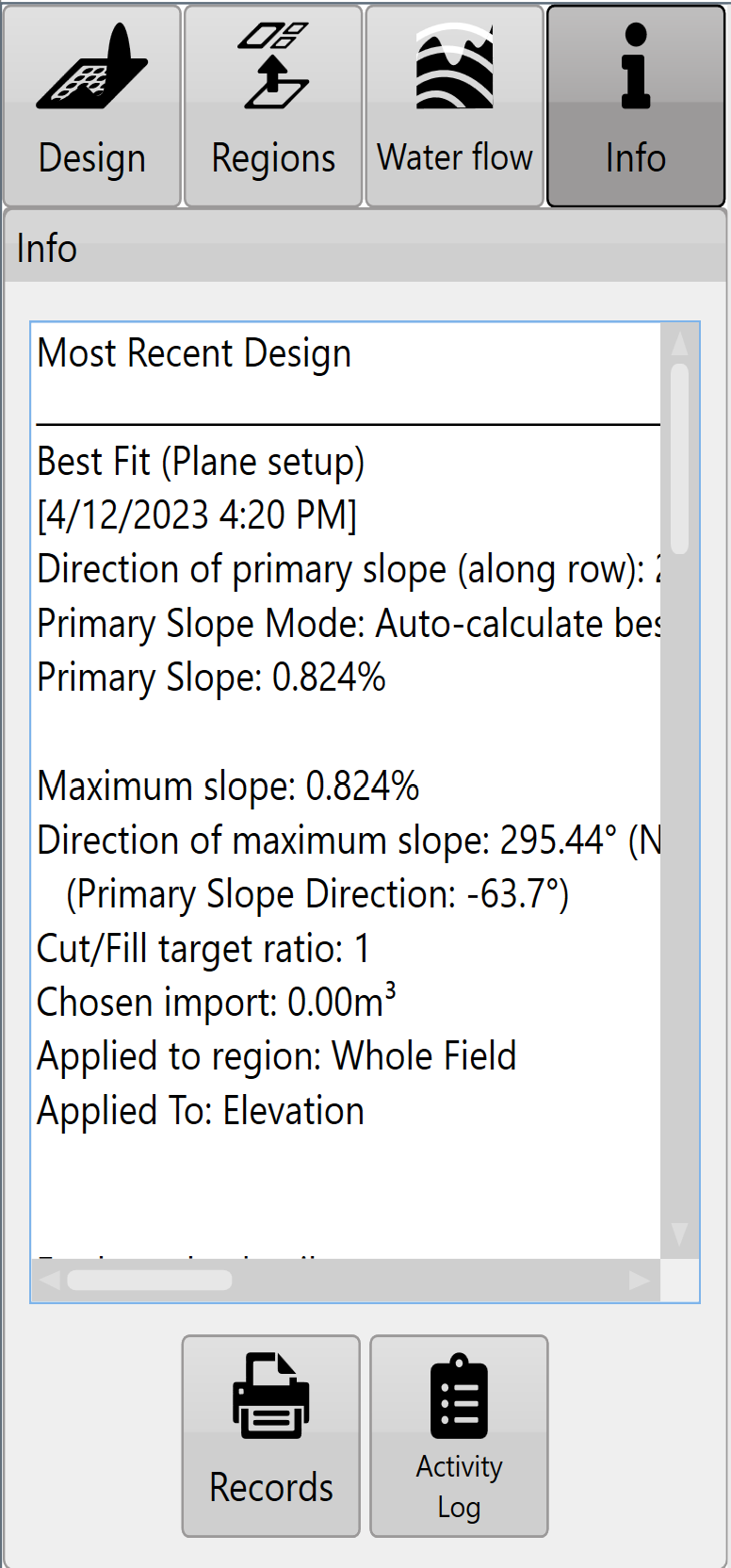Note: pressing within the ‘**Info**’ text box will expand the view to full screen.Each region will have its own set of earthworks details and cut/fill summary.Press the '**Records**' button (shown as a printer) to save design details (in PDF format) to a folder for record keeping and documentation purposes.Press the '**Activity Log**' button (shown as a clipboard) to view the activity that a file has undergone. This includes things like file save times and when/what design functions have been applied to a file.
Video: [Watch the Earthworks information video on YouTube.](https://www.youtube.com/watch?v=U0RB2av-vow)
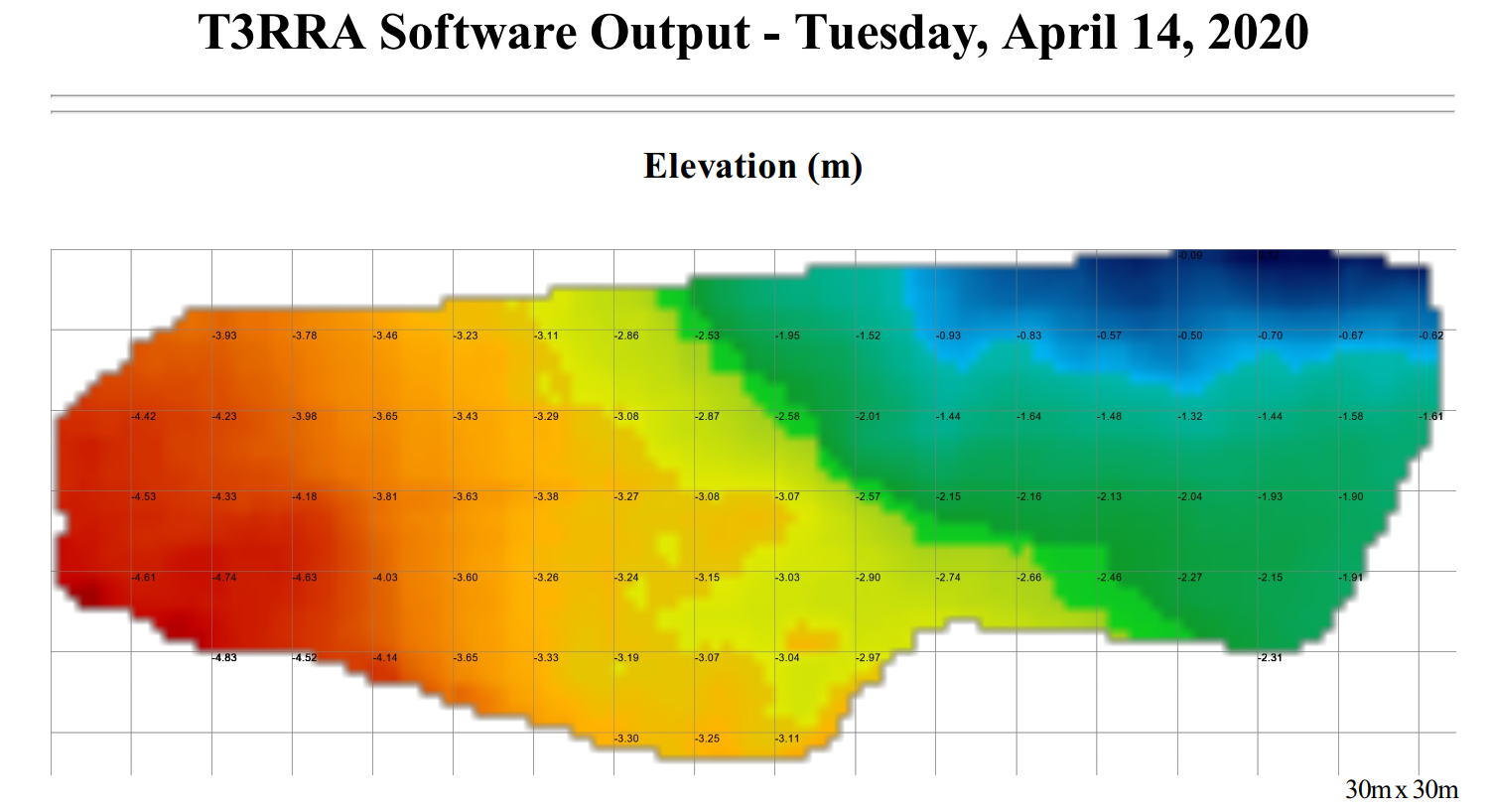
## Notes on printing recordsThe ‘**Records**’ feature in T3RRA software creates a PDF document and saves it to the hard drive. This document is meant to give an overview of the operation being performed by the software. It is suitable for record keeping purposes, or for supplying to field managers or clients.It includes the following:
- Map of the original surface
- Map of the design surface
- Map of Cut and Fill areas
- Statistics relating to the earthworksThe maps created in the report will include a grid overlay showing data values.
## Notes on the Activity LogThe ‘**Activity Log**’ is designed to provide a history of the user actions that were performed in a project. It keeps a sequential history of the design actions that have been performed. This is helpful in understanding what methods were used in order to go from the original design surface to the final design surface. Where possible a record of slopes, directions, and design tools utilized are kept. As we allow designs to be performed on existing designs and differently in different regions, the steps and actions taken to go from the original surface to the final design surface can be quite complicated. The ‘**Activity Log**’ also keeps a record of the results of a design action (in the form of the resulting dirt balance statistics).If the user is in doubt about steps taken or parameters used, they can refer back to this log. The log entries include a date and time in order to remove confusion about when the actions were performed.The log can also be used to compare two or more design options. Because the results of each design operation are kept in the log it can be easier to simply compare them there rather than trying to remember them, or write down the results.If you want to save or email the log you can copy it into the clipboard using the ‘**Copy**’ button. Then paste it into any other application.