# Printing to PDF - Logo is upside down

<span style="font-size: 16px;">**Symptoms:**</span>

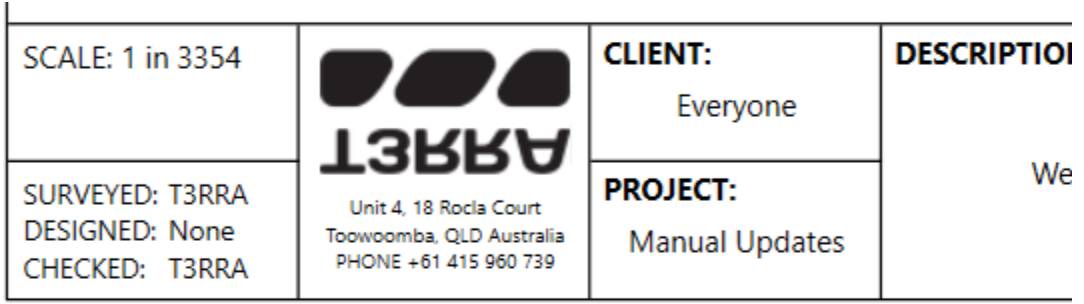
<span style="font-size: 16px;">The logo is upside down when a design is printed to PDF.</span>

<span style="font-size: 16px;">![](https://docs.t3rra.com/uploads/images/gallery/2025-03/scaled-1680-/8gc6q4ttl1iydhklfahbffdckzgnespjcg-png.png)</span>

<span style="font-size: 16px;">  
</span>

<span style="font-size: 16px;">**Cause:**</span>

<span style="font-size: 16px;">Using a custom Print to PDF tool. For example, Foxit PDF Printer.</span>

<span style="font-size: 16px;">  
</span>

<span style="font-size: 16px;">**Solutions:**</span>

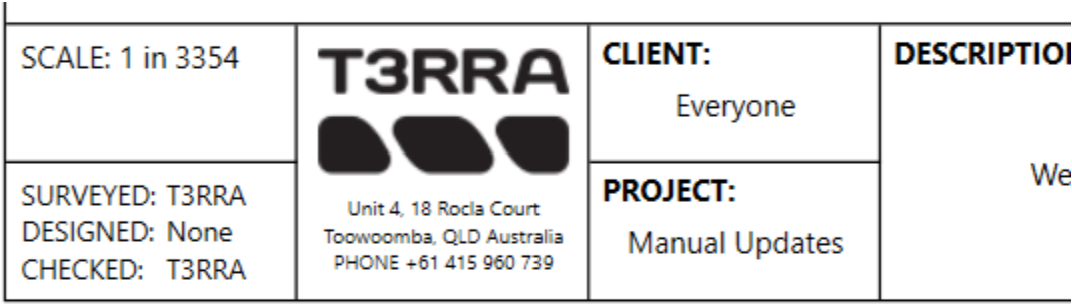
<span style="font-size: 16px;">Use the built in “Microsoft Print to PDF” printer. This one is free and provided with Windows.</span>

![](https://docs.t3rra.com/uploads/images/gallery/2025-03/scaled-1680-/5o2cdd7zbbeob-e6rw2-l-9sgdax6oarwq-png.png)