# Smooth Region Boundary
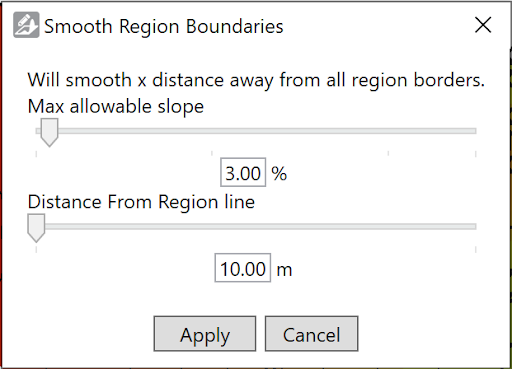‘Smooth Region Boundaries’ is used to smooth the transition between different regions in a design.
- The top slider is the ‘Max Allowable slope’. It sets the steepest allowable slope in the transition around the region lines.
- The bottom slider is ‘Distance From Region line’. This sets how far away from the region line blending can occur.
- Both values can be set manually by typing a value into the spaces available underneath the sliders.