# Show watershed
‘Show watersheds’ identifies the areas of the surface that will flow together to the same exit point on a field. The working area will display the surface in a patchwork of colors, these indicate your watersheds and what will flow out where, the specific colors do not matter, they 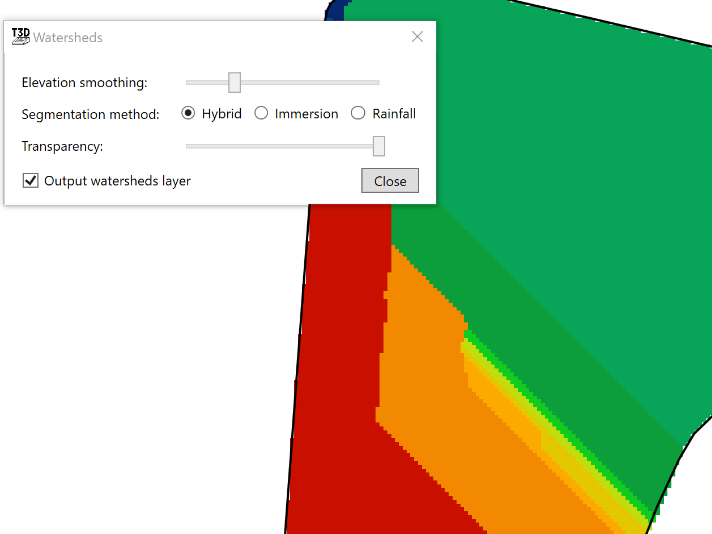are only to help identify individual watersheds.
- ‘Elevation smoothing’ provides control to adjust the level of detail on the surface
- ‘Segmentation method’ will select a general water event to display watersheds. The options are:
- Hybrid - Immersion and Rainfall event happening simultaneously
- Immersion - submersion of the surface by water as it engulfs the area as in a flooding event
- Rainfall- a fall or shower of rain
- ‘Output watersheds layer’ will create a new design layer when the tool is closed.