# Show slope
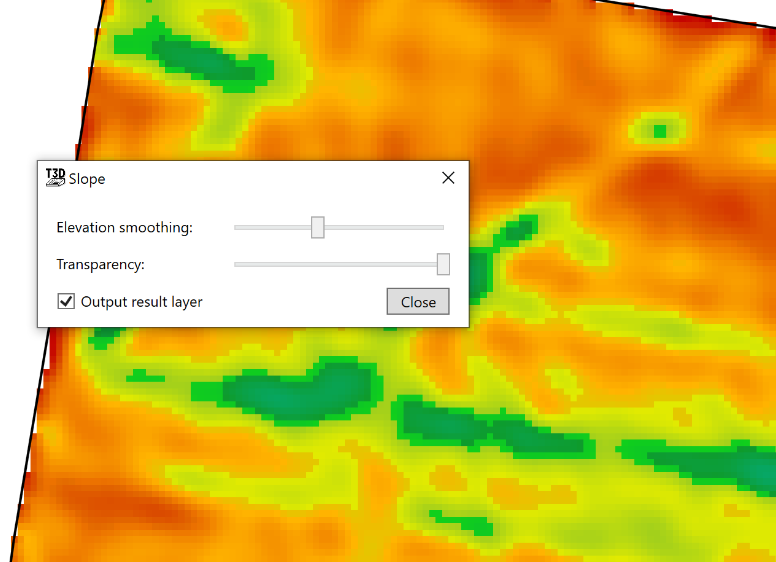
‘Show Slope’ shows the severity of the slopes in the field in a color grade. The color grade used is: Red shows low severity of slope and Dark Blue areas show a high severity of slope.
- ‘Elevation smoothing’ averages the information to grade how severe the slope is. The right end of the slider is the larger area averaged of the elevation points. The left side of the slider shifts the averaging to its smallest radius, resulting in slope severity to be more precise in which areas it reads.
- ‘Transparency’ which controls how visible the layer is.
- ‘Output result layer’ will create a new output surface upon closing the tool.